Enhancements to Investment Declaration Flows
The Investment Declaration, Proof Submission and Approval flows are now enhanced to provide greater flexibility and streamline the approval processing for administrators and employees. You can now select the cutoff month to include investment declaration information, display the proof submission flow based on the tax regime selection, and automate overall approval status for proof submission.
Configure Cutoff Month for Investment Declaration Processing
As a Payroll Administrator, you can configure the cutoff month within the financial year from which the investment declaration data should be considered for payroll calculation in the Income Tax TRU.
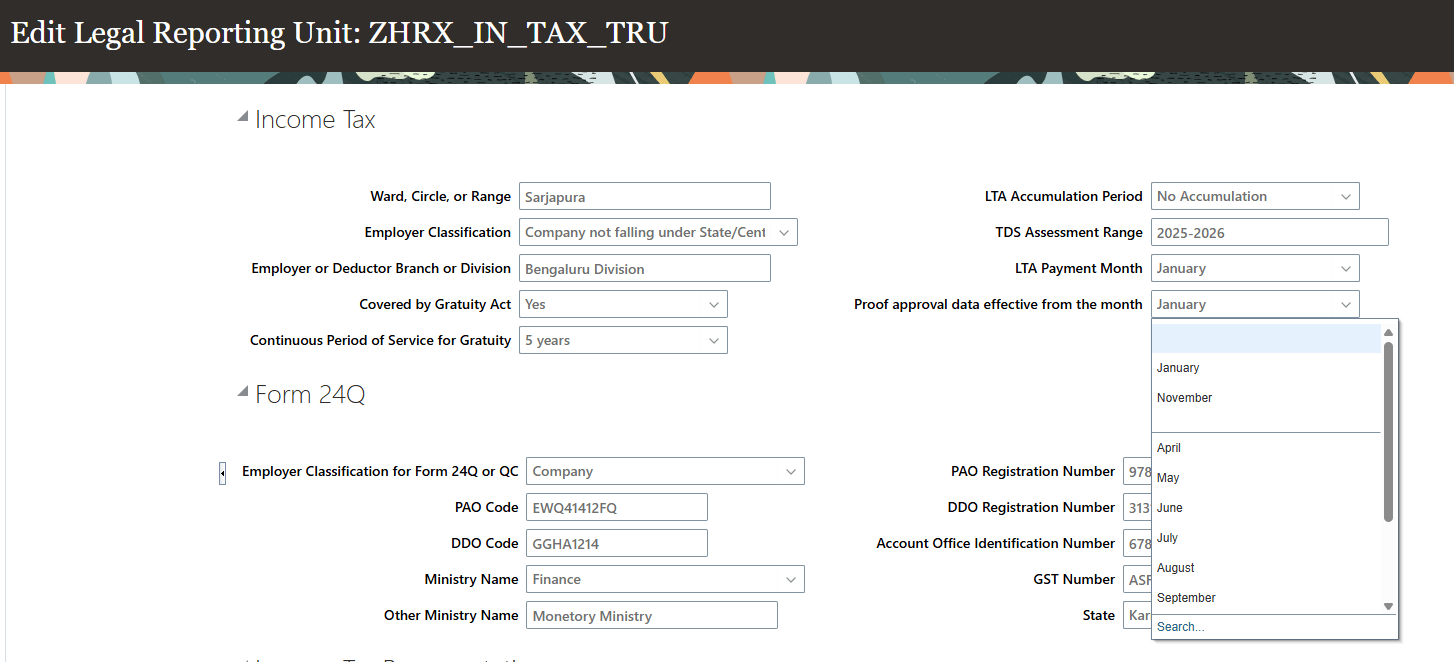
Cutoff Month to consider Investment Declaration Data
Select the month in the financial year from which the investment declaration data is considered for processing.
Conditional Display for Proof Submission Flow
You can hide the proof submission sections not applicable for users who have opted for the new tax regime by selecting Show Only New Tax Regime Sections in the Income Tax TRU.
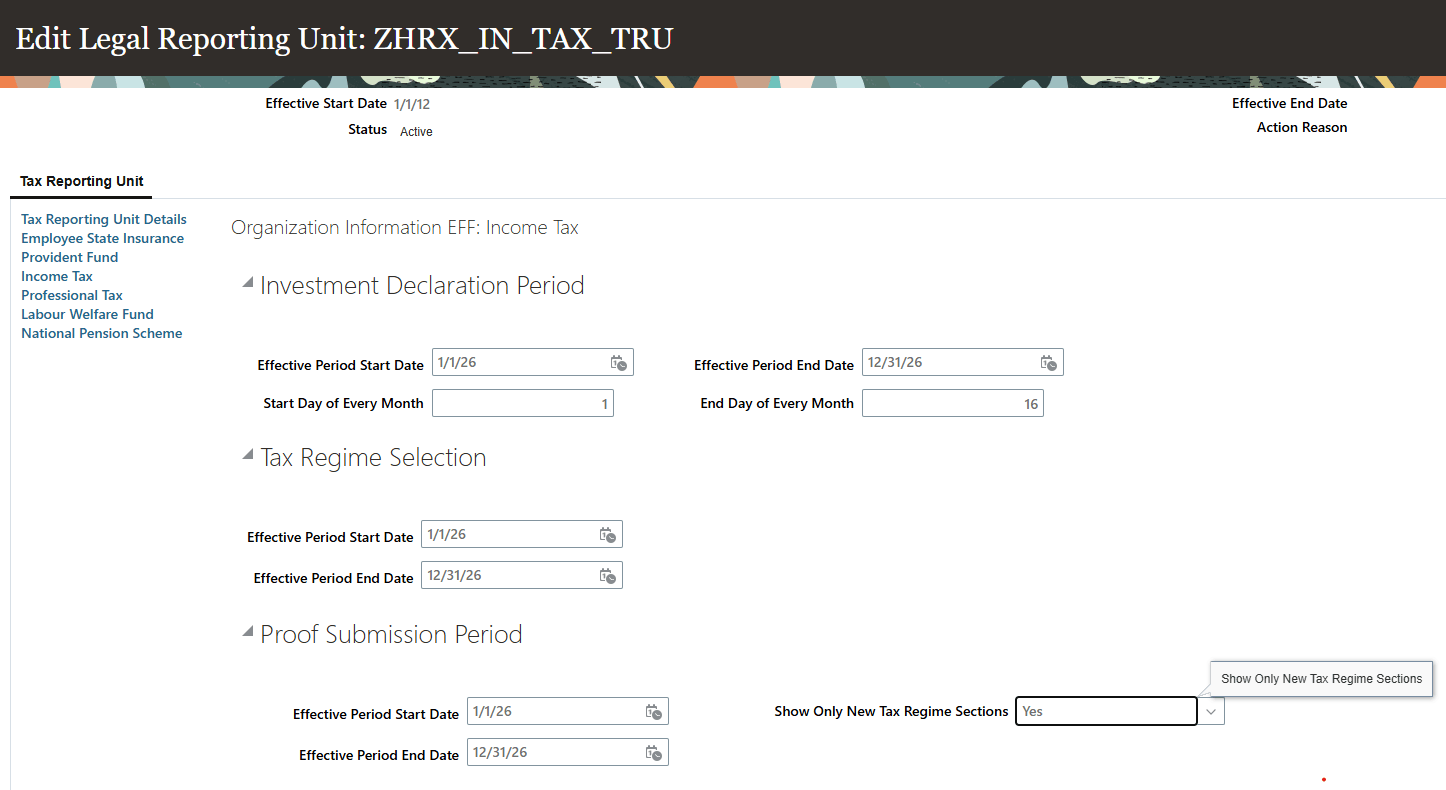
Show New Tax Regime Sections - Income Tax TRU
This displays only the applicable sections for the new tax regime to users during the Proof Submission time.
Automation of Overall Approval Status
Use the Synchronize Overall Approval Process flow to automatically derive the overall approval status based on the approval status of the individual sections for an employee's investment proof submission.
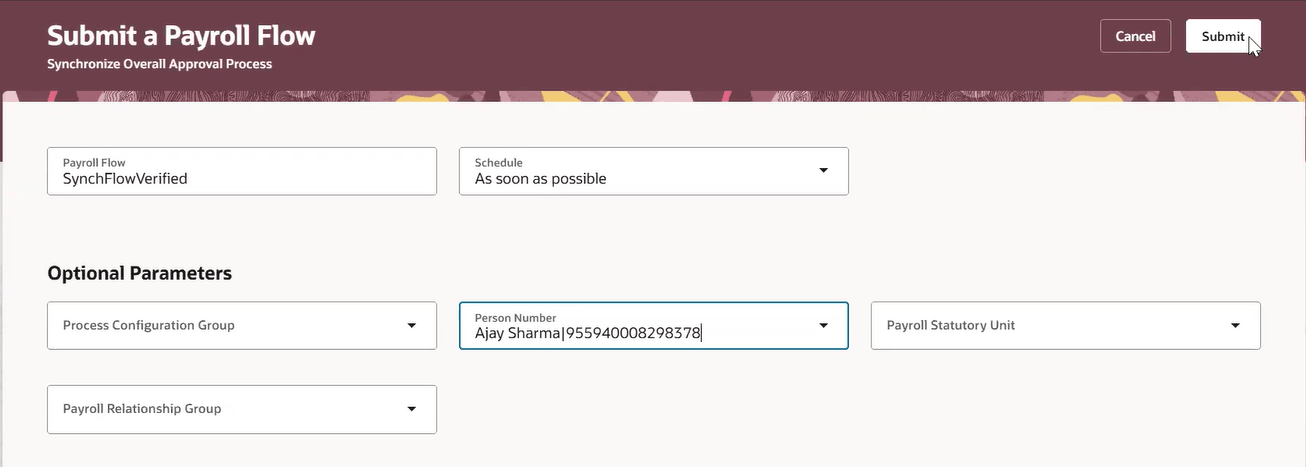
Synchronize Overall Approval Process
These enhancements help organizations simplify tax declaration processes, improve employee experience, and increase operational efficiency in investment proof verification and payroll processing.
Steps to enable and configure
You don't need to do anything to enable this feature.