Redwood Experience: View Pipeline Questions on Linked Job Applications
When you access a job application that was added to a linked requisition, you can now see the pipeline questions answered by the candidate. The questionnaire in the Screening tab appears first in the list of questionnaires and you can expand the view to see the questions and their responses.
Note: The questionnaire can only be viewed, not edited, on the linked job application.
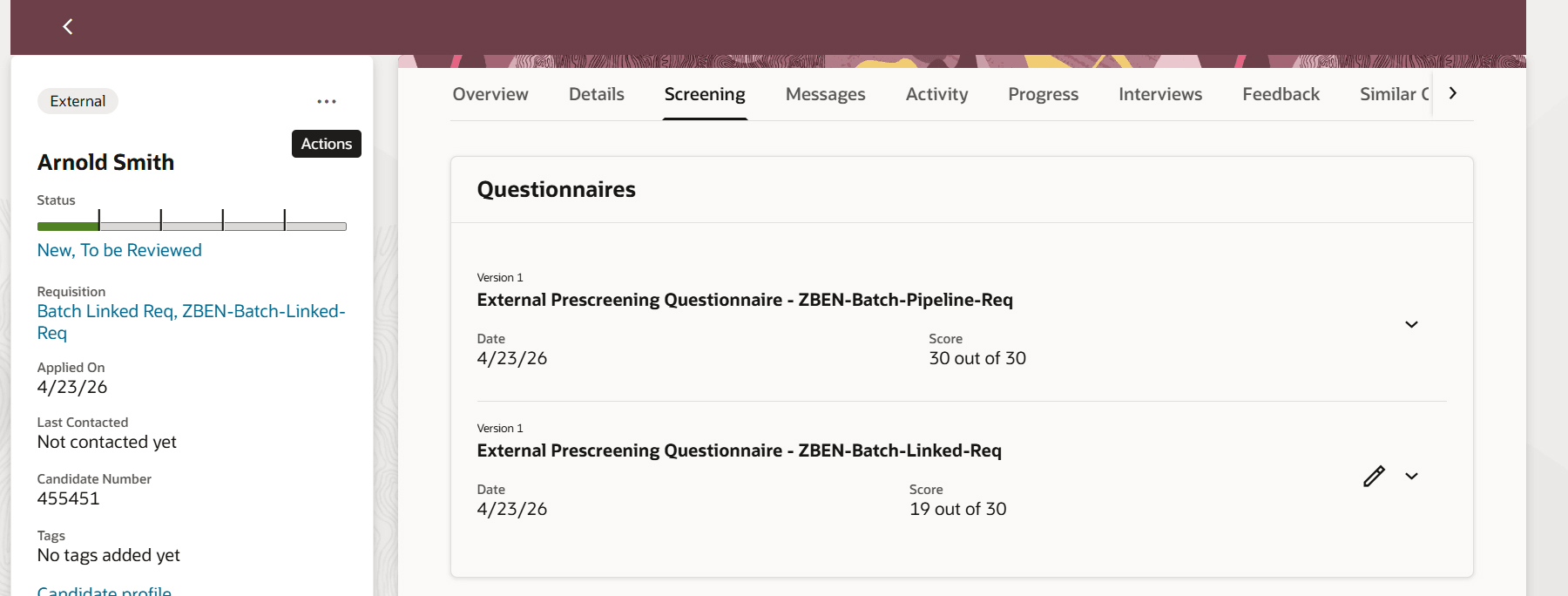
Pipeline Questions in Job Application
Business benefit: Easily access and review responses to pipeline questions provided by candidates when managing linked job applications.
Steps to enable and configure
To use Redwood experience, you need to enable the Recruiting Redwood pages profile options. For details, see Set profile options for Redwood pages.
For details on enabling and customizing Redwood for HCM, see How do I adopt Redwood for HCM? and Extending Redwood Applications for HCM and SCM Using Visual Builder Studio