New Blocks Added to Talent Community Sign-Up
The talent community signup flow now supports adding Extra Information, Sensitive Personal Information, and Work Preferences blocks, aligning it with the job application experience. Candidates provide detailed data during signup. The data is stored at the candidate level and prefilled in future applications. Details in Extra Information, Sensitive Personal Information, and Work Preferences blocks are editable on the personal information page and visible in talent pools or the candidate list.
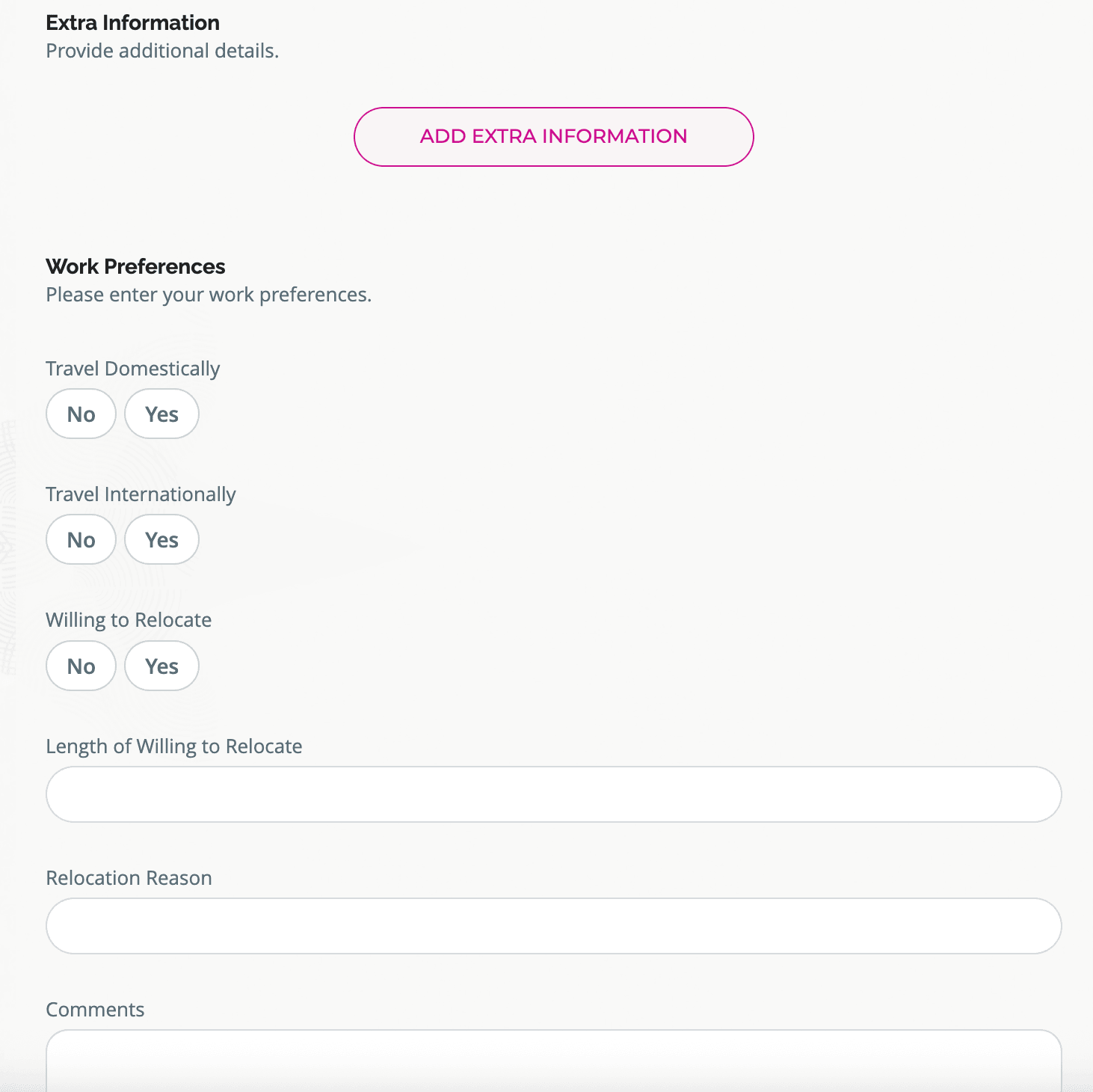
Talent Community Apply Flow Showing New Blocks
Business benefit: Increase candidate data capture by aligning talent community signup with job application flows, enabling comprehensive and editable candidate profiles. Improve candidate data management with consistent reporting and prefilled information in future applications.
Steps to enable and configure
Add the Extra Information, Sensitive Personal Information, and Work Preferences blocks when configuring a talent community flow. For details, see Set Up Talent Community.
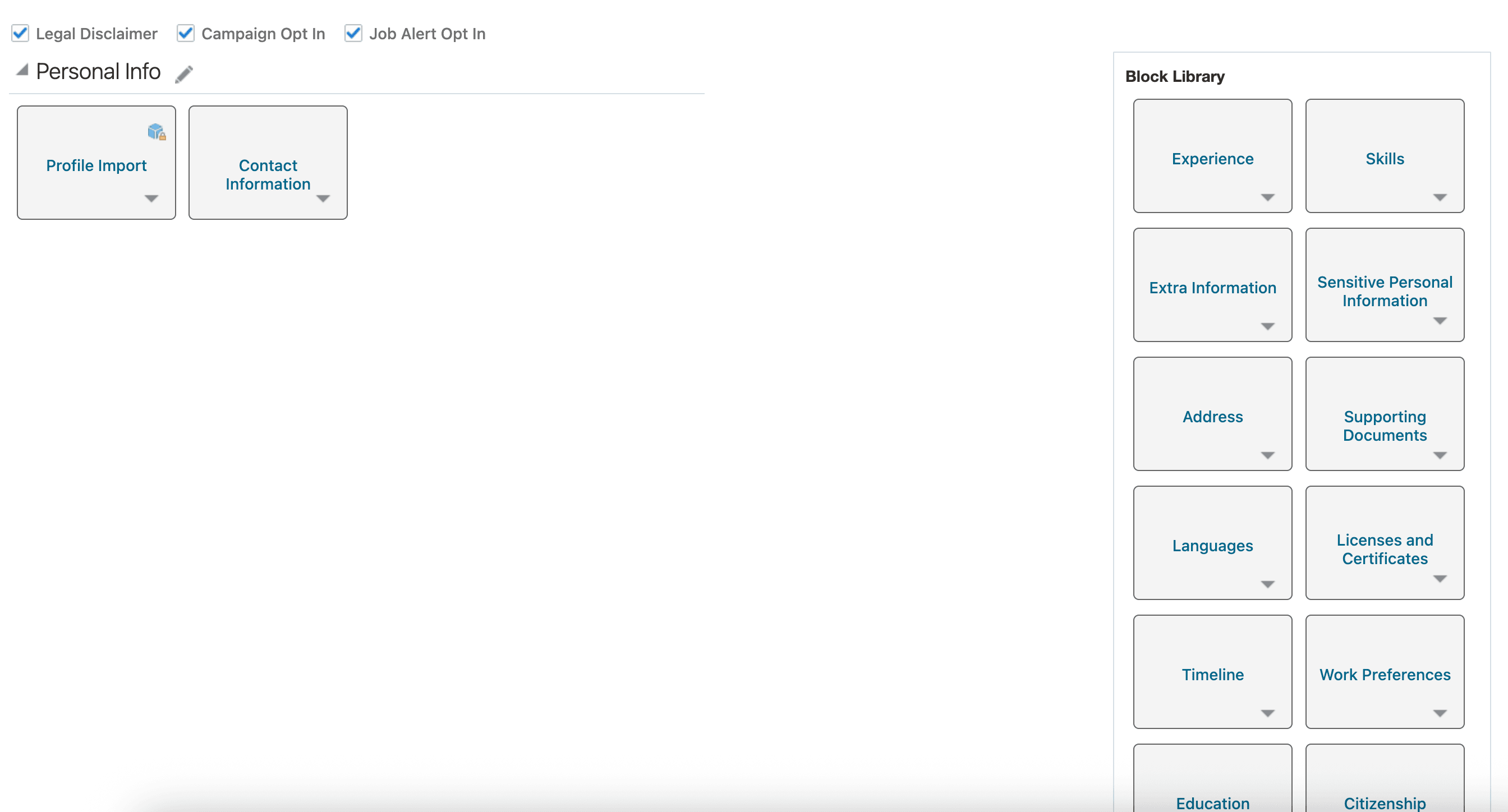
New Blocks
Tips and considerations
- Reporting on these blocks is supported, but sensitive personal information fields aren't exposed in OTBI reports.
- Profile import doesn't support populating data into these blocks, so manual entry is required for talent community signup.
Access requirements
This duty role is required to view sensitive information in job applications of external candidates:
- View External Candidate Sensitive Information (IRC_VIEW_EXTERNAL_CANDIDATE_SENSITIVE_INFORMATION).