Redwood Experience for Rate and Coverage User Values
Manage benefit types and their rate and coverage user values using a modern Redwood page that replaces the classic benefit type UI.
Use this feature to:
- Find benefit types quickly by searching on name or description, sorting results, and using saved searches.
- Create and maintain benefit types and their user values using the panel drawer, with validation and list-of-values behavior.
- Review record details without leaving the page using the View Details panel drawer.
- Delete eligible benefit types when they aren't referenced by dependent benefits configuration.
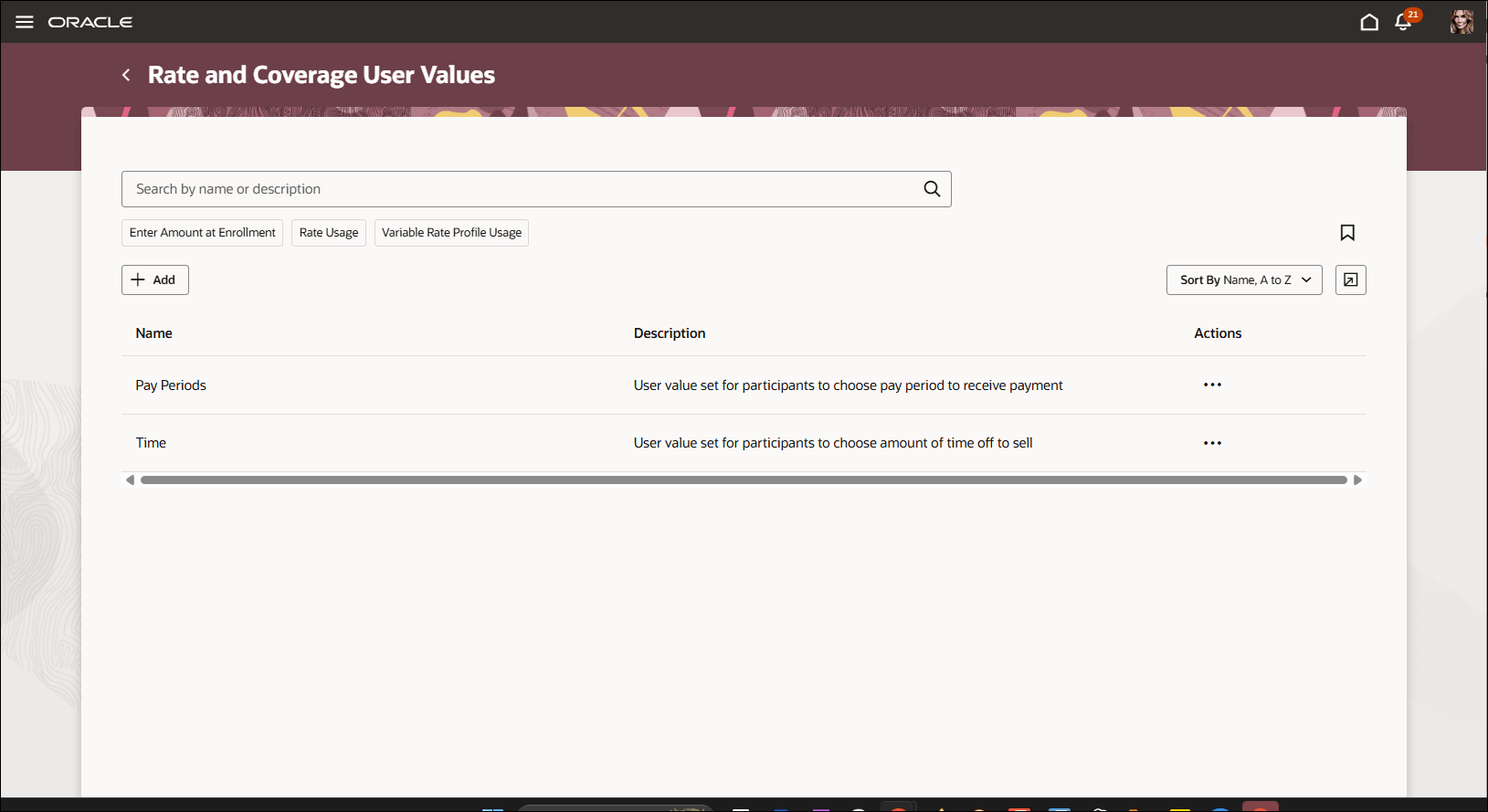
Rate and Coverage User Values
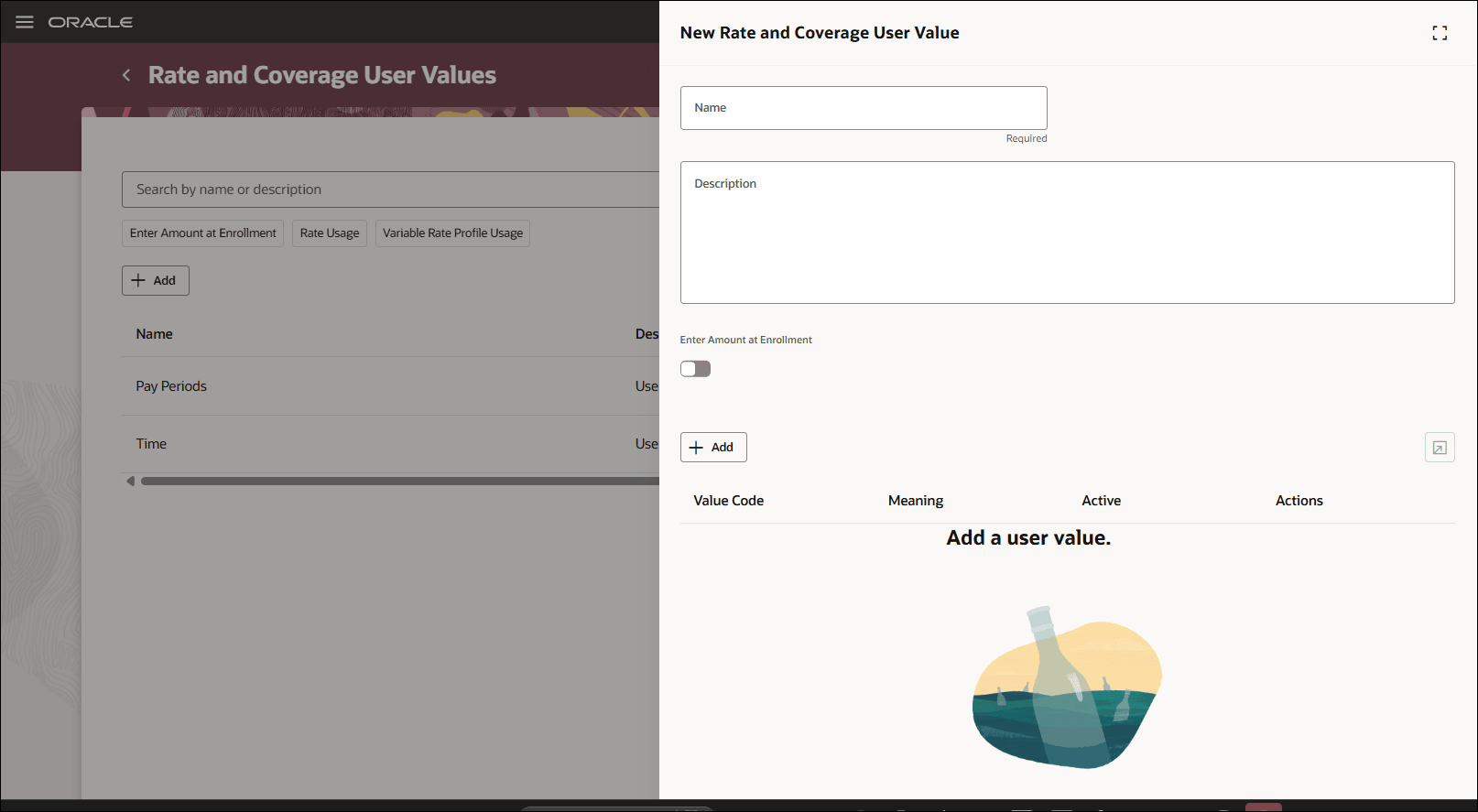
Rate and Coverage User Values: Create Mode
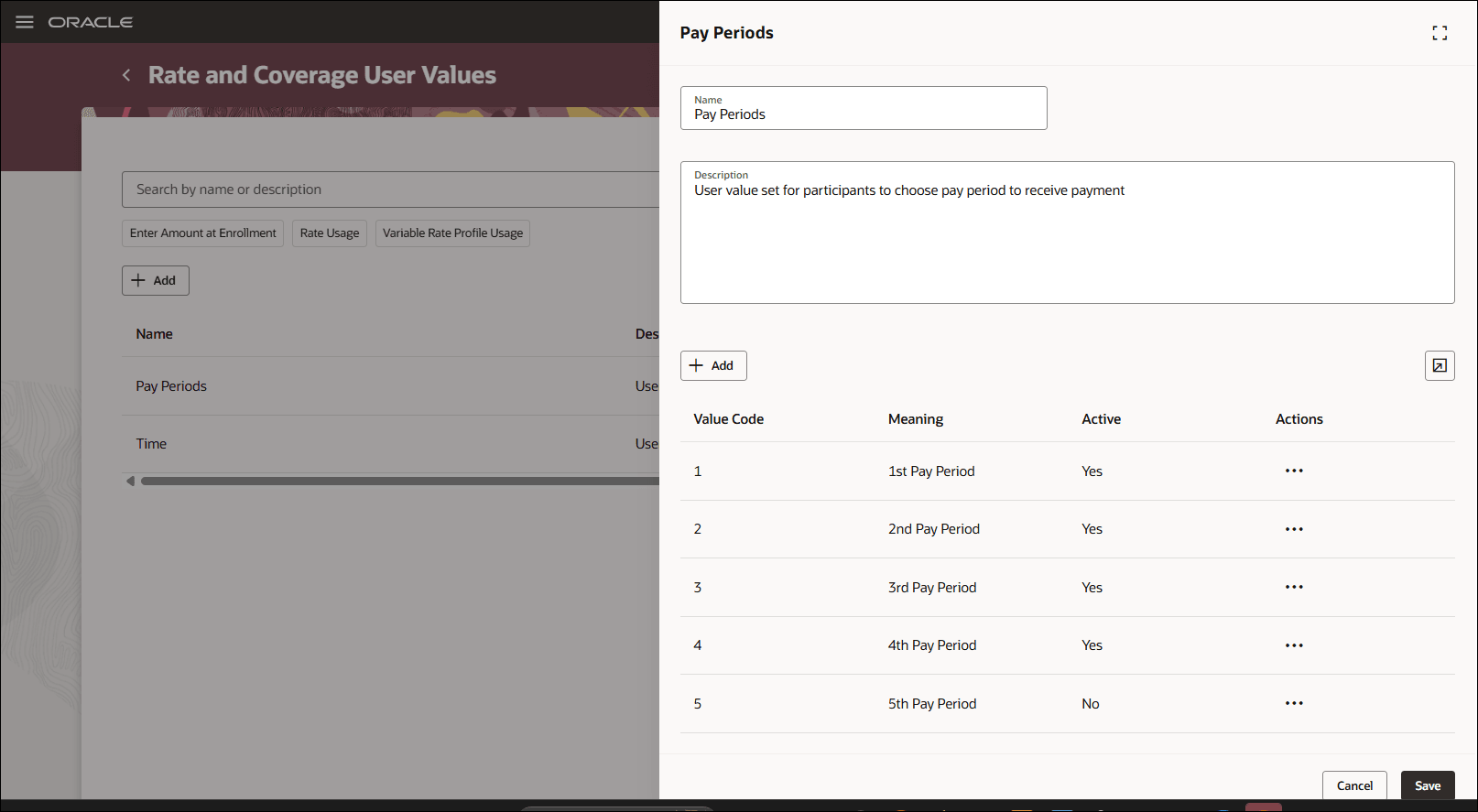
Rate and Coverage User Values: Edit Mode
Try it out
Go to My Client Groups > Show More > Benefits > Rate and Coverage User Values.
Business benefit: Benefits administrators can maintain rate and coverage user values more efficiently in a modern Redwood experience with search, saved searches, and panel-drawer details for creating, editing, and reviewing records. Validations and deletion controls help protect relationships used in benefits configuration.
Steps to enable and configure
You don't need to do anything to enable this feature.
Tips and considerations
- You can’t delete a benefit type associated with a rate, variable rate profile, or child user values.
- The page uses Benefit Types REST functional security.