Advanced Search Available for Location LOV on Redwood Workforce Structures Pages
You can now do an advanced search on the Location LOV on these Redwood workforce structures pages:
- Departments
- Disability Organizations
- Divisions
- Enterprise HCM Information
- Positions
- Request a New Position
- Request a Position Change
- Request a Duplicate Position
- Reporting Establishments
- Worker Unions
NOTE: Additionally, you can also do an advanced search on the Ship-to Location LOV on the Redwood locations pages for create, duplicate, correct, and edit locations.
For more information, see the Steps to Enable and Configure section of this What’s New.
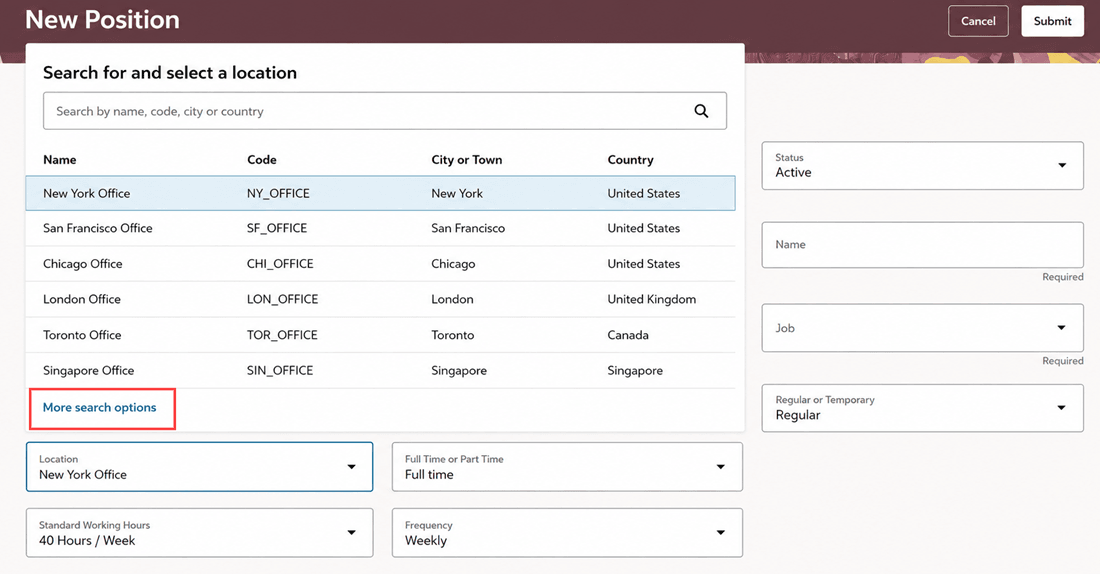
More search options link in the Location LOV on the New Position page
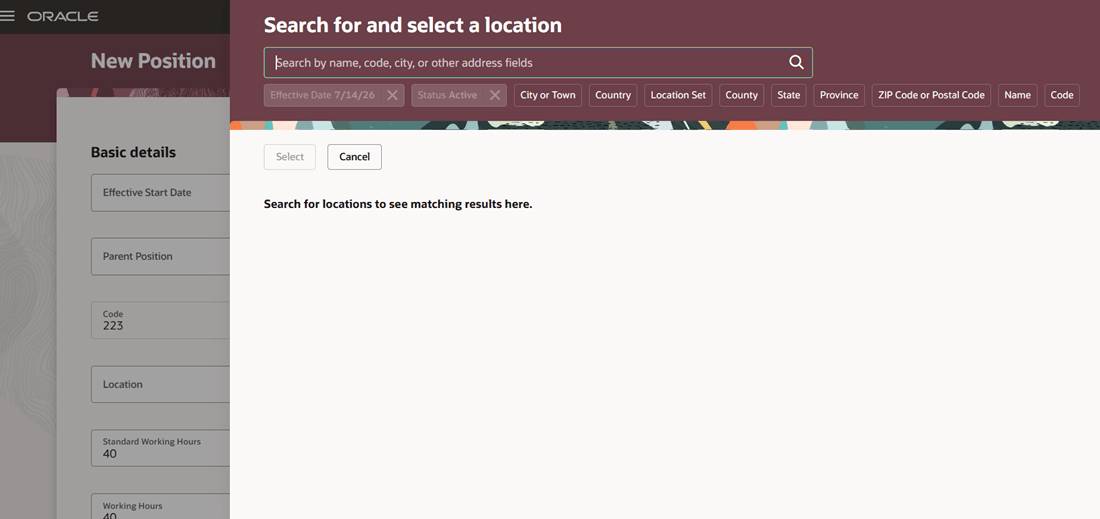
Search for and select a location panel drawer
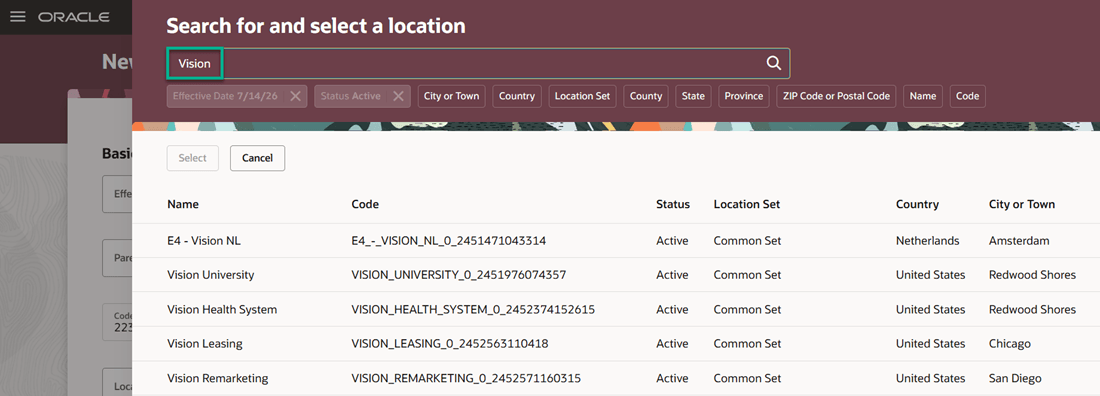
Records that match the search term are displayed
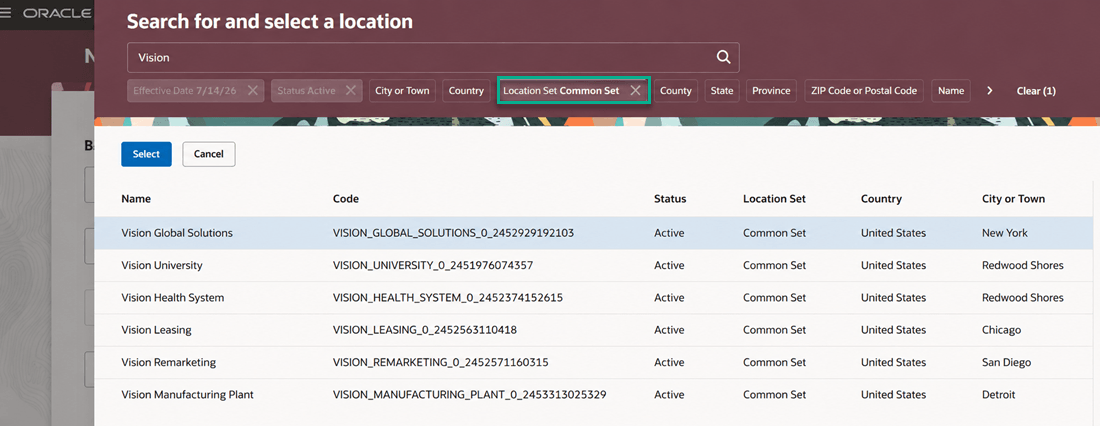
Apply additional filters in the Search for and select a location panel drawer
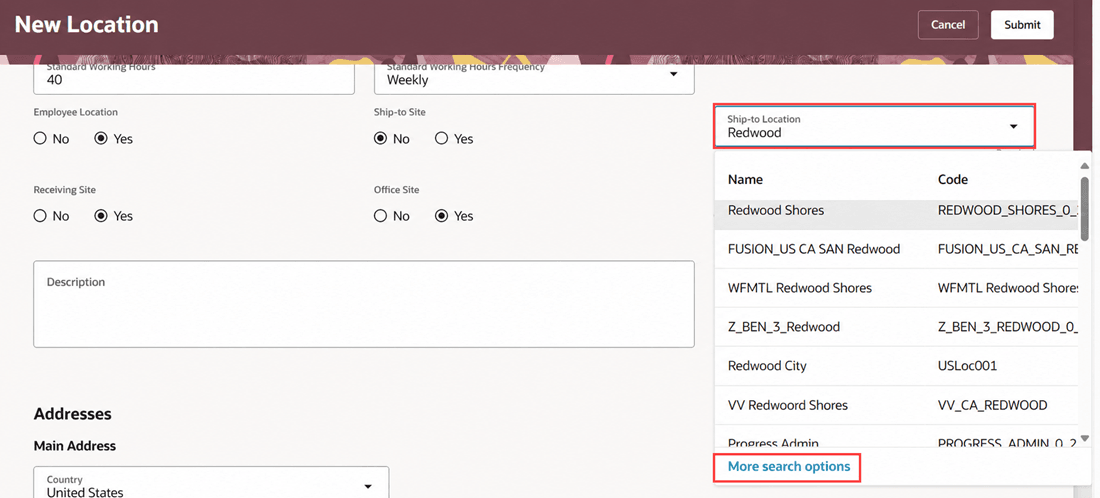
More search options link in the Ship-to Location LOV on New Location Page
This feature enhances your search experience for the Location LOV, as you no longer need to scroll through the whole list of locations in the LOV. It also helps you refine your search further by applying filters such as location set or state within the advanced search.
Steps to enable and configure
See Advanced Search in LOVs on Redwood Workforce Structures Pages.