Collection Tasks Available on My Tasks Tab
Collection tasks now appear under the My Tasks tab, allowing users to view, edit, reopen, and complete them alongside their other assigned tasks.
Earlier, collection tasks could only be accessed from Me > My collection.
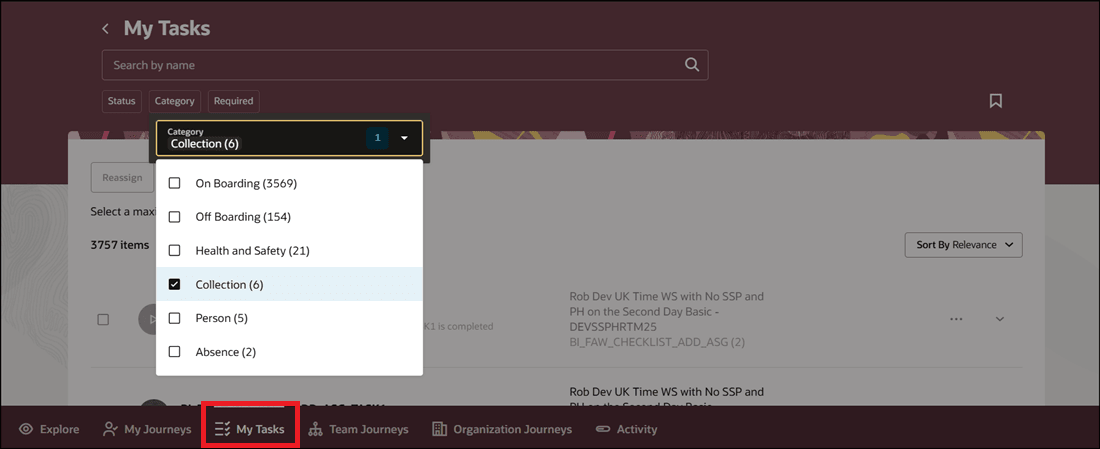
Filter by Collection Category on My Tasks Tab
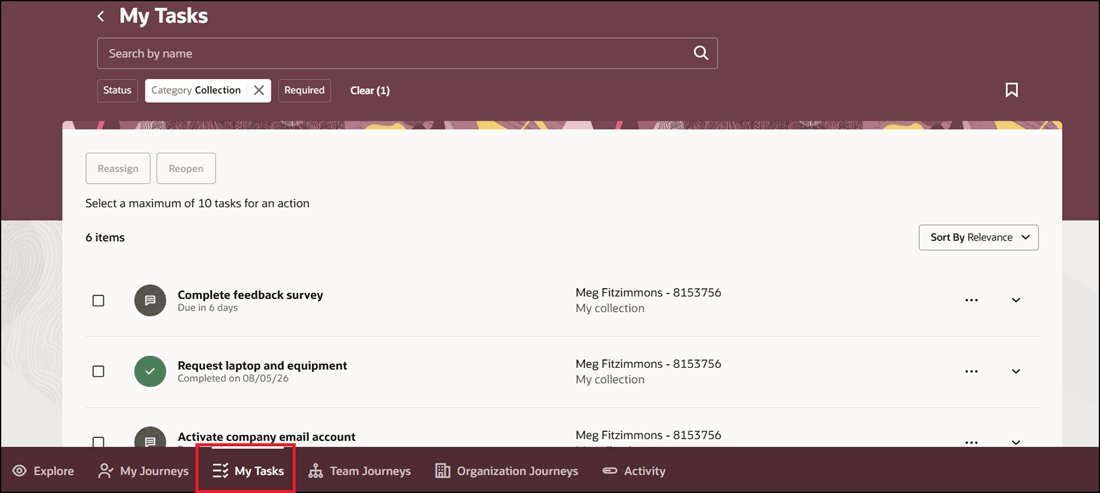
Collection Tasks Displayed on My Tasks Tab
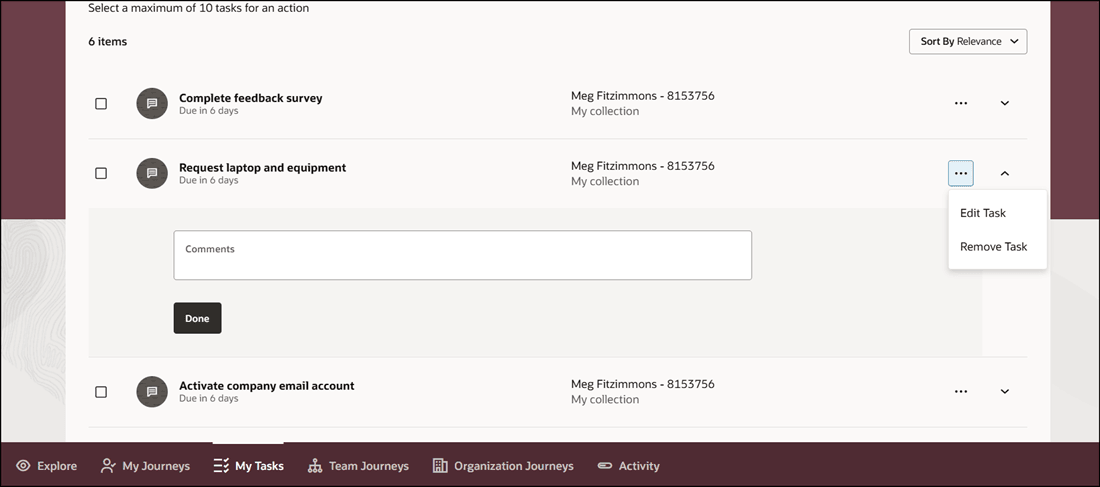
Expand Task to Edit or Mark as Done
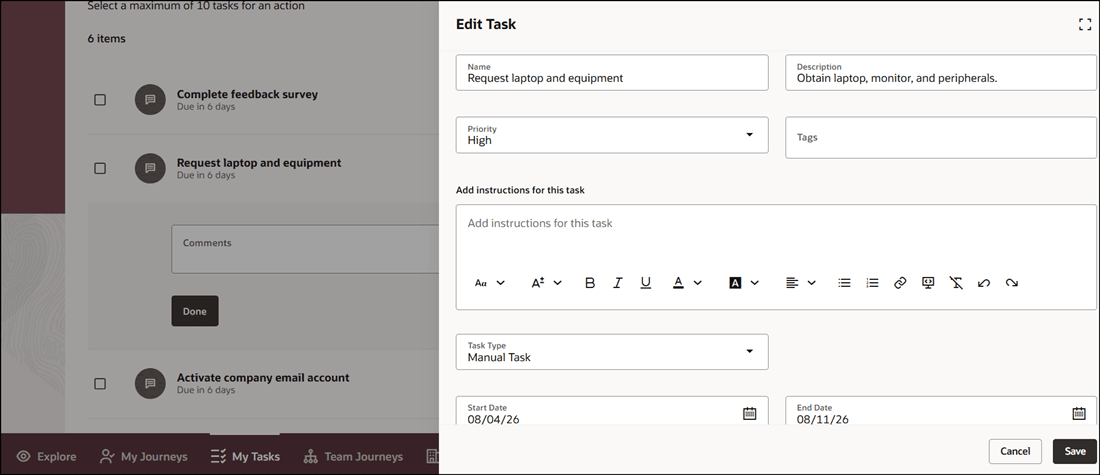
Edit Collection Task and Save
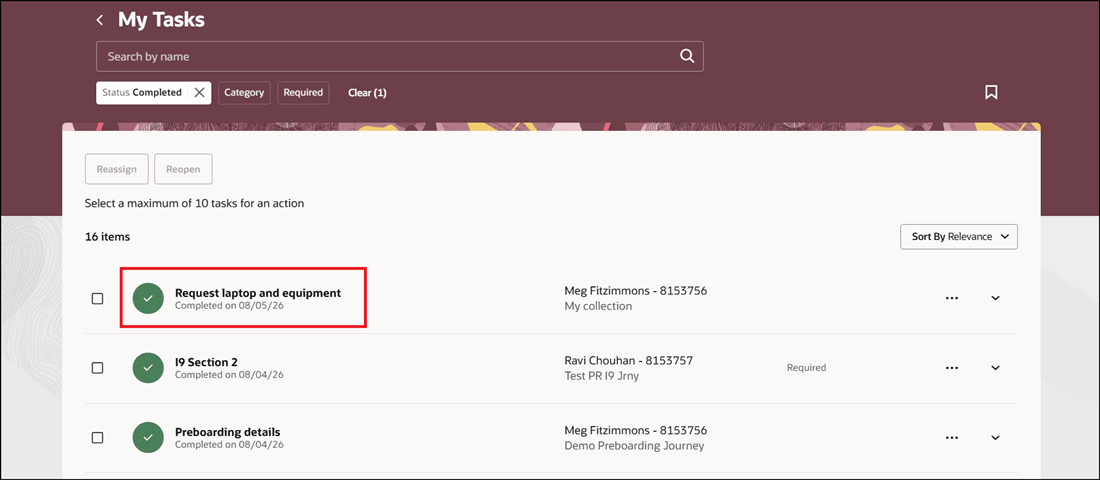
Completed Status for Collection Task
Users don’t need to enable the Me > My collection quick action to do collection tasks. Also, this feature improves visibility by displaying collection tasks alongside other tasks in the My Tasks tab.
Steps to enable and configure
To display collection tasks on the My Tasks tab, you need to enable Oracle Search. For more information, see How do I enable Oracle Search for journeys?
Key resources
For more information, refer to the Implementing and Using Journeys guide.