Show the Person number Step in the Redwood Edit Pending Worker Process
The Redwood Edit Pending Worker guided process now includes a Person number step. This step is placed after the Names step and lets users review or update the person number for a pending worker.
The step uses the oracle_hcm_peoplepublicUI:person-number fragment and supports Guided Journeys like other fragments in the flow. By default, this step is available for selection in the Info to include step of the process. You can hide it by configuring the page in VB Studio and setting the section to Hidden.
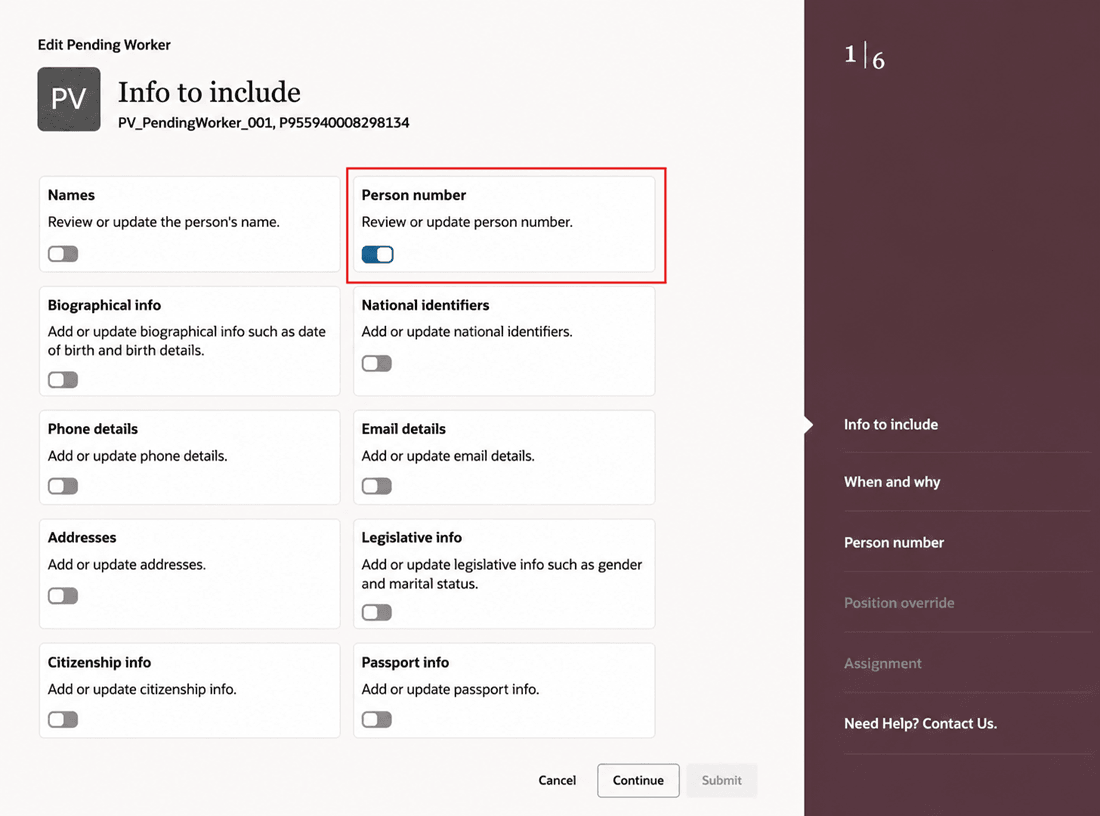
Info to include step of the Edit Pending Worker process showing the Person number step
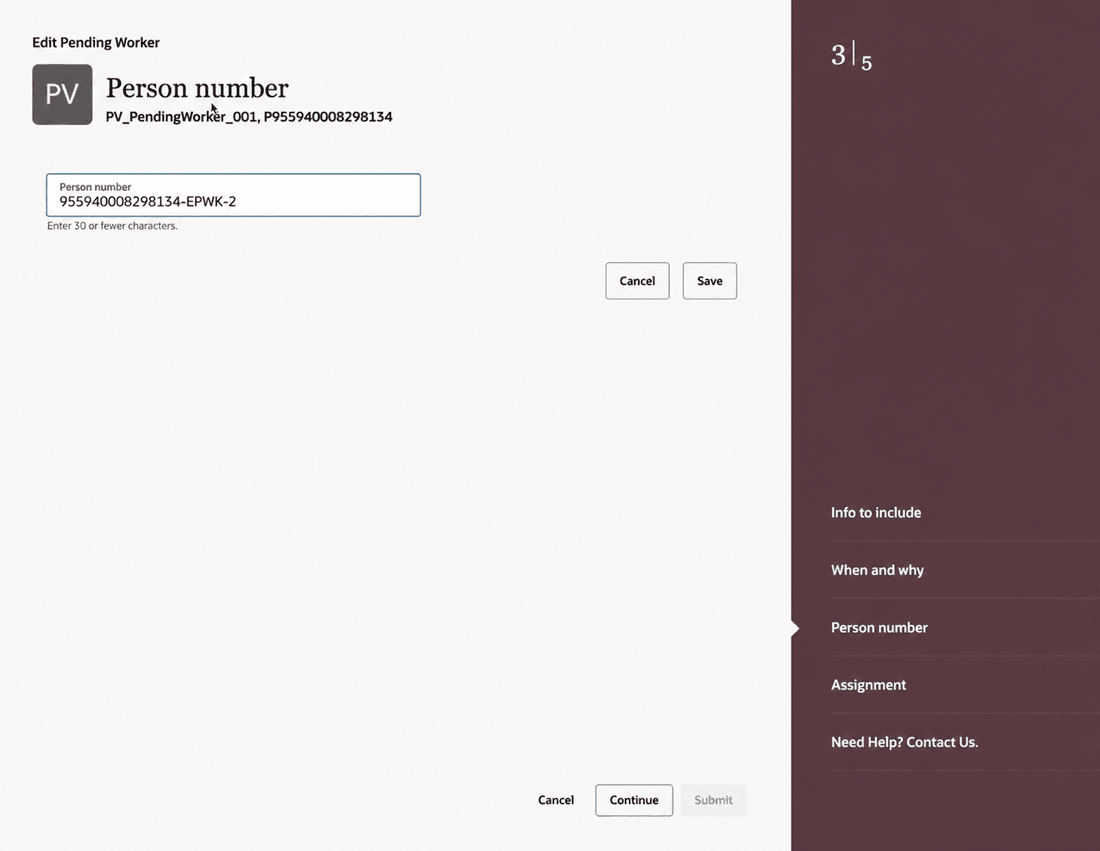
Person number step of the Edit Pending Worker process
This feature helps users in reviewing or updating the person numbers for pending workers from within the Redwood Edit Pending Worker guided process, without returning to the Responsive flow.
Steps to enable and configure
You don't need to do anything to enable this feature.
For more information about how to show or hide the Person number step in the Edit Pending Worker guided process, see How do I hide or show a section in Visual Builder Studio?.
Tips and considerations
- The Person Number step appears after Names.
- Only section-level show or hide customization is supported.
- Field-level customization isn’t supported.
- Read-only or edit customization isn’t supported for this section.
- Users can modify the person number only when person number generation is manual and they have access to edit the person number.
- If you don't want to show the Person Number step in the Info to Include step, you need to configure the page in the VB Studio to hide the entire section.
Key resources
For more information on extending Redwood pages in HCM, see the following guide on the Oracle Help Center:
Access requirements
You can show or hide the Person number step in the Redwood Edit Pending Worker guided process only if your role has the existing Edit Pending Worker privilege for the Responsive page.