 Mobile - Planner Flow Dock Appointment Scheduling
This feature enables the dock scheduling functionality for the Planner flow. You will now be able to view, add, modify, and delete dock appointments as a Planner user in the mobile app.
A new "Dock Appointments" dynamic box has been added to the Planner flow mobile layout. This box is hidden by default. It is configured to show the same shipments as the Planner shipments box by default. You can modify the saved query as needed.
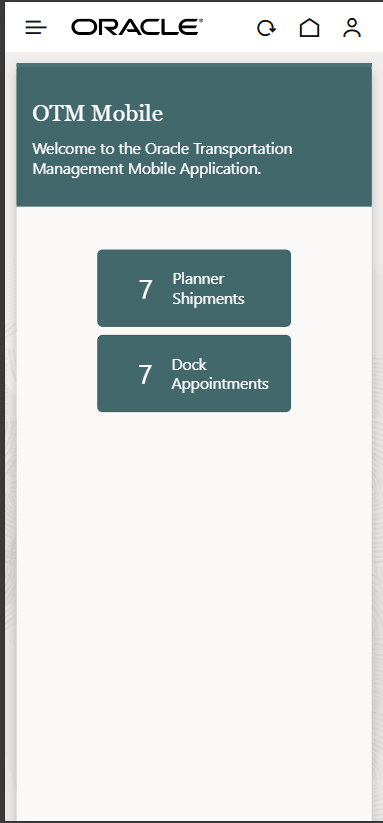
Planner Flow Dock Appointments
The dock scheduling functionality in the Planner flow is similar to that of the Service Provider and Driver flows. You can refer to the configuration and feature details here.
Business Benefit:
Users can now view, add, modify, and delete dock appointments as a Planner from the mobile app. This will help accommodate real-time operational delays and opportunities, enabling users to choose appointments that work best for them and reduce demand on the back-office staff.
Steps to enable and configure
- Enable the Dock Appointments dynamic box via the mobile layout by setting the hideOnDashboard to "false."
- Update the dockScheduling section of the mobile layout to set enableAppointments to "true."