Move Order to Flexible Route Shipment
This feature provides you with the option to use the Move Order action to move one or more orders into an existing shipment that uses a flexible route. This makes it easier to adjust shipments during planning without having to recreate shipments when routing needs change.
The example shows a 3D shipment and map with 2 ad-hoc orders being added to the shipment. The destinations of these 2 ad-hoc orders are not on the shipment, but they are allowed.
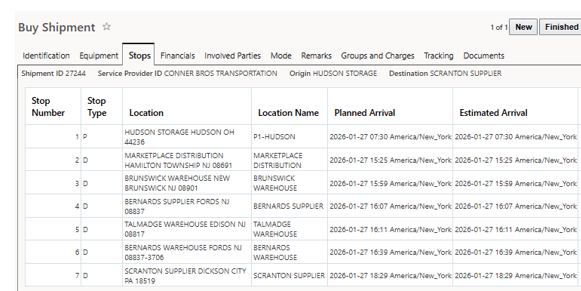
Original Shipment
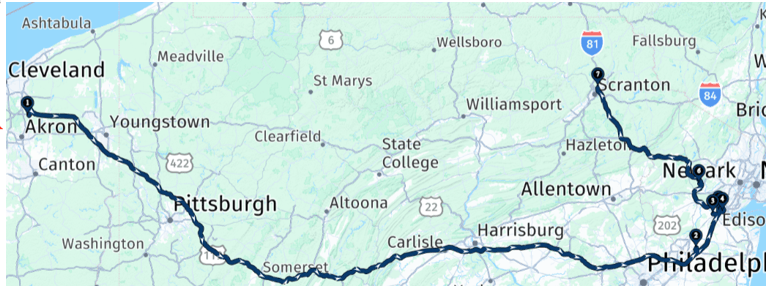
Original Map
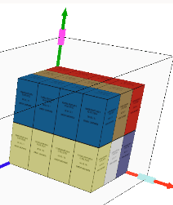
Original 3D image
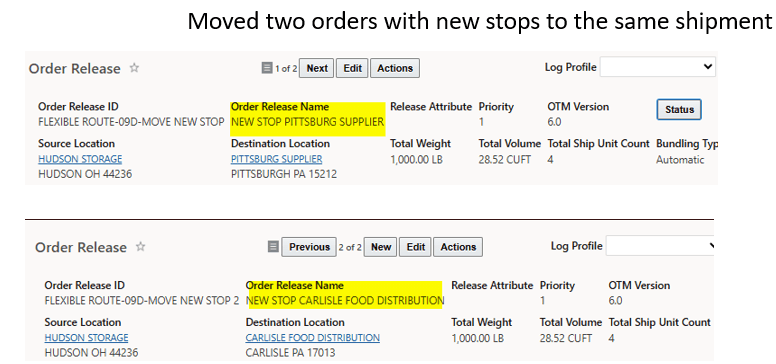
New Orders to Add
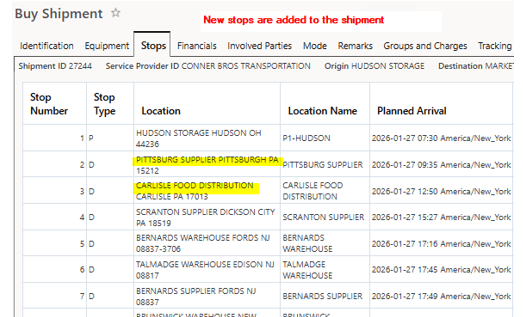
Revised Shipment
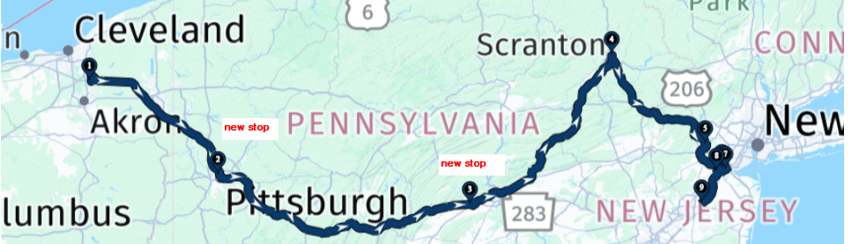
Revised Map
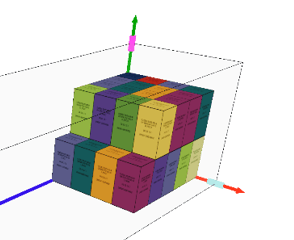
Result 3D
Business Benefit: This enhancement provides you with additional planning flexibility by allowing orders to easily move orders to flexible route shipments, allowing you to respond faster to operational changes while maintaining existing equipment and consolidation rules.
Steps to enable and configure
You don't need to do anything to enable this feature.