Global Fee Attributes for Fee Changes
The Global Fee Attributes feature allows agencies to centrally manage fixed fees and rate-based values used in DMN fee calculation models, eliminating the need to manually update hardcoded values across multiple decision models and fee schedules. This feature is primarily designed for Agency Staff and system administrators responsible for configuring and maintaining fee calculation logic within the permitting and licensing system.
The feature works by introducing a centralized setup page where users can define effective-dated global fee attributes (such as application fees or flat rates) that are automatically injected into the DMN payload during fee calculation. DMN models reference these configurable attributes instead of hardcoded values, enabling dynamic fee calculation based on current effective dates.
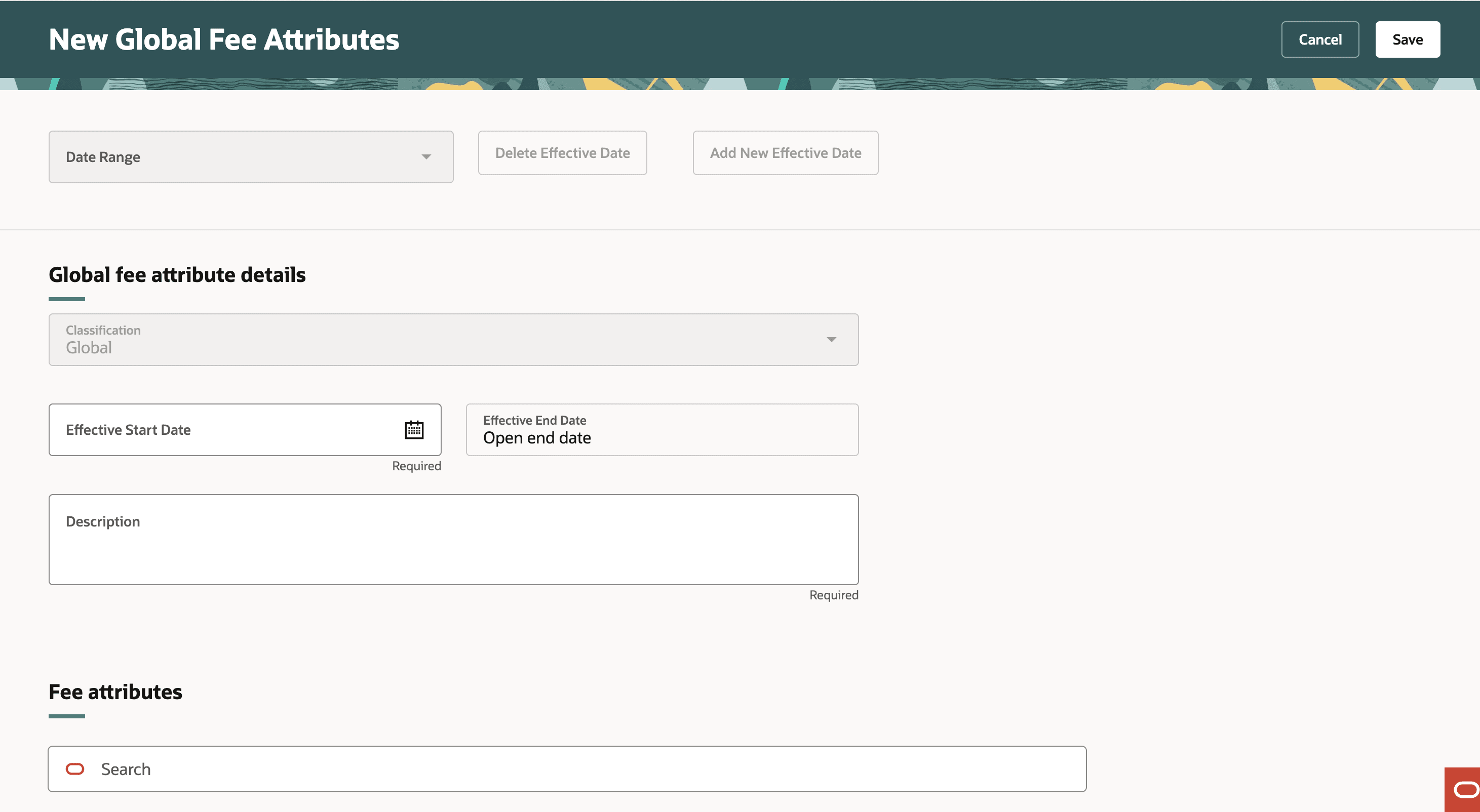
Global Fee Attributes page
Business Benefit: The business benefit of this feature is significantly reduced maintenance effort, improved accuracy, simplified annual fee updates, and greater operational efficiency by allowing agencies to update fee values in a single location rather than modifying and redeploying multiple DMN models.
Steps to enable and configure
You must set up new global fee attributes through the set up page via Functional Setup Manager.
- Navigate to Setup and Maintenance of Offerings > Offering: Any > Fees and Payments > Manage Global Fee Attributes.
- In the Fee Attributes, click Add.
- Enter the attribute name.
Note. The attribute name must begin with "Global_" and match the input on the DMN model.
- Enter a Description and Attribute Value.
- Turn on the Enabled switch.
- Click Save.
Tips and considerations
On the Fee Mapping page, the global attributes should not be mapped to any application attributes. If they are, then the values from the Global Fee Attributes will override those from the application.
The effective date used for the Global Fee Attributes is based on the received date of the application.
Key resources
- See Implementing Your Financials Framework, "Setting Up Fees", Setting Up Global Fee Attributes (NEW) on the Oracle Help Center.