Redwood: Rebuild Transaction Accounts on Purchase Orders
Regenerate accounting details on purchase orders when key transaction attributes are updated using a Redwood page as a buyer or requester.
Transaction accounts are automatically rederived when you save or submit a purchase order and update specific attributes, such as the category, subinventory, or destination type. You can use the Rebuild Account action to rederive the transaction accounts based on the latest purchase order details and transaction account builder rules when you update any other purchase order attributes. This action is available on the Lines, Schedules, and Distributions tabs of the purchase order.
These screen captures illustrate the feature.
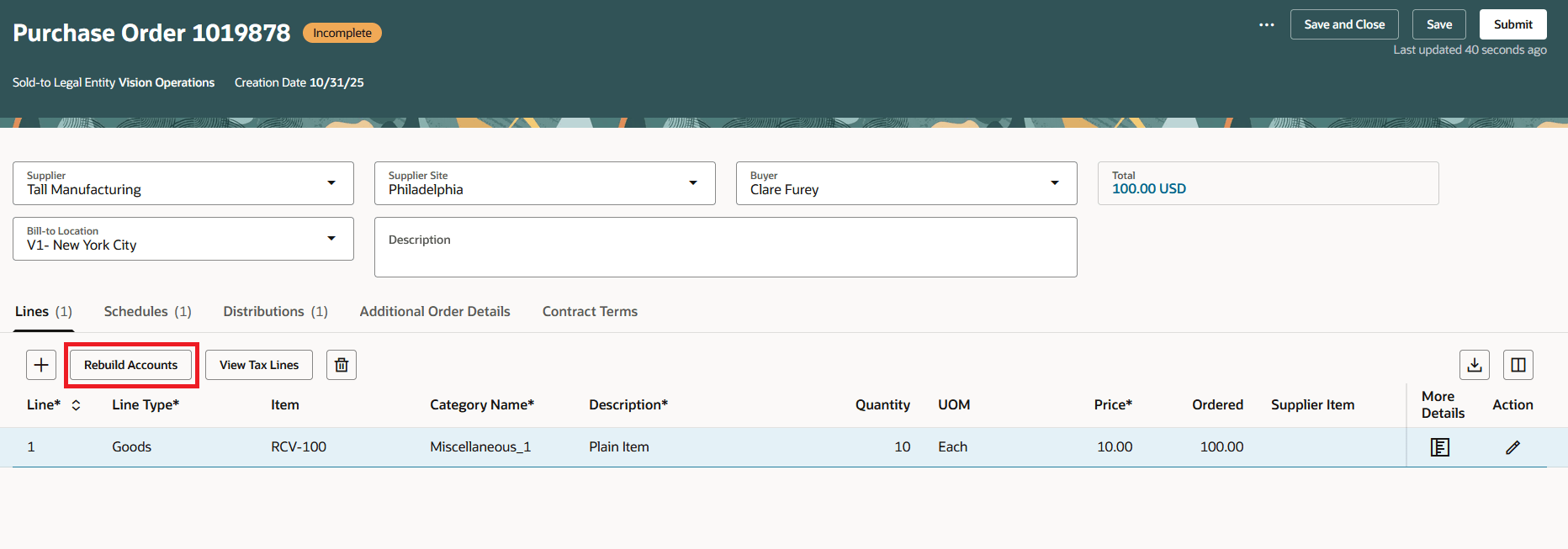
Rebuild Accounts Action on the Purchase Order Line
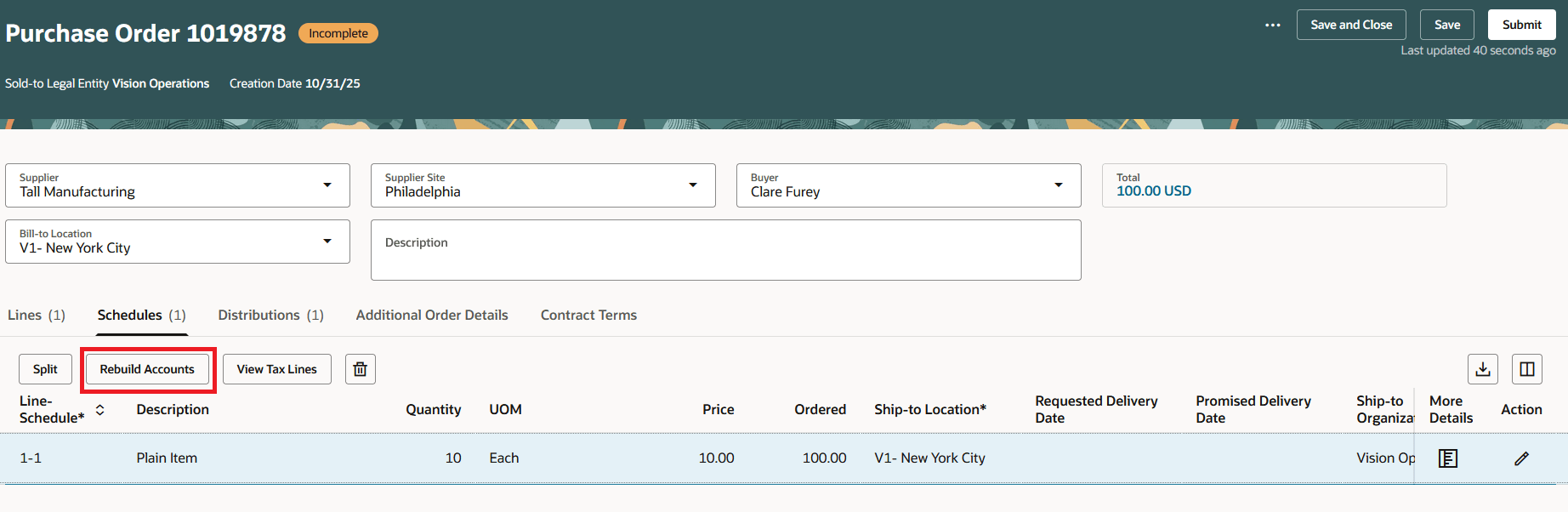
Rebuild Accounts Action on the Purchase Order Schedule
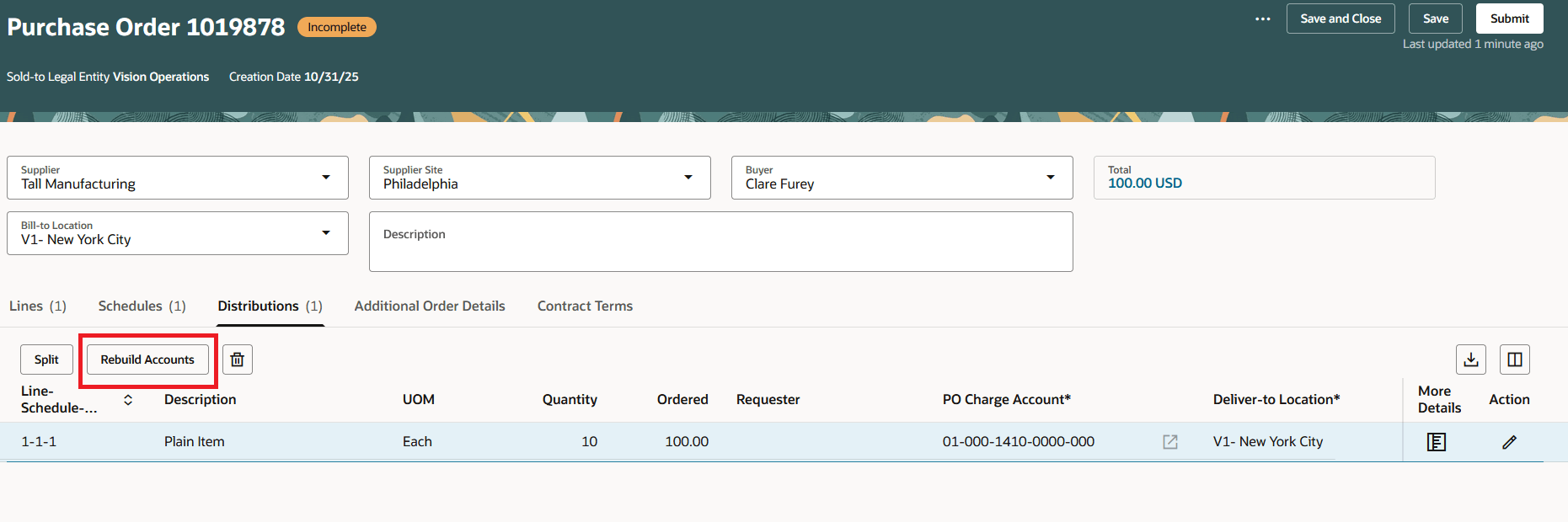
Rebuild Accounts Action on the Purchase Order Distribution
Steps to enable and configure
You don't need to do anything to enable this feature.
Tips and considerations
- The Rebuild Accounts action is disabled for a purchase order line if any of its schedules is accounted.
- The Rebuild Accounts action is disabled for a purchase order schedule if it's accounted.
- The Rebuild Accounts action is disabled in a change order for purchase order lines and schedules marked for cancellation.
Key resources
- To enable Redwood for Purchasing, see the Getting Started with Redwood in Purchasing topic on the SCM Resource Center in Customer Connect.
Access requirements
No specific privileges are needed to rebuild transaction accounts on purchase orders.