Sort Shopping Search Results by Description
Sort the shopping search results by description in the Redwood Self Service Procurement application. This feature is also available when viewing shopping list details.
You can sort shopping search results by ascending or descending order of description. The results will be sorted based on additional considerations such as blank spaces, special characters, numbers, capital letters, and small letters.
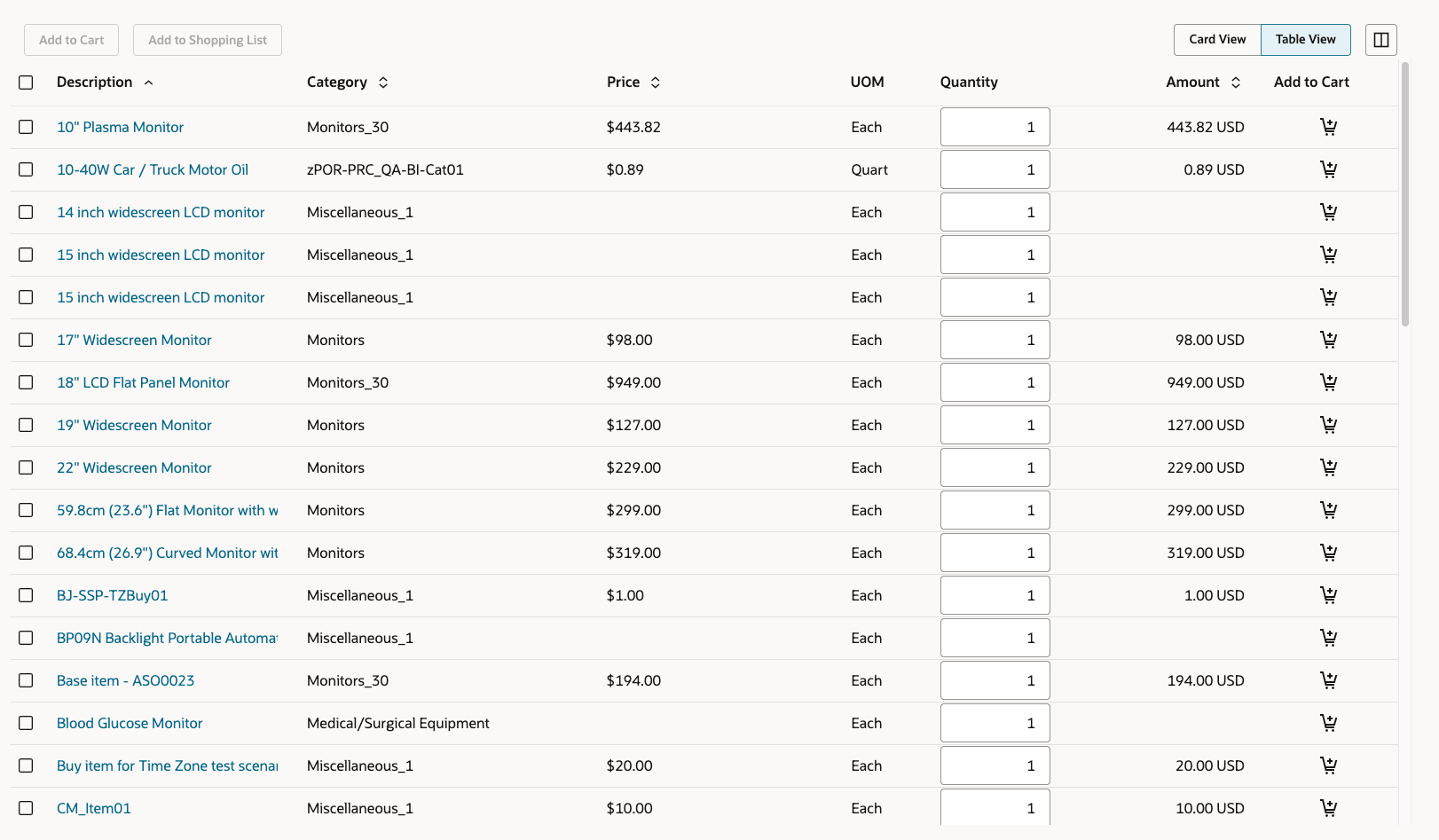
Shopping Search Result
Steps to enable and configure
You don't need to do anything to enable this feature.
Tips and considerations
Similar to other sortable fields in the Search Results table (Category, and Price and Amount), sort results will only be retained while in the current view. Any changes such as navigating to another tab, adding a filter, and adding or removing a column will refresh the search results.
Key resources
- To know how to provide the required privileges to your requesters to use your own configured role instead of the Requisition Self Service User role, refer to the Privileges Required for a Predefined Role for a Requisition Self Service User topic.
- For more information on how to enable a guided journey for Redwood pages, refer to the Enable a Guided Journey for Redwood Pages topic.
- For information about using Oracle Visual Builder Studio to extend your Redwood application pages, see Oracle Fusion Cloud HCM and SCM: Extending Redwood Applications for HCM and SCM Using Visual Builder Studio.