Redwood: Navigate to Source Agreements from a Purchase Order
Use the source agreement link to drill down into backing blanket and contract purchase agreements when viewing purchase orders as a buyer or supplier. Before this update, the source agreement was just plain text. Now, it's a clickable link.
The source agreement is linked from these pages:
- Requisitions
- Purchase Orders
- Edit Purchase Order
- View Purchase Order
- Edit Change Order
- View Change Order
These screenshots highlight this interaction from a few of the aforementioned pages.
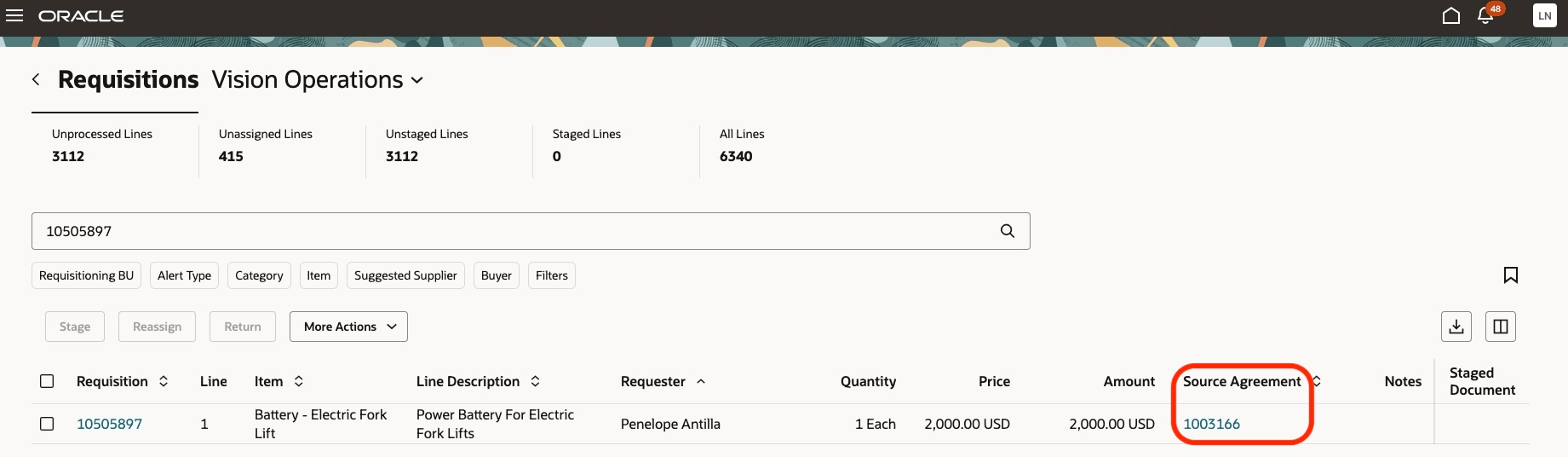
Source Agreement Link Available in the Table Column
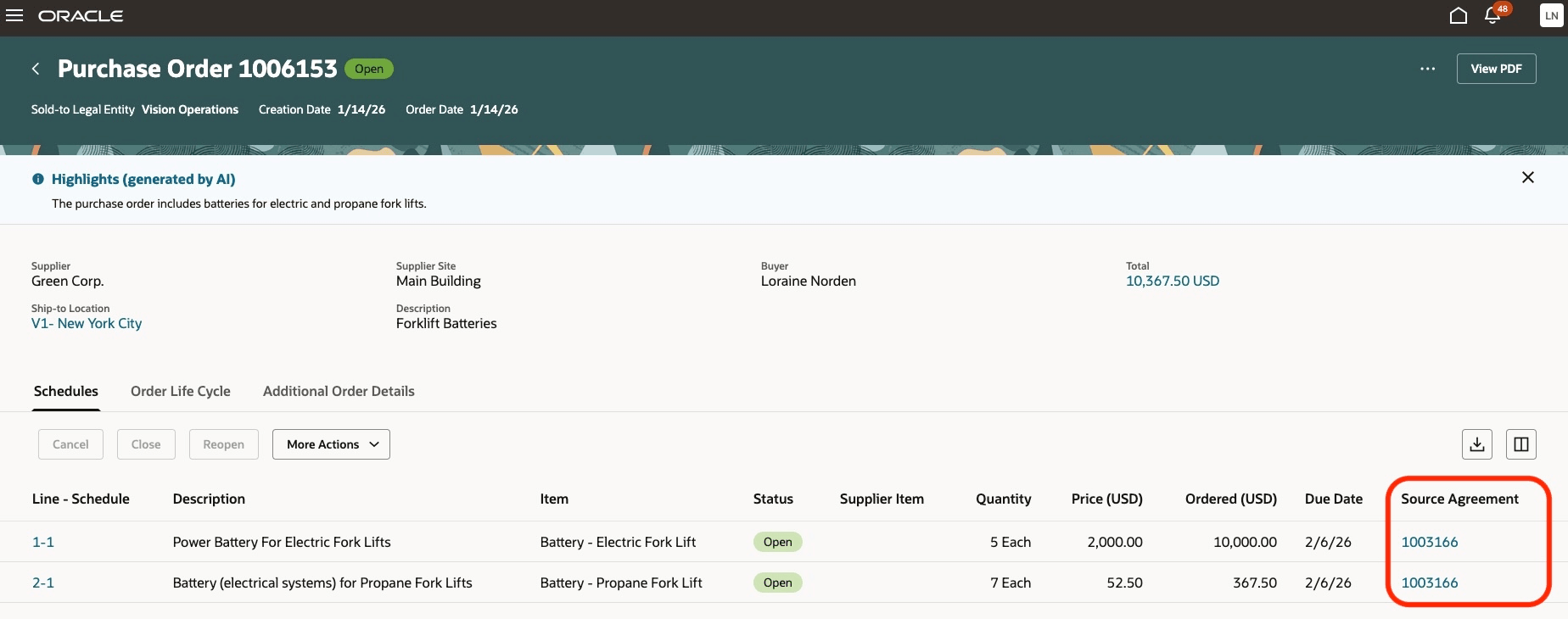
Source Agreement Link in the View PO Schedules Table
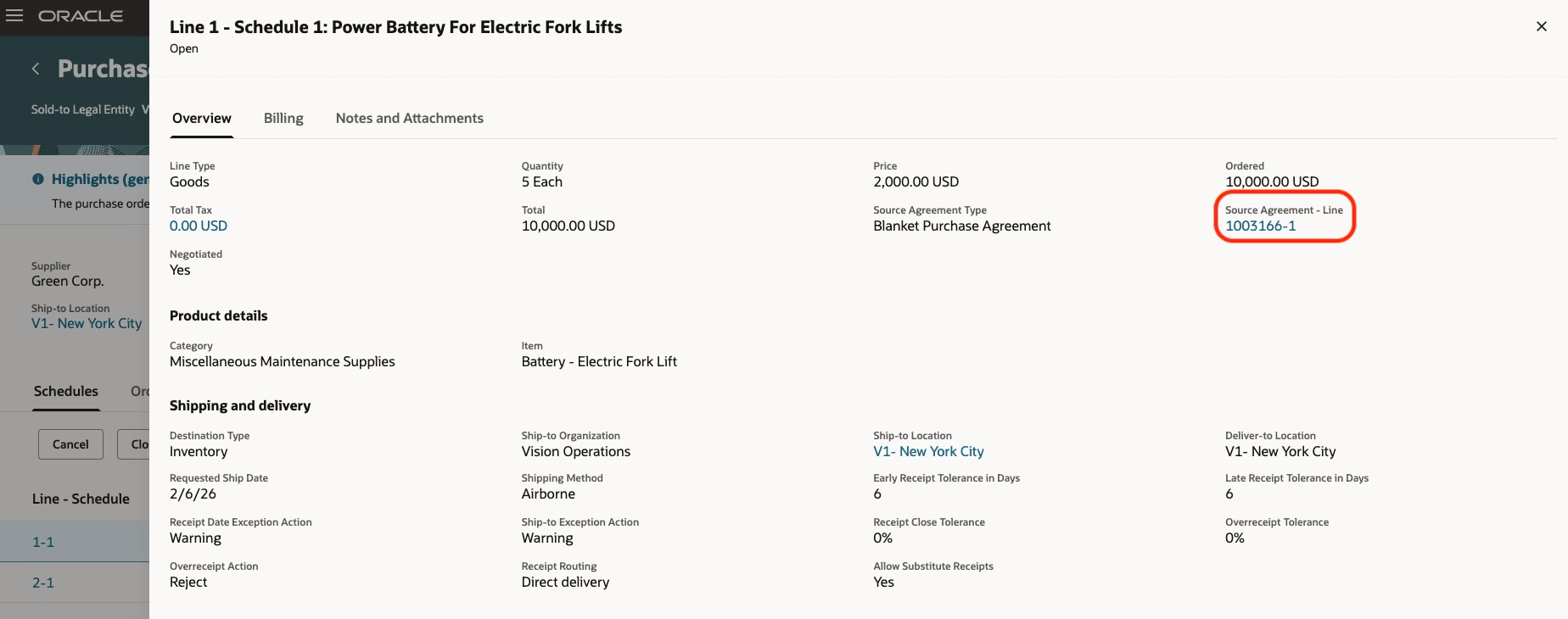
Source Agreement Link in the View PO Schedules Drawer
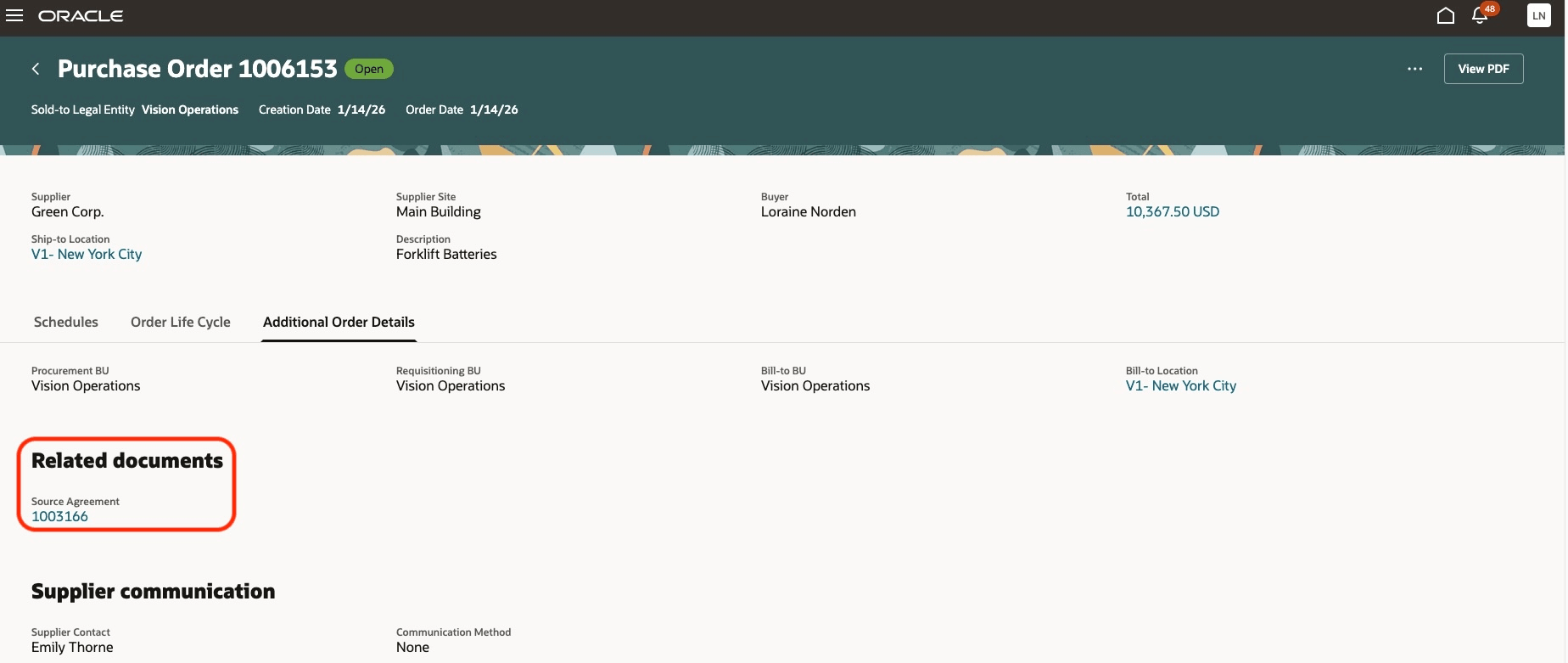
Source Agreement Link in the View PO Additional Order Details Tab
Steps to enable and configure
If you haven't enabled Redwood for Purchasing, see the Getting Started with Redwood in Purchasing topic on the SCM Resource Center in Customer Connect.
Access requirements
Users who are assigned a configured job role that contains this existing privilege can access this feature:
- View Purchase Agreement (PO_VIEW_PURCHASE_AGREEMENT_PRIV)