Redwood: Use Negotiations Calendar
In this update, you can use the negotiations calendar in the Redwood experience. The calendar provides a consolidated, time-based view of key negotiation milestones and task deadlines across negotiations that you own, collaborate on, or have access to within your procurement business units.
Access the Calendar from the Sourcing landing page or as a bottom tab on the Negotiations search page. Calendar entries are view-only and are created, updated, and removed automatically based on negotiation lifecycle events. Amended and round complete negotiations are displayed as separate negotiation events in the calendar.
Overview on using the calendar:
- View negotiation events, collaboration task events, and project task events in day, week, month, or list views.
- Open event details in a drawer and view or edit the negotiation based on the assigned privilege.
- Filter the calendar by the My events, Other events, Collaboration tasks, and Project tasks. The My events shows negotiations that you're collaborating on or own. Other events shows negotiation events across procurement business units where you have access to other agents' documents. Collaboration Tasks shows collaboration team task events on the target date and Project Tasks shows project task events from the associated project plan in the Project Management module on the planned finish date.
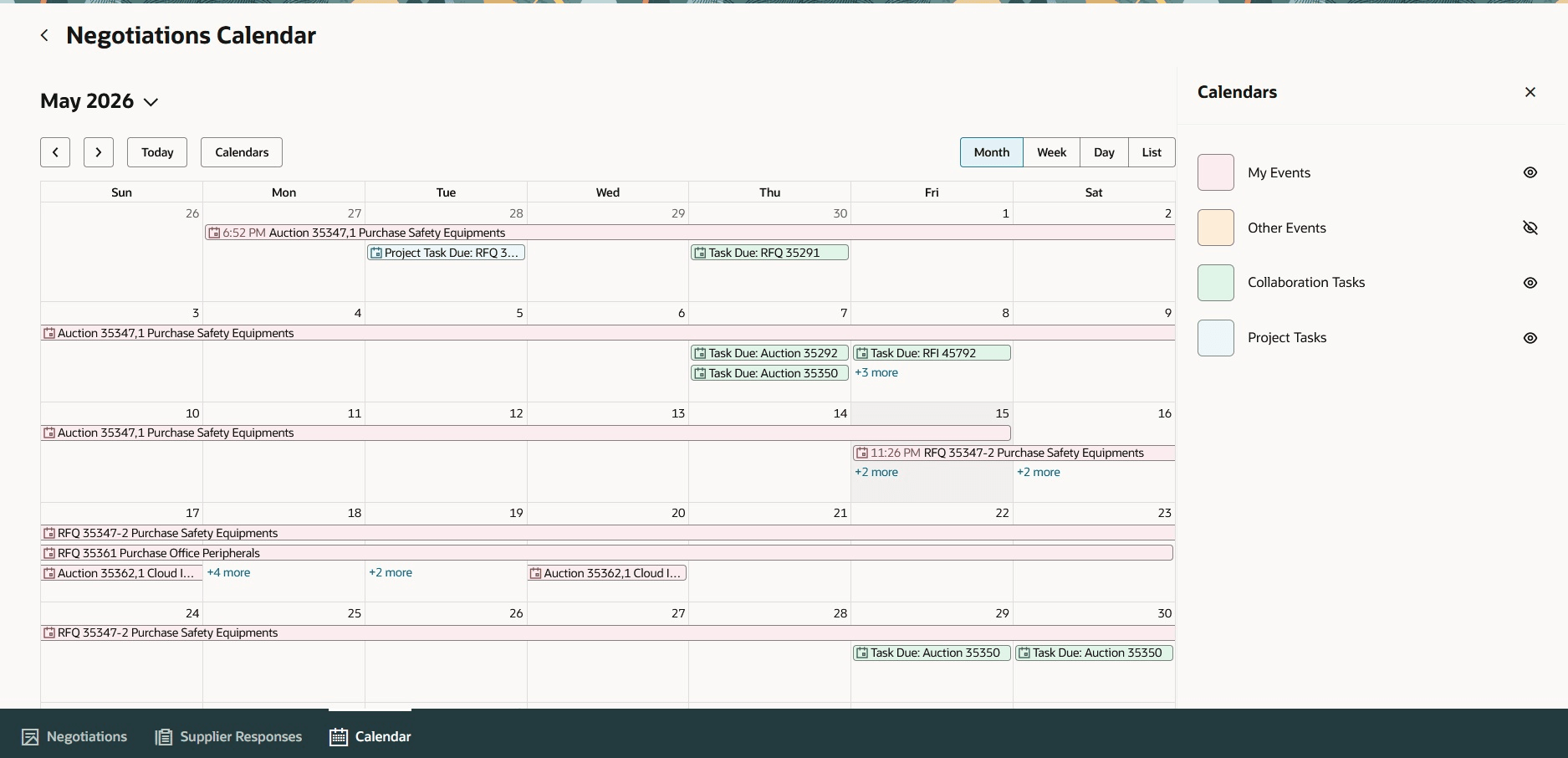
Negotiation Calendar Month View
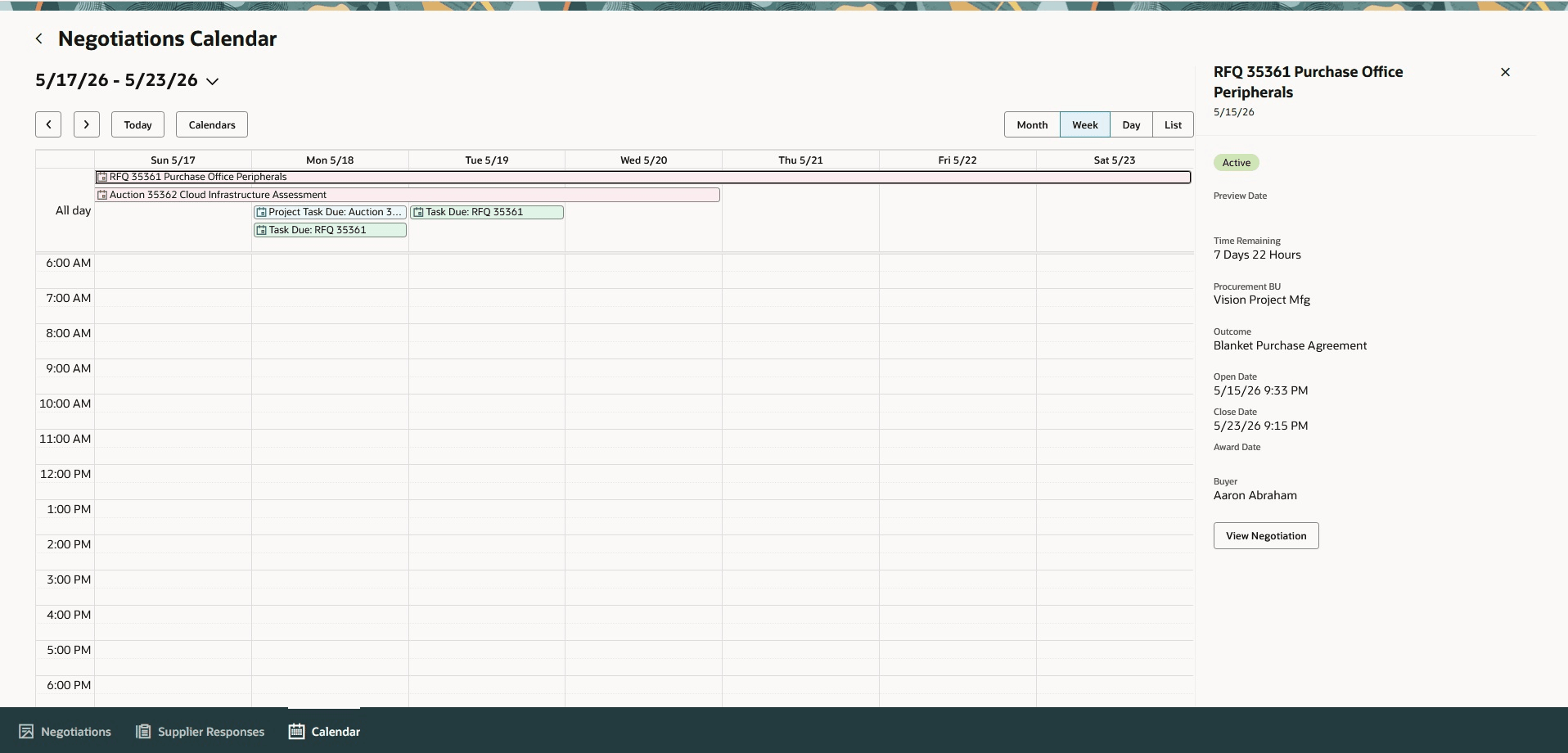
Week View with Negotiation Events
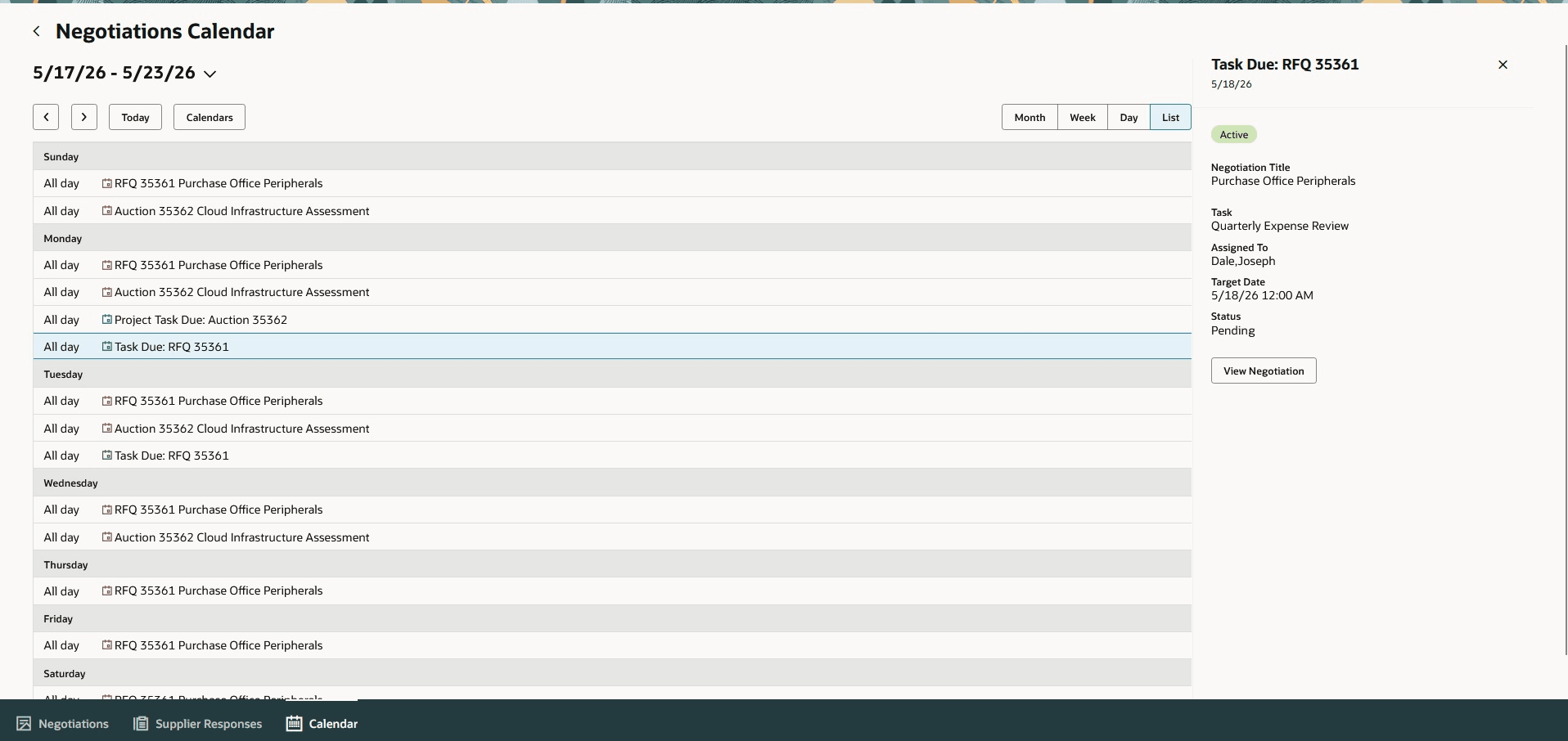
List View with Task Due
The negotiations calendar provides sourcing teams with a consolidated, time-based view of negotiation work to quickly identify upcoming milestones, task due dates, and sourcing activities that need attention.
Steps to enable and configure
To access this feature, you must enable the following profile options if you haven't already.
- Redwood Pages for Sourcing Enabled (ORA_PON_SOURCING_REDWOOD_ENABLED).
For instructions on enabling a profile option, refer to the Set Profile Option Values topic.
Tips and considerations
- The negotiation event duration is based on the negotiation dates.
- If both the preview date and award date are specified, the event duration is from the preview date to the award date.
- If the preview date isn’t specified, the event starts on the open date.
- If the award date isn’t specified, the event ends on the close date.
- For amended or round completed negotiations, only the close date is used even if an award date is specified.
- If the award date isn’t specified and staggered closing is used, the event ends on the close date of the last staggered line.
-
Tasks without a target date aren’t displayed in the negotiation. Collaboration tasks are displayed only if the task target date is specified.
-
Collaboration task events are displayed as all-day events on the task target date specified in the negotiation.
Access requirements
Users who are assigned a configured job role that contains these existing privileges can access this feature:
- Create Supplier Negotiation (PON_CREATE_SUPPLIER_NEGOTIATION_PRIV)
- Edit Supplier Negotiation (PON_EDIT_SUPPLIER_NEGOTIATION_PRIV)
- View Supplier Negotiation(PON_VIEW_SUPPLIER_NEGOTIATION_PRIV)