Retain Column Personalizations for Table Layouts
You can now retain table column personalizations made using the column organizer in the Self Service Procurement application. These include showing, hiding, and reordering columns. Before this update, retention of these changes depended on your browser settings.
With this feature, column personalizations are persisted on the server and remain available when you:
- Clear the browser cache.
- Switch tabs.
- Switch browsers.
- Sign out of the application.
- Switch form factors.
The feature applies to these tables:
| UI Interaction | Name |
|---|---|
| Page | Shopping Search |
| Page | Shopping List (View or edit) |
| Page | Table View of the Shopping Cart |
| Page | Enter Requisition Line > Billing Details > Distributions Table (when the Edit Billing Details Directly from the Shopping Cart opt in is enabled) |
| Page | Edit Multiple Lines > Delete and create distributions (when the Edit Billing Details Directly from the Shopping Cart opt in is enabled) |
| Drawer | Check Funds |
| Drawer | Distribute Project Costs |
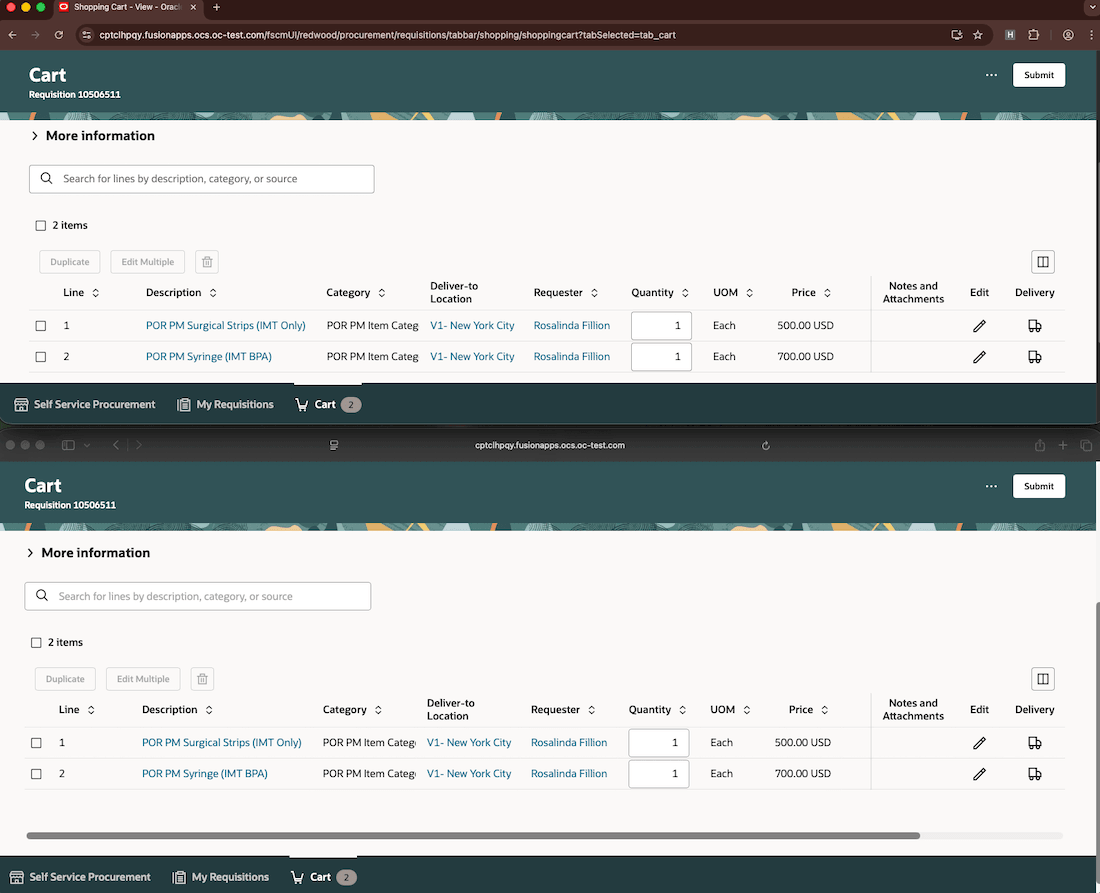
Persist Your Table Column Personalizations Across Browsers
If you have published Oracle Visual Builder Studio personalizations for table columns, those personalizations define the default table layout. You can then further personalize the table using the column organizer, and your changes are retained in addition to the published changes.
Steps to enable and configure
Use the Opt In UI to enable this feature. For instructions, refer to the Optional Uptake of New Features section of this document.
Offering: Procurement
Enable the Retain Column Personalizations for Table Layouts opt-in. After you opt in, you must reapply all table-related personalizations, including Oracle Visual Builder Studio changes.
Tips and considerations
-
The column persistence capability always applies to the Check funds and Distribute project costs drawers, regardless of whether this opt in feature is enabled.
Key resources
- For information about using Oracle Visual Builder Studio to extend your Redwood application pages, see Oracle Fusion Cloud HCM and SCM: Extending Redwood Applications for HCM and SCM Using Visual Builder Studio.