Use the new Redwood Activities List Page for Service Center, Help Desk and Case Management
Users and agents can now use the Redwood Activities List Page to manage tasks and appointments related to Service Center, Help Desk, and Case Management, including search, sort, create, and edit of task/appointment activities from a single Redwood page. The new Redwood interface for tasks and appointments tasks also supports predefined saved searches, configurable columns, and all activity details including contacts, resources, attachments, and notes.
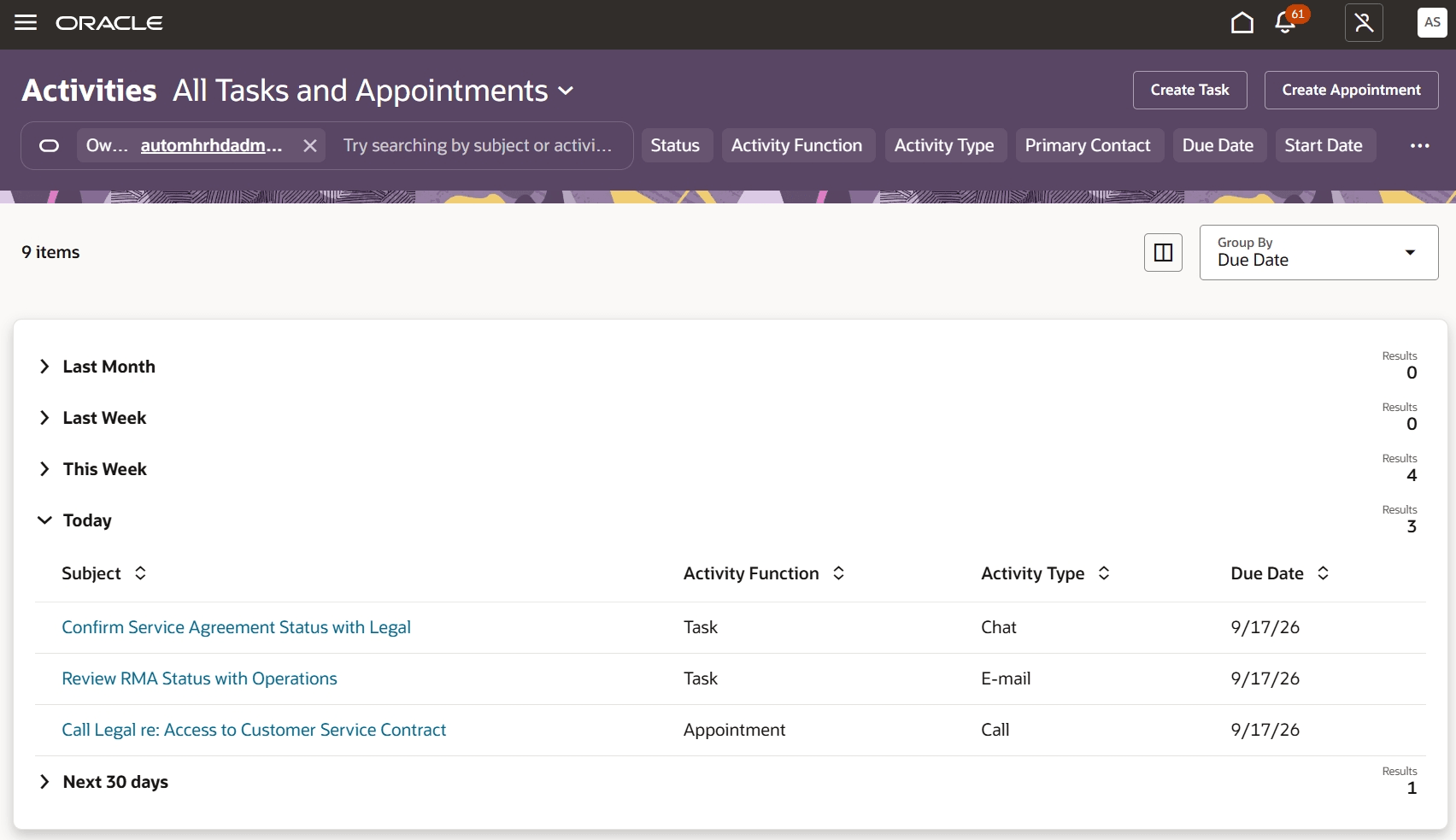
Screenshot of the Redwood Activities Page
The new Redwood Activities page provides a single, modern and effective workspace for managing service- and case-related tasks and appointments. Saved searches and easy point-and-click filters help find, prioritize and manage tasks and appointments efficiently.
Steps to enable and configure
To make this page available from the fusion homepage, an administrator can configure a quick action link or card that points to: https://[server]/fscmUI/redwood/service/ec/admin/activities/activities-list.
Tips and considerations
Predefined saved searches available from the Action Bar are listed below. Custom saved searches are not supported at this time.
- All Tasks and Appointments
- My Appointments
- My Open Tasks
- My Overdue Tasks
- Tasks Due in the Next 30 Days
- Upcoming Appointments
Key resources
Instructions for creating/editing a Quick Action or Page Entry card can be found at Get Started with Configuring Navigation
After this feature is generally available, a video showing a demonstration of the functionality may be found on Oracle Video Hub.
Access requirements
- An administrator must configure access to this new page through the Fusion Homepage via a Quick Link or Fuse Card.
- No new privileges are needed to view, create, and update activities in the Redwood Activities page. It is recommended you review existing role configurations before providing access to this new page.