Dark Mode Support for Email Home Energy Reports
The Introduction module of the Email Home Energy Report was updated to better support dark mode. A new double-decker image structure reduces the risk of text “disappearing” when there isn’t enough contrast between the text and background in dark mode.
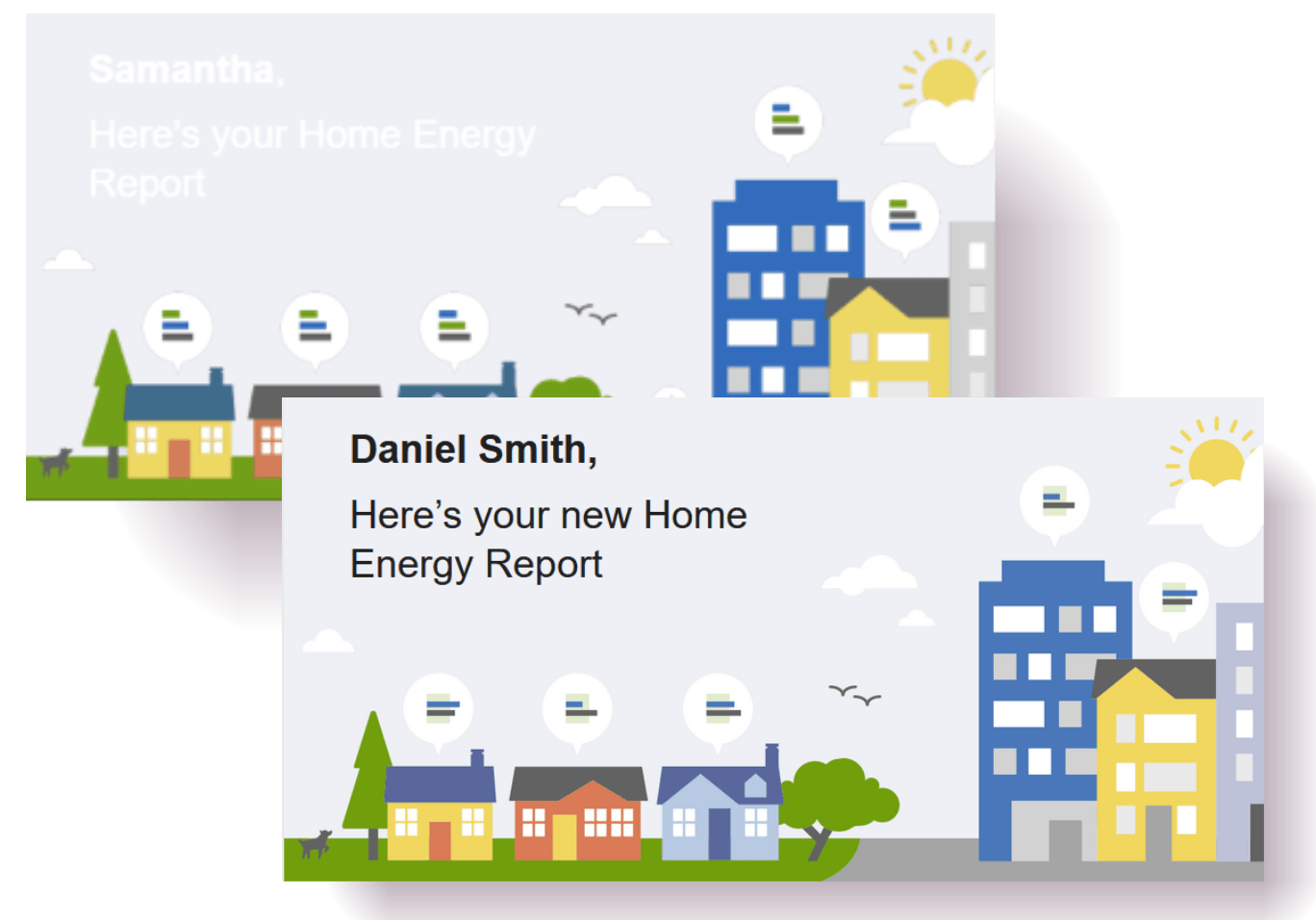
Introduction Module Before and After Dark Mode Update
This update improves the experience for users who have dark mode enabled on their devices and is easier to maintain across report audiences.
Steps to enable and configure
Contact your Service Delivery Manager to coordinate configuration of the module.
- Log in to Inside Opower (https://inside.opower.com). This is your portal for questions and information related to your program.
- Go to the Community tab and contact the Service Delivery Manager using the information provided.
Key resources
Refer to the Energy Efficiency Cloud Service Overview.