Enabling RTA Automation Assistant
Generative AI services are not enabled by default. To use the RTA Automation Assistant, you must first enable Generative AI for your environment. Without enabling it, RTA automation functions as it did in prior releases.
To enable AI Assistant:
- From the Home page, select Application, and then Settings.
- Under Enable AI, select Generative AI, and then click
Save.
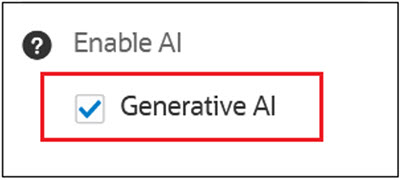
- You get a message that Application Settings has been saved.
- Once the Generative AI is enabled, the RTA Assistant is available in the RTA
Automation Form (Navigate to Application → Configuration → RTA
Automation).
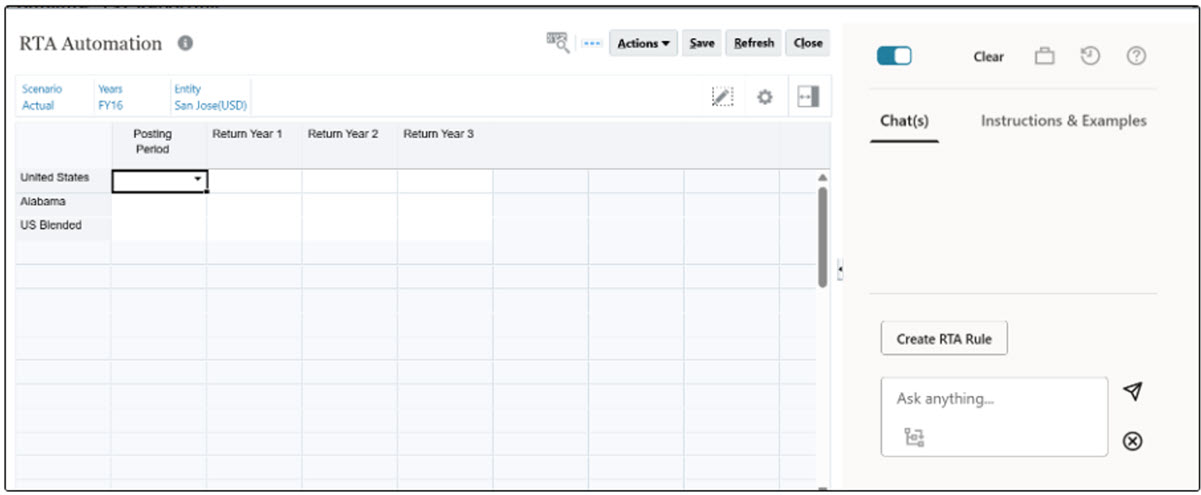
- You can see 2 options "Chats" (where you can provide your input) and
"Instructions & Examples". You also have an option to copy the examples.

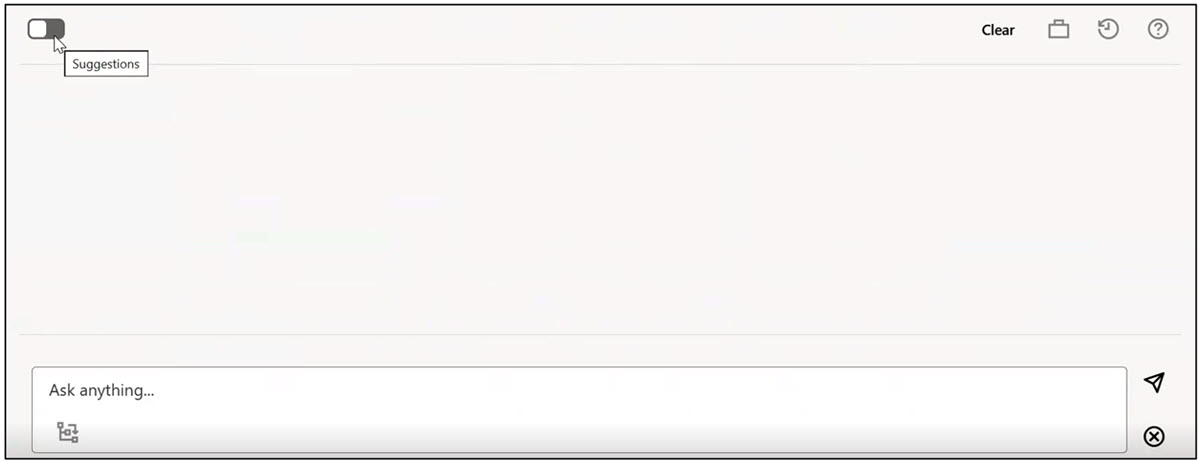
- If you disable the toggle, then the "Instructions and Examples" tab will
disappear.
- You can see 2 options "Chats" (where you can provide your input) and
"Instructions & Examples". You also have an option to copy the examples.