25.1.3.12 Bringing Connections in Front of Activities
Ensure arrowheads stay visible over activities in the runtime workflow progress diagram.
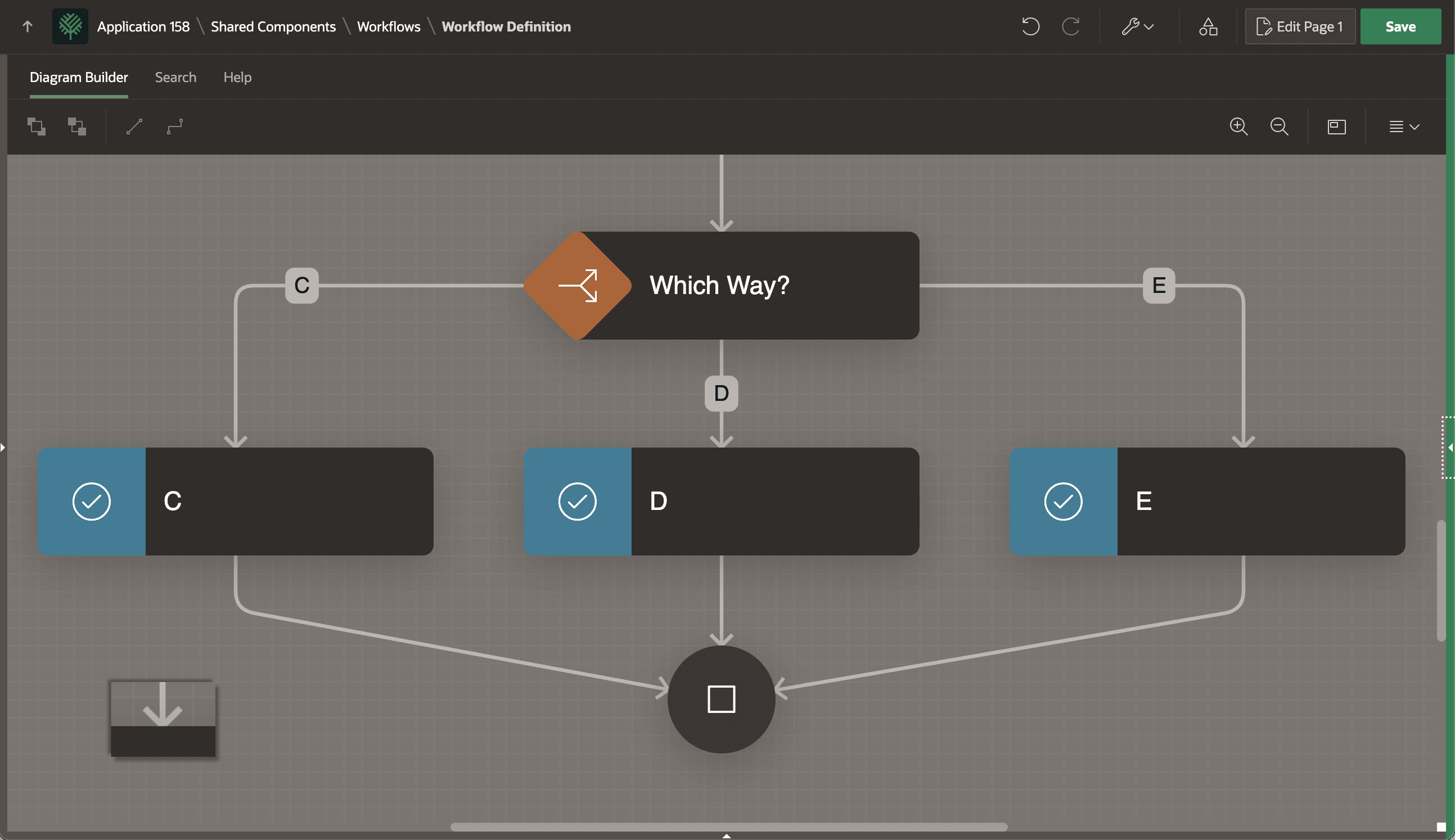
When viewing the runtime workflow diagram, you may notice some connection arrowheads appear to be "buried under" the activity shapes. While this effect does not confuse end users, it does look less than perfect. During the natural course of developing your workflow diagram, the "stacking order" of the shapes can result in activities stacking above connections. As shown below, this causes the tip of the connection arrow head to be obscured by the activity shape in a way that is even more noticeable in the read-only Workflow Diagram region.
Figure 25-19 Connection Arrow Tips Obscured by Activity Shapes
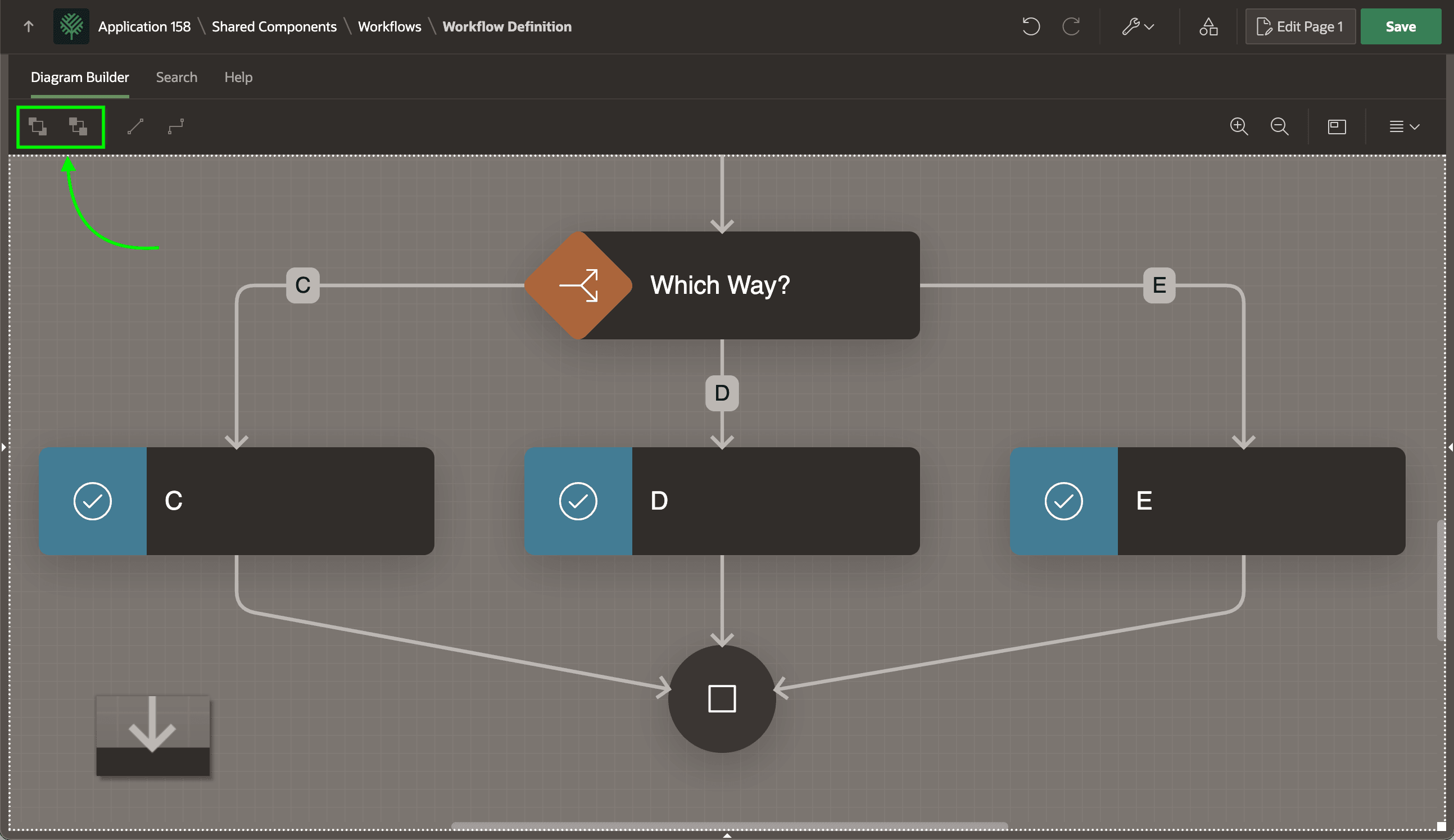
The solution is simple. As shown below, just use the "Bring to Front" tool in the toolbar to bring connections on top of activity shapes. Alternatively, use the "Send to Back" tool next to it to send the activity shapes behind the connections.
Figure 25-20 Use "Bring to Front" to Stack Connection Arrows On Top of Activity Shapes
Parent topic: Connecting and Routing Activities