7.1.8 Configuring Pagination Support
For a template component available as a Multiple (Report) region, you configure whether users view additional results beyond the first screenful by scrolling or paging. This works both for normal and grouped results.
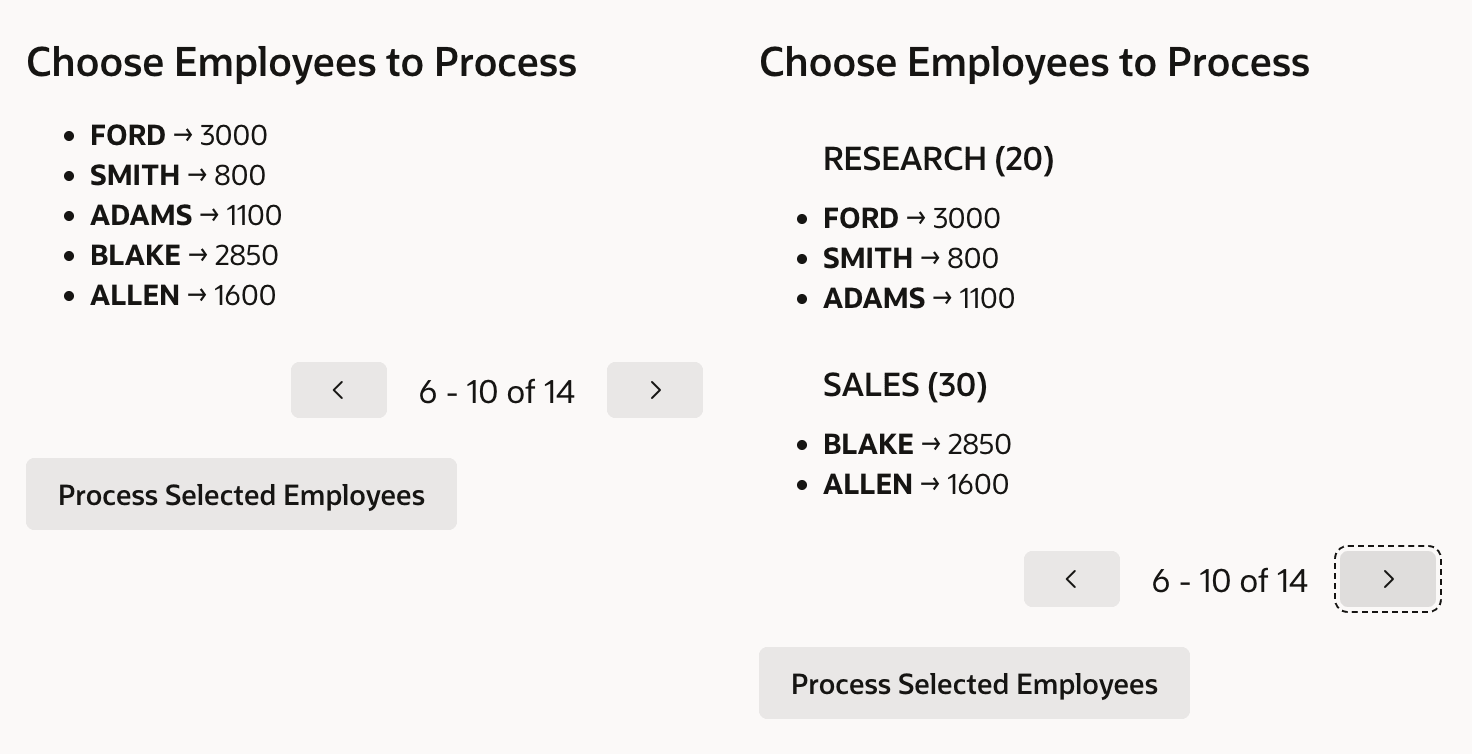
When you choose to page through results, users see a page at a time showing the
number of rows you configure. The figure below shows results from the
EMP table when configured to show five (5) rows per page. The usage
on the right is configured to group the data by departments.
Figure 7-10 Normal and Grouped Data with Pagination
Parent topic: Reusable Components Using HTML Skills