6.1.6 Displaying Facets in Add Filter Dialog
When you configure a facet, in the Appearance section of the Property Editor you decide whether it will display inline or appear in the Add Filter dialog.
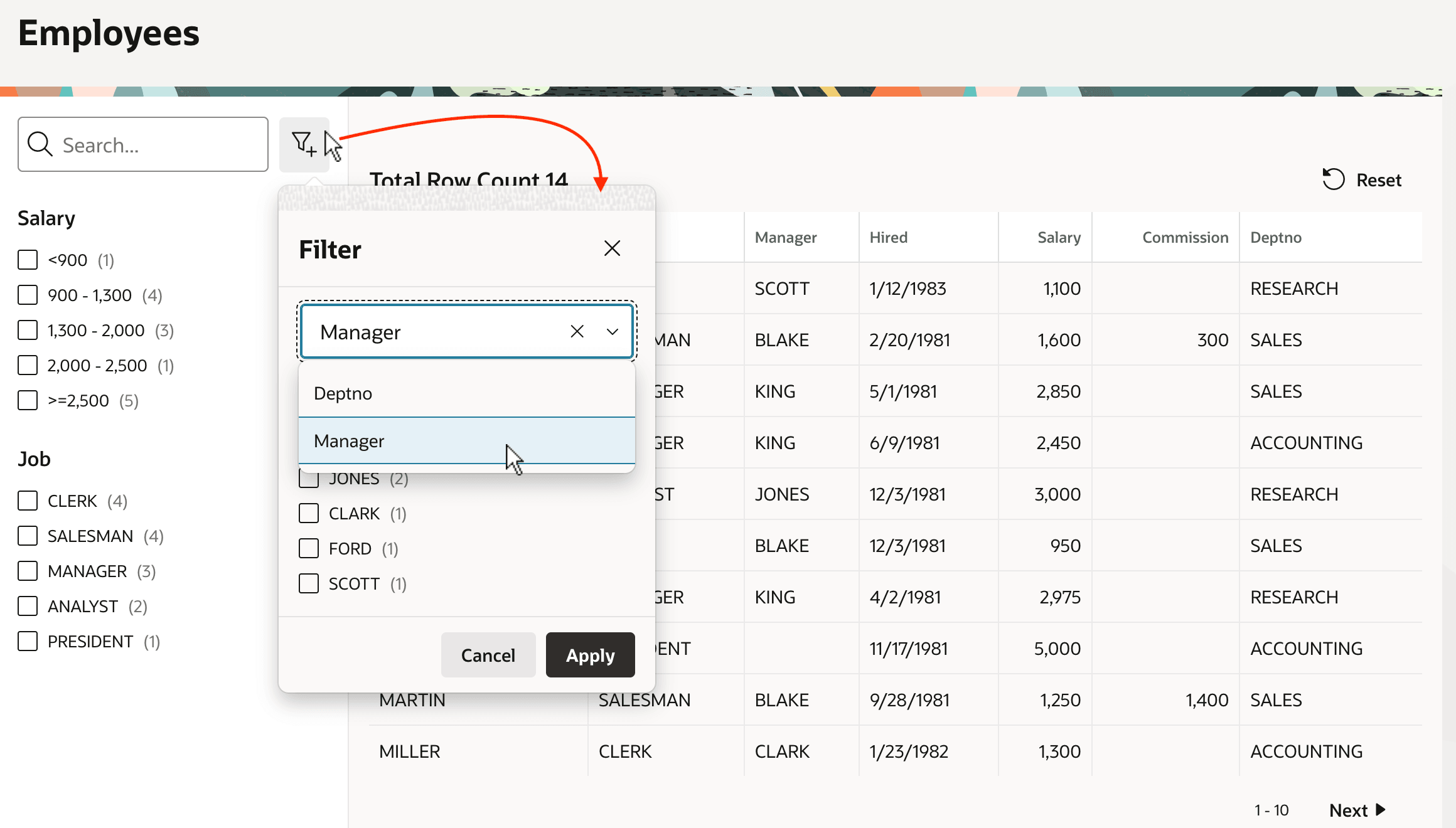
As shown below, the end user can click the Add Filter button to access a potentially large number of facets using a modal dialog. The Select One item at the top of the dialog lets users type to find the facet they want to use. Clicking the (Apply) button applies their filter options and dismisses the dialog.
Figure 6-6 Applying Filters from the Add Filter Dialog
Parent topic: Narrowing a Search Using Facet Filters