7.2.2 Downloading and Importing a Plug-in
You can download and import plug-ins to add specific functionality to your application.
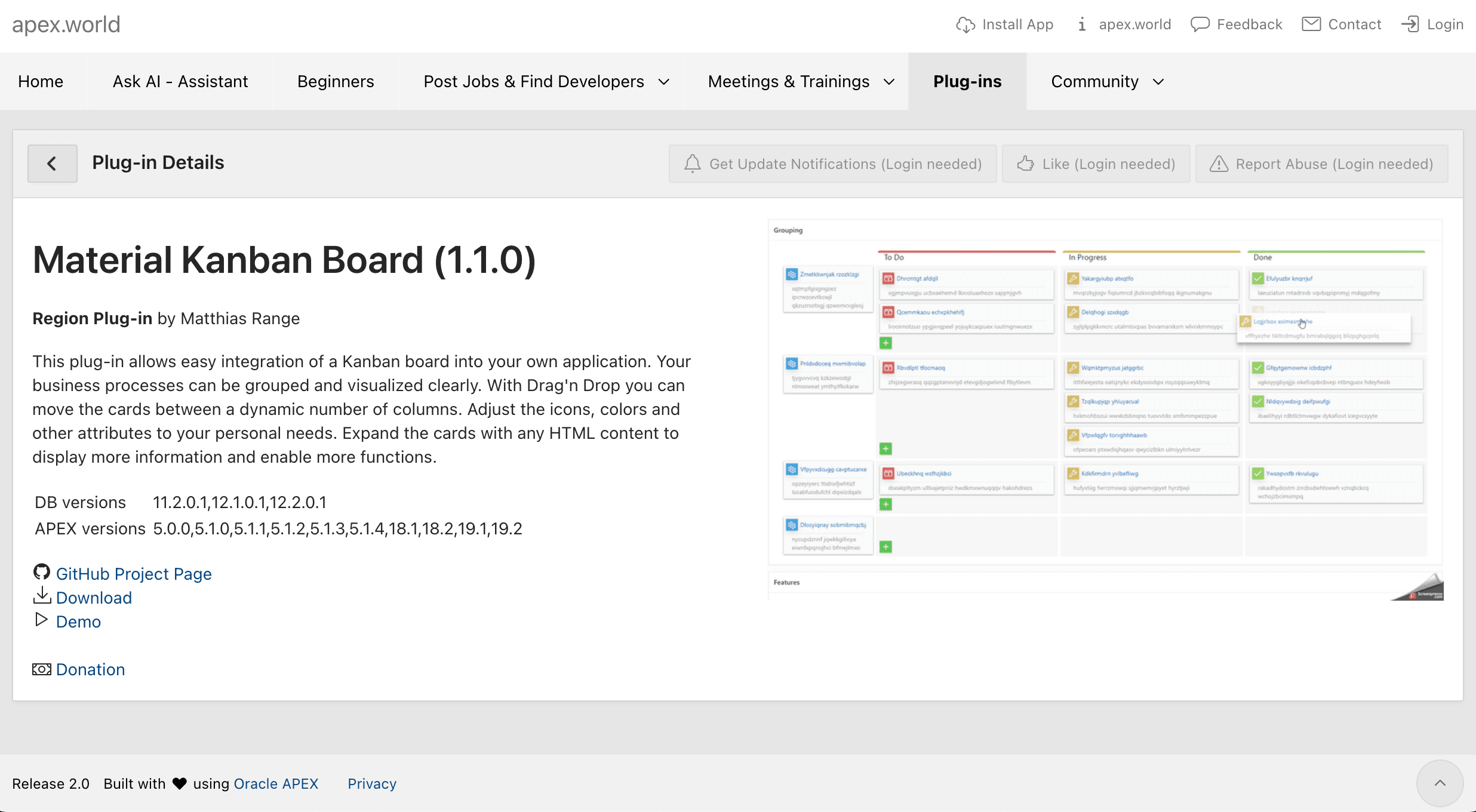
Searching the Plug-ins tab on https://apex.world for kanban, the Material
Kanban Board plug-in shown below appears. Clicking its download link and
unzipping the archive, you find its
region_type_plugin_material_kanban.sql export file. The figure
shows the plug-in details page on the apex.world site for the Material Kanban Board
plug-in.
Figure 7-21 Kanban Board Plug-in on apex.world
To import the plug-in into your app, visit the Shared Components >
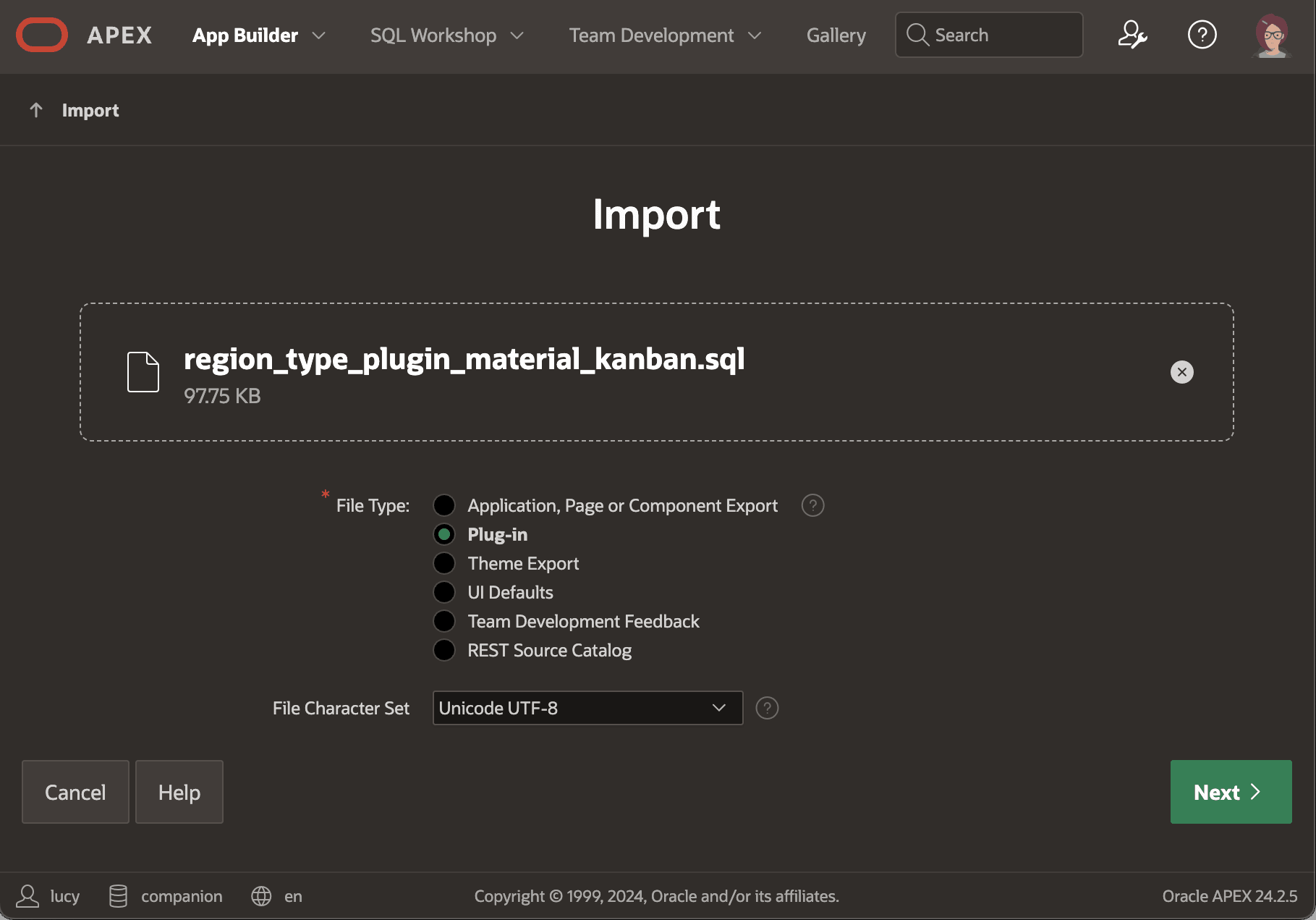
Plug-ins list page and click the (Import) button. Choose the
region_type_plugin_material_kanban.sql export file you downloaded,
and click (Next) to complete the import. The figure shows the
Import dialog after selecting the plug-in SQL file. Notice
the Plug-in option is selected in the File Type radio group.
Figure 7-22 Importing a Plug-in Into Your Application
Parent topic: Using a Plug-in from apex.world