25.3.5.1 Launching Woods Clinic Application
Launch the Woods Clinic application like a native app with persistent authentication.
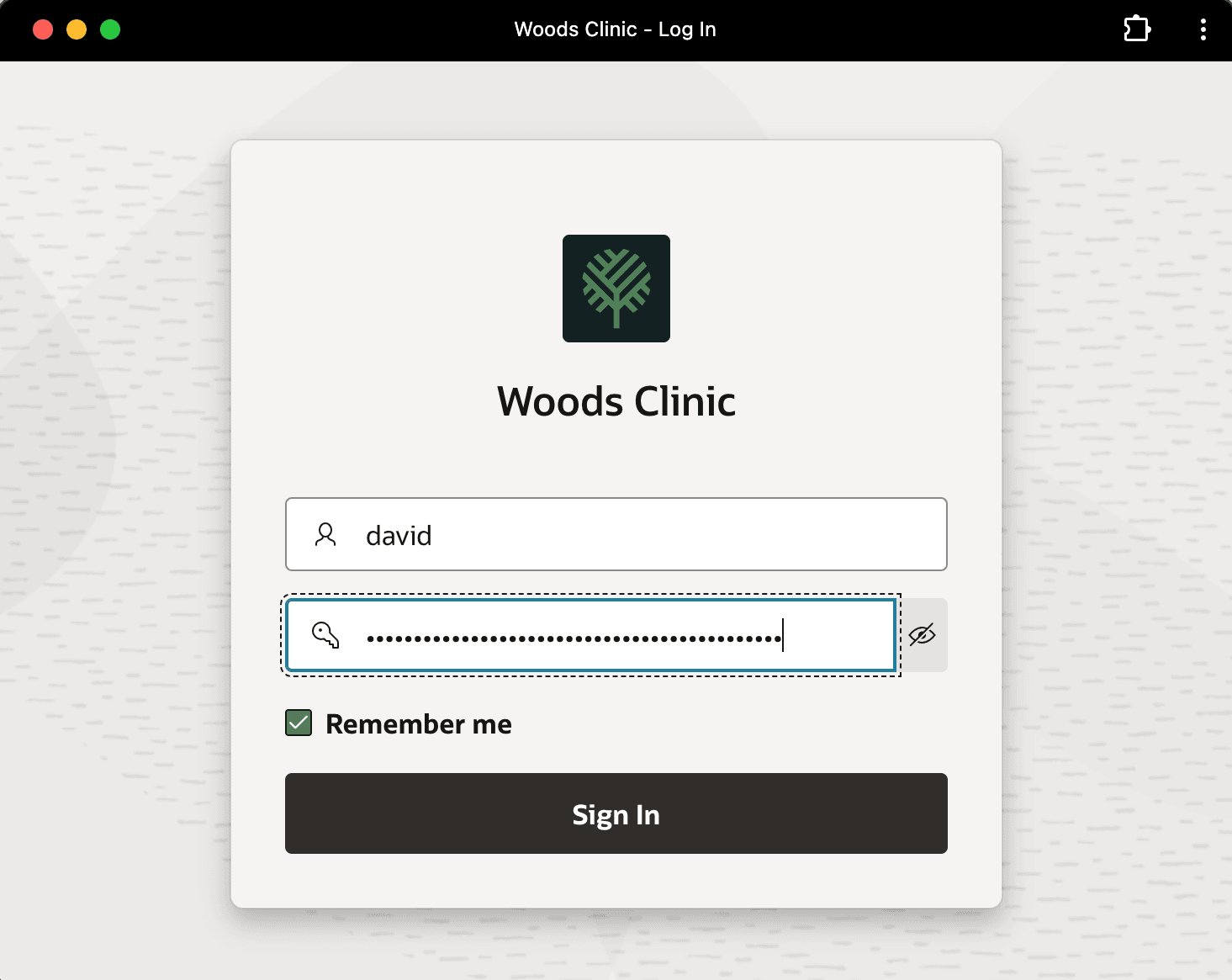
As shown below, earlier in the week when David logged into the Woods Clinic application, he checked the Remember me checkbox on the login page. He avoids having to type in his password every time he launches the app for the next 30 days.
Tip:
You enable this feature in APEX instance administration in the Manage Instance > Security settings. Set Allow Persistent Auth to Yes and adjust the Persistent Authentication Lifetime Days setting from the default 30 days if needed.
Figure 25-114 On David's Last Login, He Ticked the Remember Me Checkbox
As shown below, today David starts his day by launching the Woods Clinic app from the dock on his iMac. You enable the Progressive Web App (PWA) installable switch in your application definition, so with one click David added the app to his desktop to launch like other native Mac apps. He can do the same on his iPad and iPhone to launch the app with a tap on his home screen. When combined with the persistent authentication feature, this lets end-users immediately get to work just like they do with other apps they use everyday like Outlook, Slack, and more.
Figure 25-115 David Launches Woods Clinic APEX App from His Dock

Your Woods Clinic app opens in its own window like a native desktop application. As shown below, a PWA application has no browser address bar. Using a List region associated with your Navigation Menu shared component, the home page shows a tile for each screen David has access to as clinic staff member.
Tip:
Using built-in access control list security enforcement, the same home page shows a totally different set of tiles when a patient like Danny Deng logs in.
Figure 25-116 Home Page for Woods Clinic App Launched as a Native App
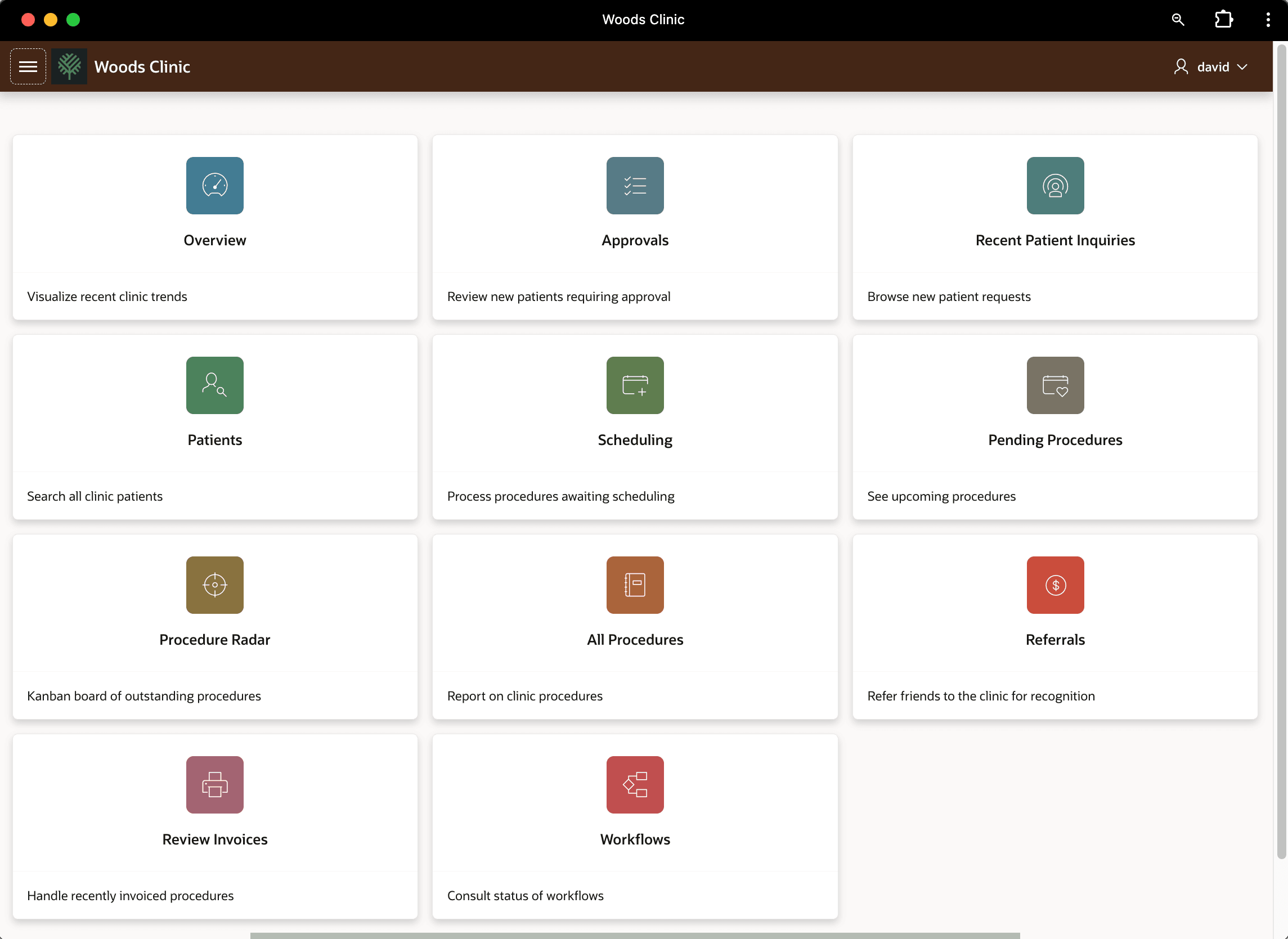
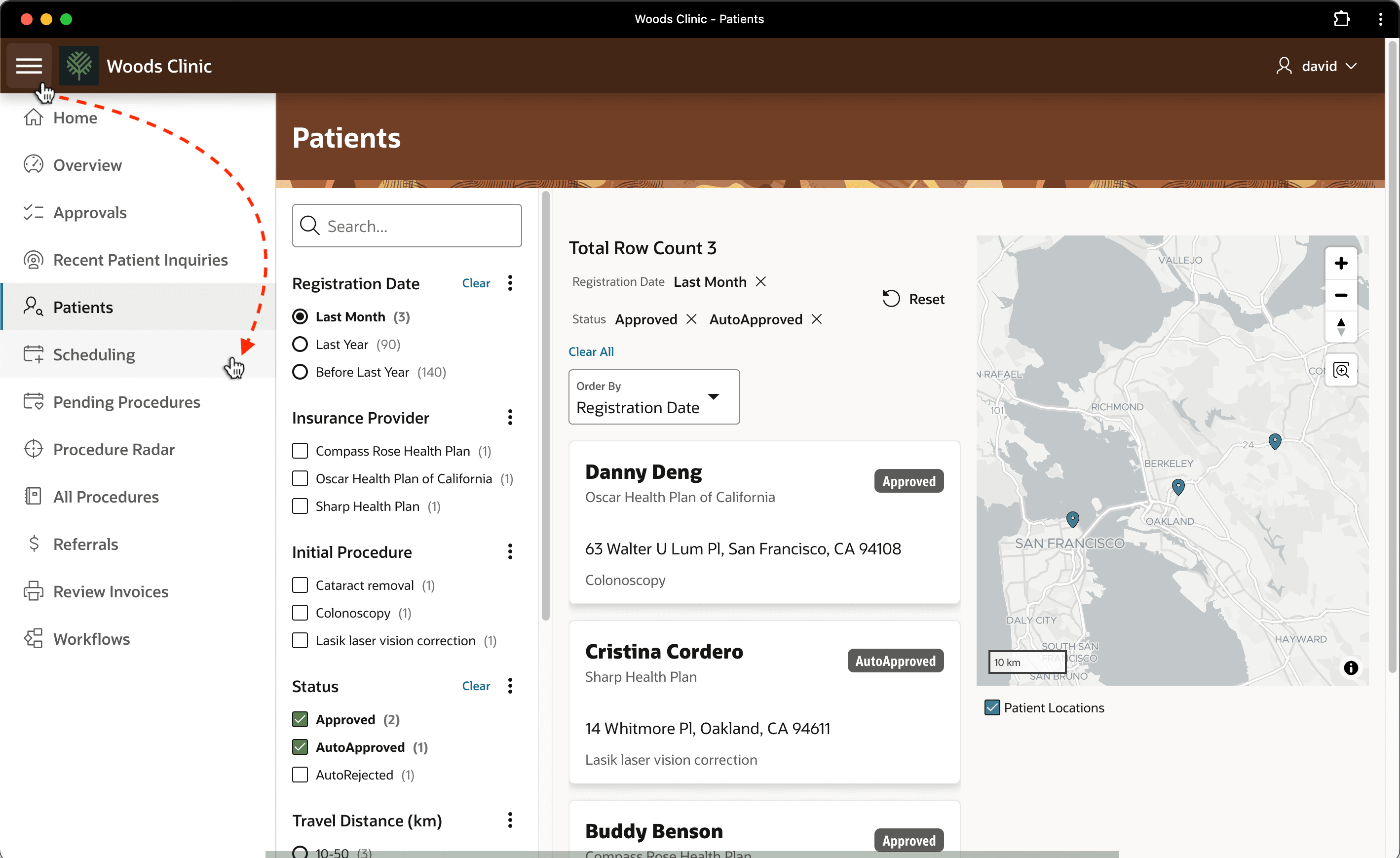
From any screen in the app, David can click the "hamburger" icon with three-horizontal lines in the upper left corner. This pops open the collapsible side menu. As shown below, he uses it to navigate to the Scheduling page to see if any medical procedures await him there.
Figure 25-117 Navigating to Scheduling Page from a Different Screen
Parent topic: Following a Medical Procedure Lifecycle