19.2.6 Running an Automation on Demand
Use the Automations list page to run one on demand.
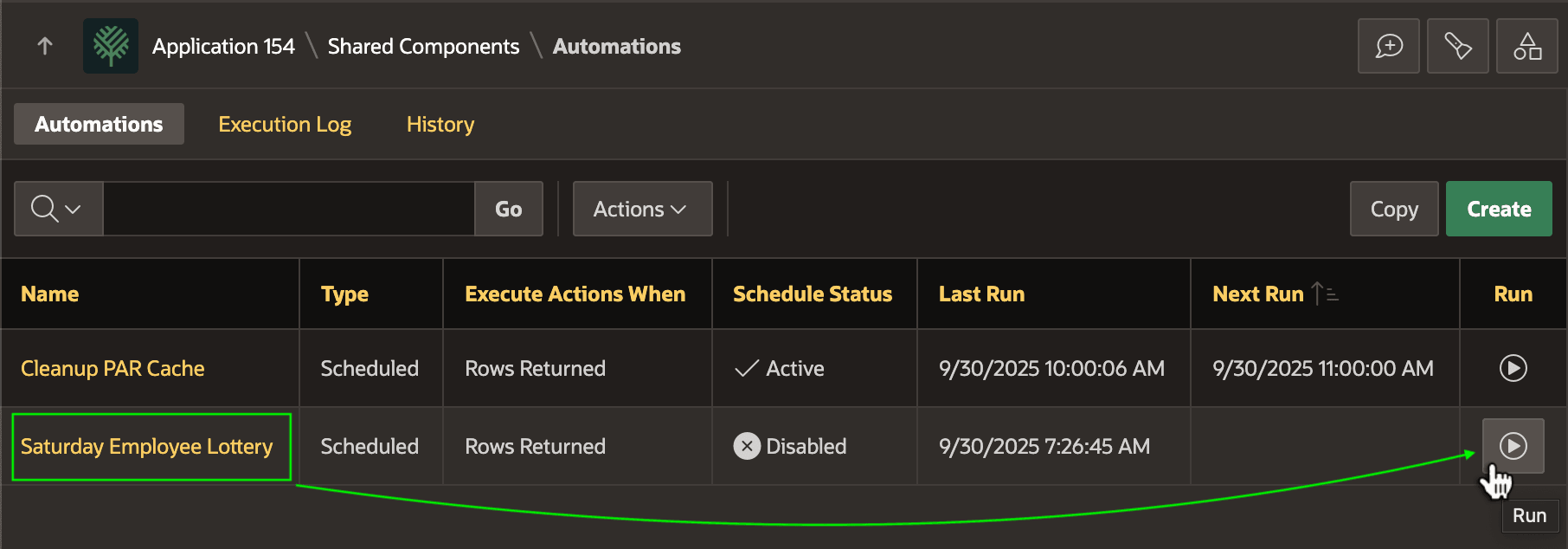
As shown below, clicking the "play" button in the Run column of the report executes the job. If the automation's Schedule Status is Disabled, then the job runs a single time. If it's Active, then it runs and uses the Schedule Expression you configured to determine the Next Run as well. The figure shows the Automations list under Shared Components in App Builder. It highlights the "play" button to run the Saturday Employee Lottery automation.
Figure 19-8 Running an Automation from the List Page
Parent topic: Exploring an Automation Example