13.3.2 Service URL Uses Remote Server
When working with REST APIs, you often use several endpoints from the same remote server. These service URLs share a base URL, including the domain name and any common path segments. Only the trailing part of the Service URL differs.
https://example.com/ords/cloudcompanion/emphttps://example.com/ords/cloudcompanion/deptAPEX supports this common usage pattern by storing the base URL in a Remote Server definition. When you create a new REST Data Source, APEX notices if the endpoint URL matches the base URL of an existing Remote Server. If not, it helps you define a new Remote Server to reuse later. As shown below, APEX detects the Employees service endpoint URL matches an existing example.com Remote Server, and assigns the trailing emp portion of the URL to the Service URL Path field.
Figure 13-6 Service Endpoint URL Base URL Comes from Remote Server Definition
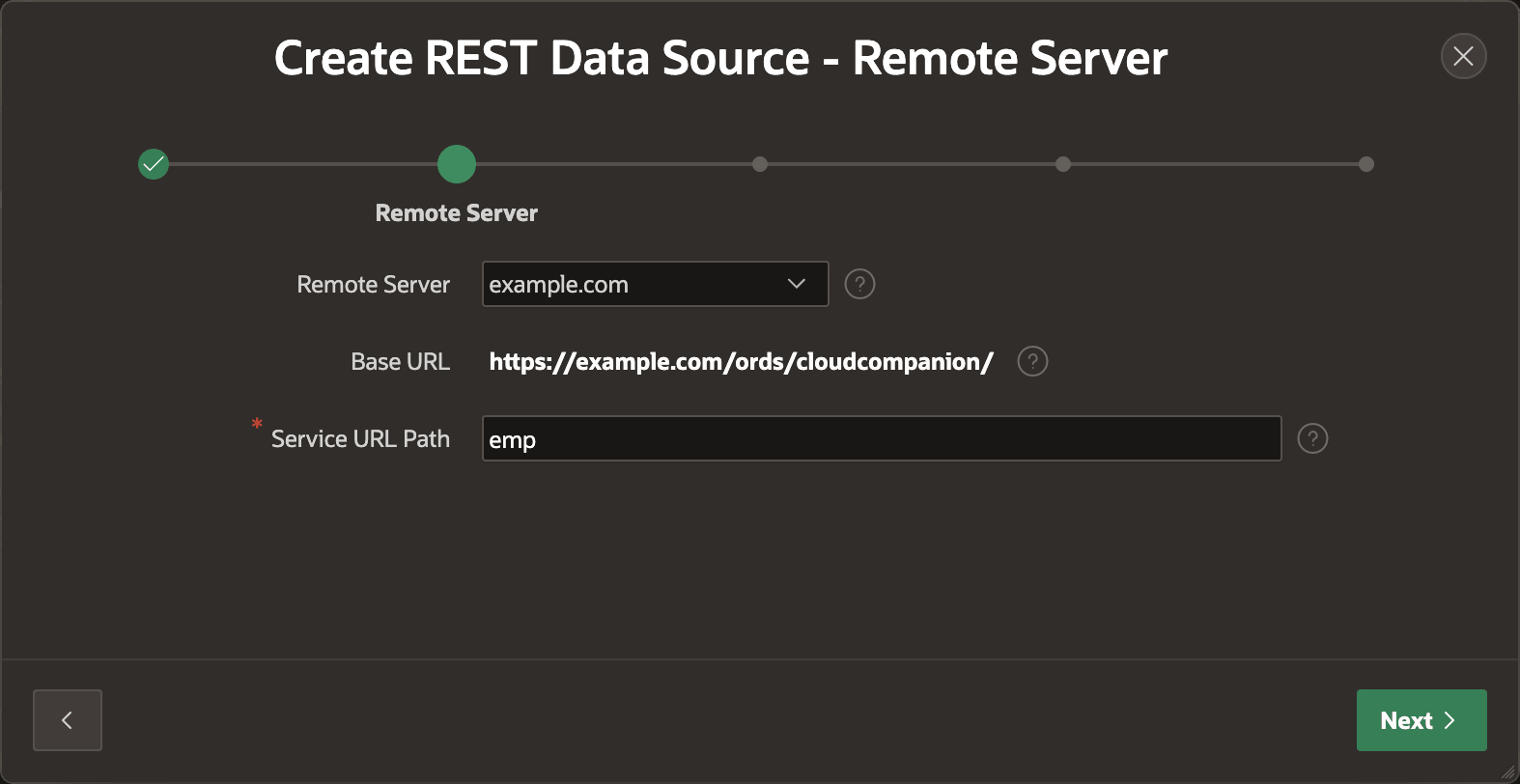
At runtime, APEX concatenates a REST Data Source's Remote Server Base URL and its Service URL Path to determine the full URL to use. APEX keeps these concepts separate to simplify another common requirement of REST integration. In your development environment, your application's REST Data Sources may work against a set of test endpoints. It is highly likely that in your production environment the application will need to work against the live endpoints that will reside on different production domains. APEX lets you set the base URL for each Remote Server differently in each environment, making it trivially easy to have your application talk to the live REST endpoints in production. The different Remote Server base URL values stay "sticky" to each environment, so when you update your production environment with a new version of the application, your REST Data Sources continue to interact with the correct production REST APIs.
Parent topic: Using REST APIs as Data Sources