Connection Properties
This topic provides an overview of setting up a Properties File for database connections.
You can setup a database Connection Properties File (or a resource bundle file) with configuration data in the form of key value pairs that is used to establish a connection using JDBC (Java Database Connectivity). You can also use the connection properties file to customize the driver for a database environment. To create a new properties file, access the Properties tab on the DB Navigator - Settings > Connections window and click the Add icon in the Connection properties section.
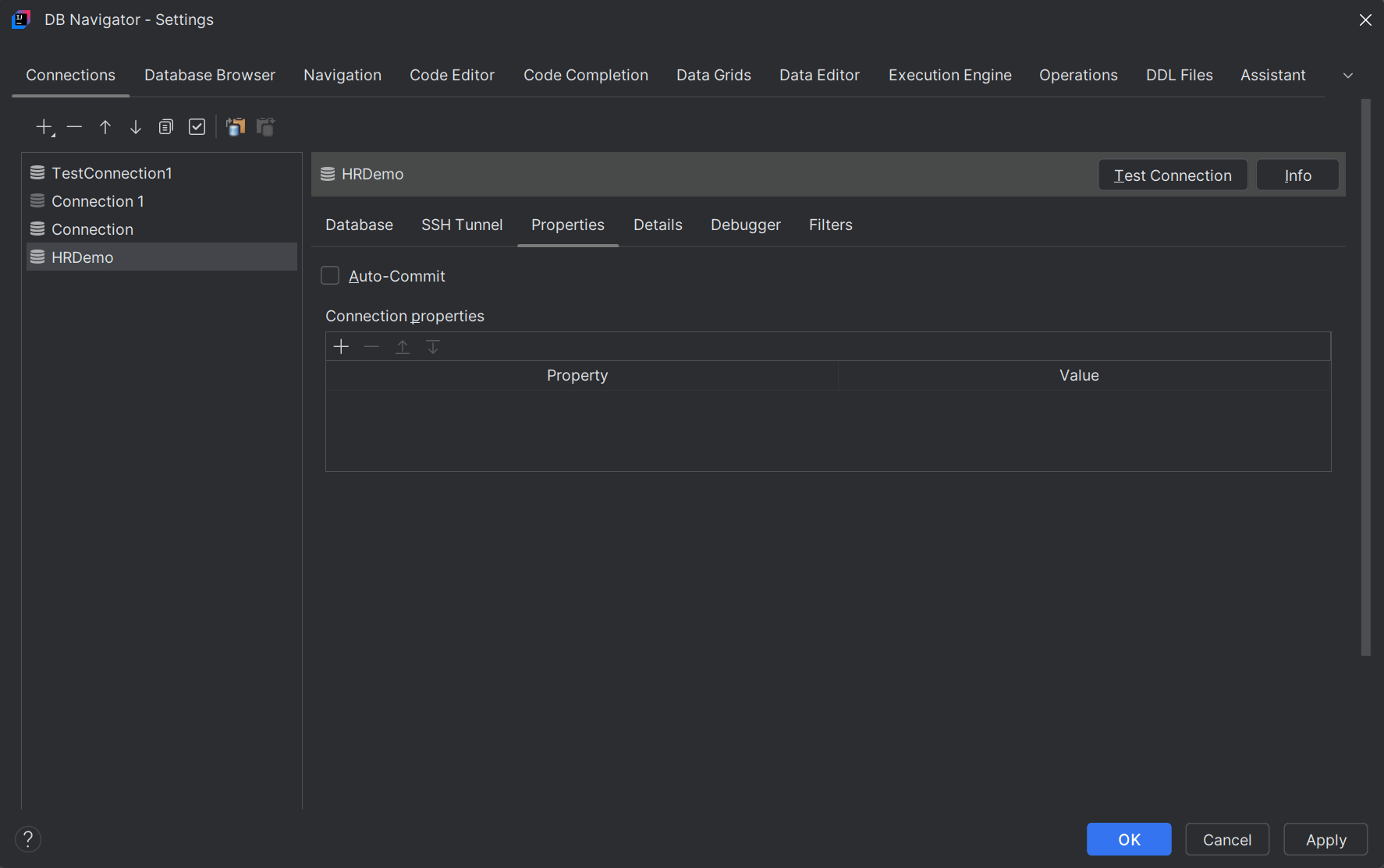
When you use the properties file for a Driver Manager, the property is defined as a key-value pair with the syntax property=value.
You can configure connection properties for the following categories:
- DB authentication
- Network connection
- TLS/SSL
- High availability
- Tracing
- DRCP
- Sharding
- Performance
- API Behavior
- LDAP
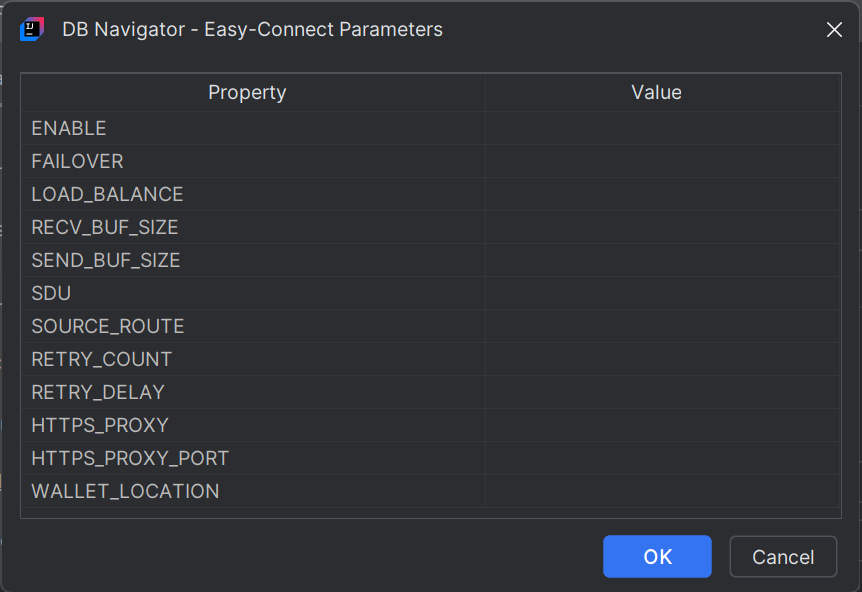
See the Oracle Driver Connection document for more information on Oracle JDBC connection properties.
Parent topic: Database Configuration