Driver Management
This topic provides an overview of driver packages supported by the plug-in.
- Bundled Library
- External Library
| Driver Source | Desrciption |
|---|---|
| Bundled Library | This configuration uses the drivers delivered with the database you want to connect. JDBC drivers for the supported databases are delivered with the product binaries (this option is recommended for less experienced users). The latest stable versions of the drivers at the time of release are provided.
|
| External Library |
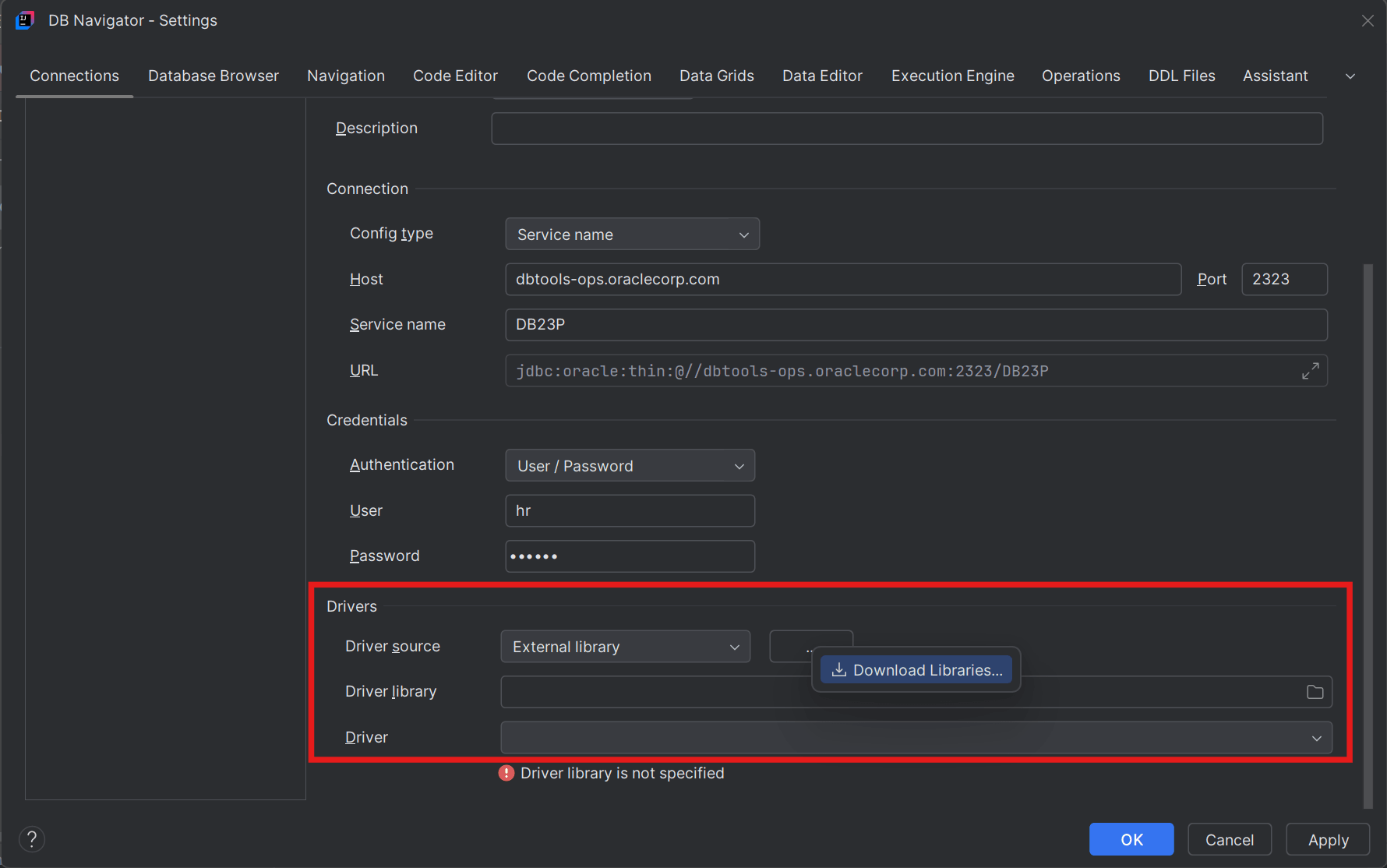
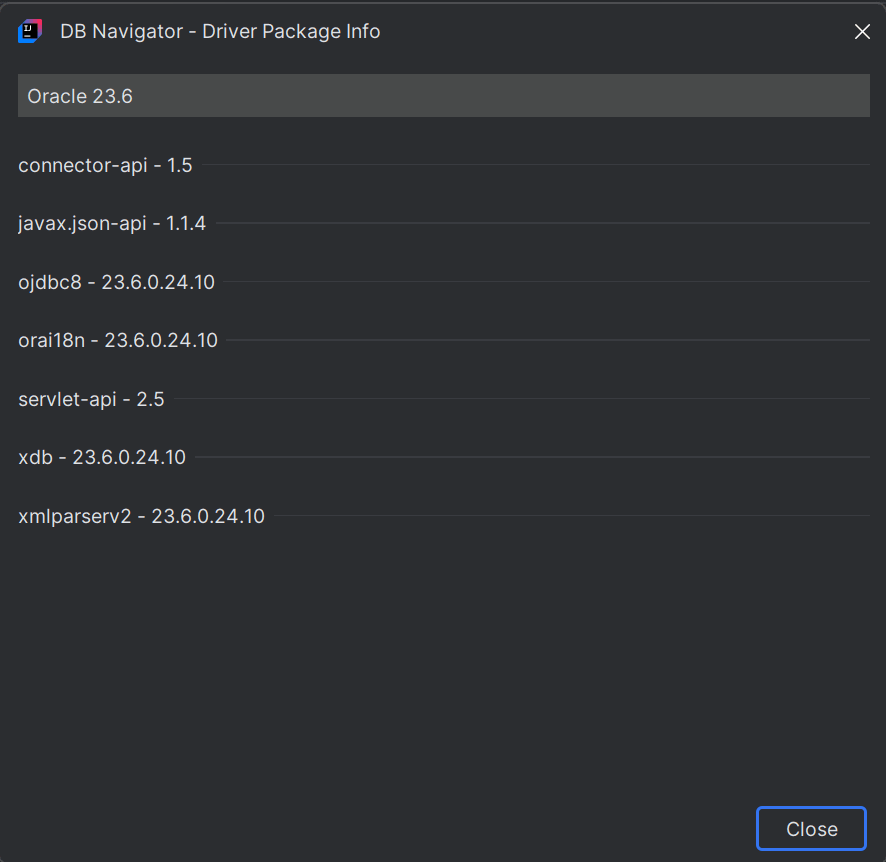
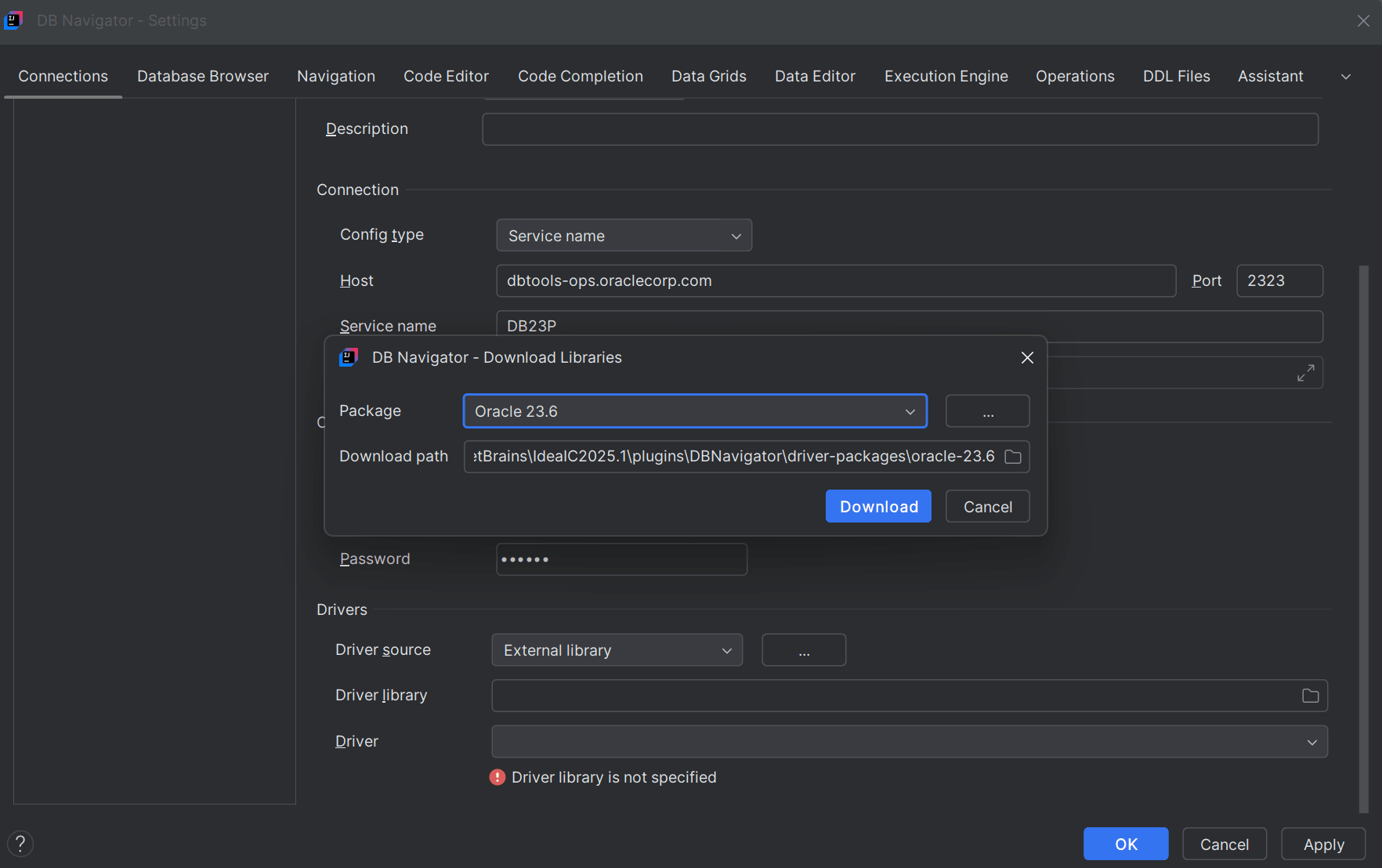
This configuration allows you to select externally downloaded driver libraries. Guided External Driver Package downloadAfter selecting the Driver Source as External library, you have the option of downloading available external packages.
Through this guided download feature, you can download available external libraries to your local machine and then select the driver package to connect.
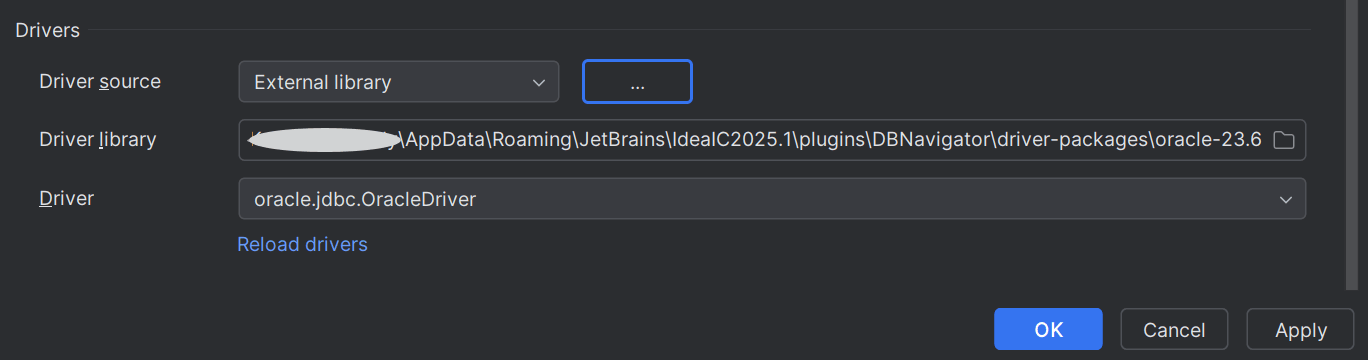
Custom External Driver Package download You can also have external custom driver packages downloaded on your local workstation. After selecting the Driver Source as External library, proceed to select the external library location on your workstation where the driver package is located. Selecting the directory folder displays the available Drivers as drop-down options to select.
|

Parent topic: Database Connection Management