Creating Command Line Interfaces for Script Execution
This topic describes the procedure for creating command line interface client in Oracle® Database Navigator.
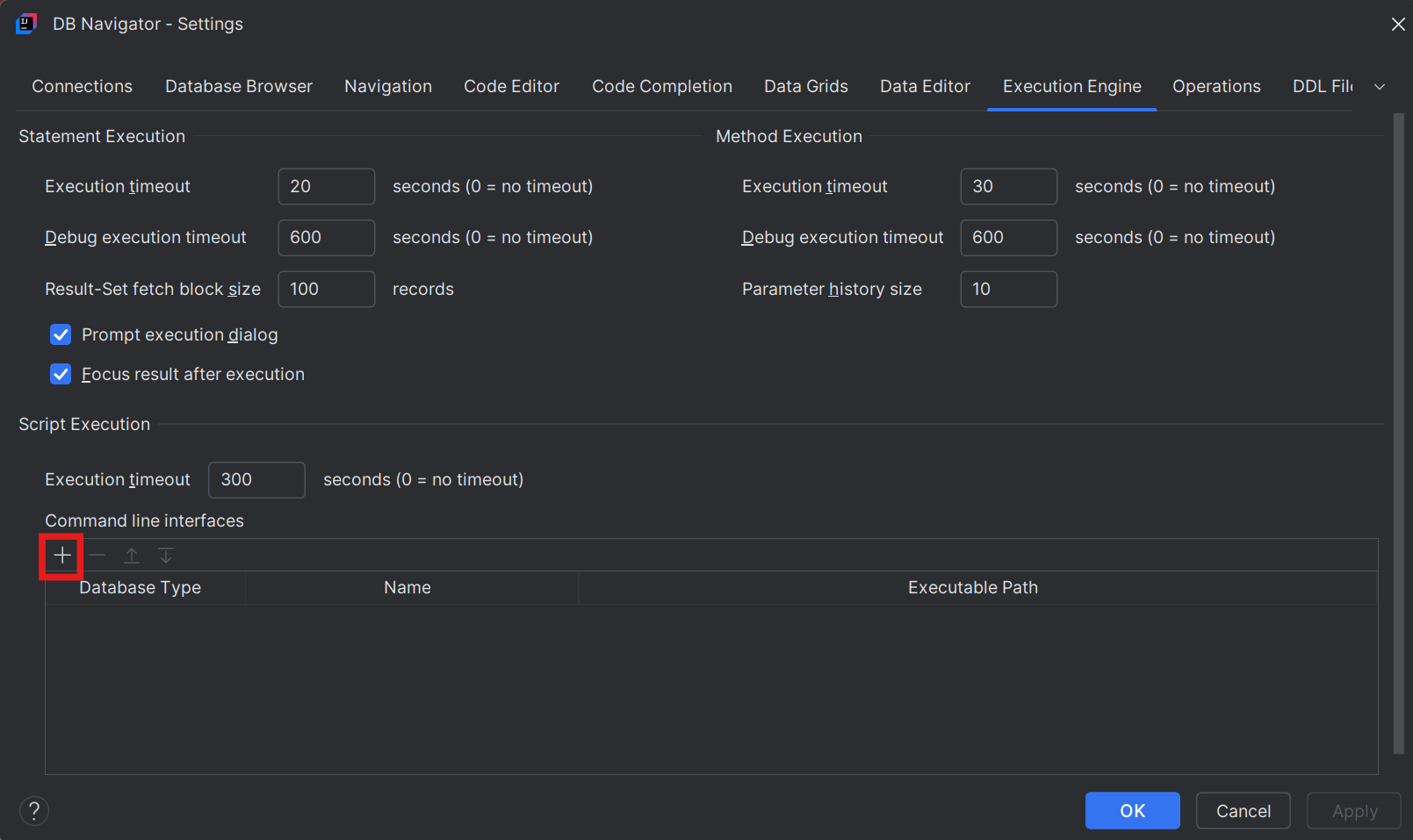
- On the Script Execution section of the Execution Engine settings tab, click the Add (+) icon for Command Line Interfaces section.
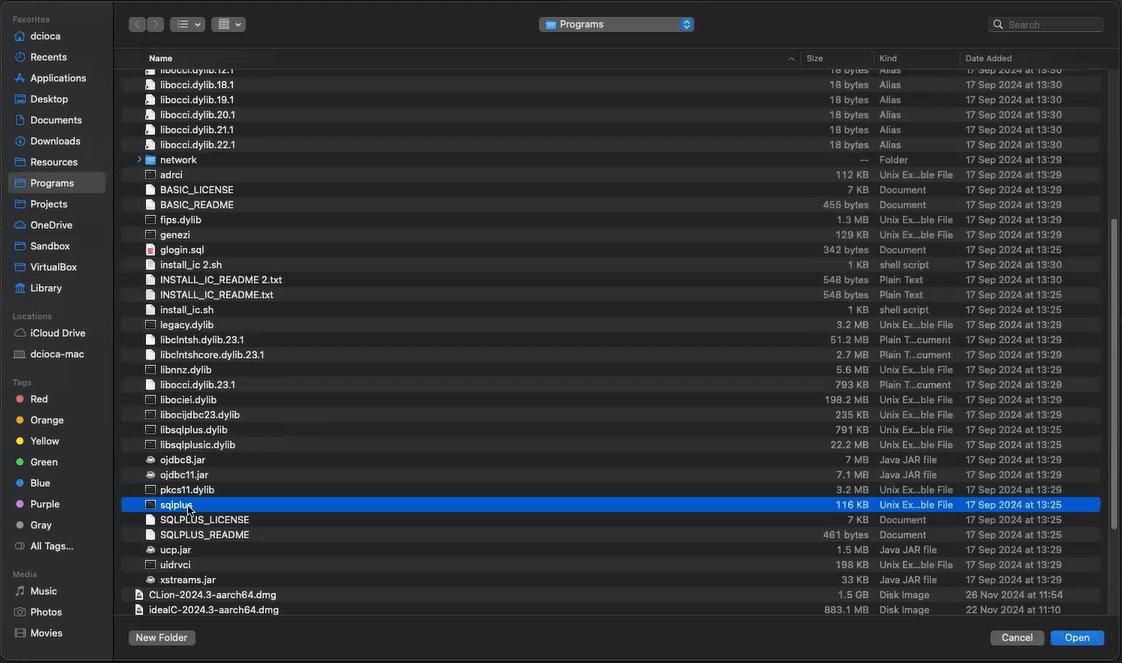
- Select the SQL*Plus executable file stored in your workstation and click Open.
The DB Navigator - Add Command Line Interface dialog box opens.
- Enter the Client Name. The Database Type and Client Executable fields are pre-filled based on your previous selections.
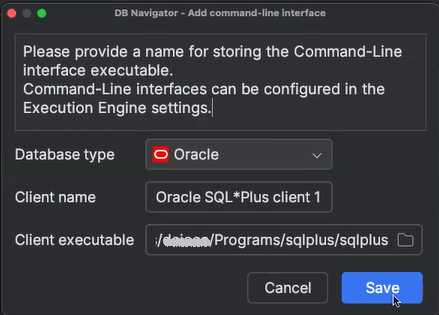
- Click Save.
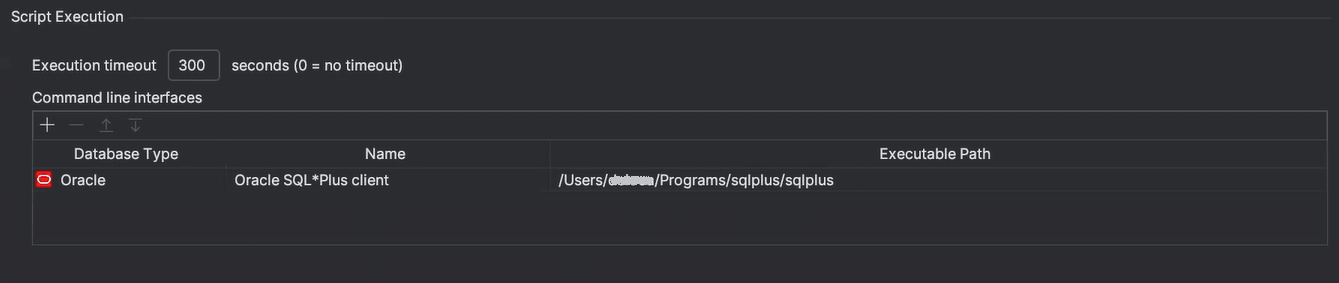
The new command line interface client for the selected database type is created and added in the Oracle® Database Navigator tool. You can use the stored CLI clients to execute the SQL or PL/SQL scripts in the terminal.
Parent topic: Executing Scripts