Executing Scripts
This topic describes the procedure to execute PL/SQL scripts.
The execution engine in the Oracle® Database Navigator tool supports running multiple SQL statements as SQL scripts and display the results in the DB Execution Console window. To execute an SQL script in the editor window:
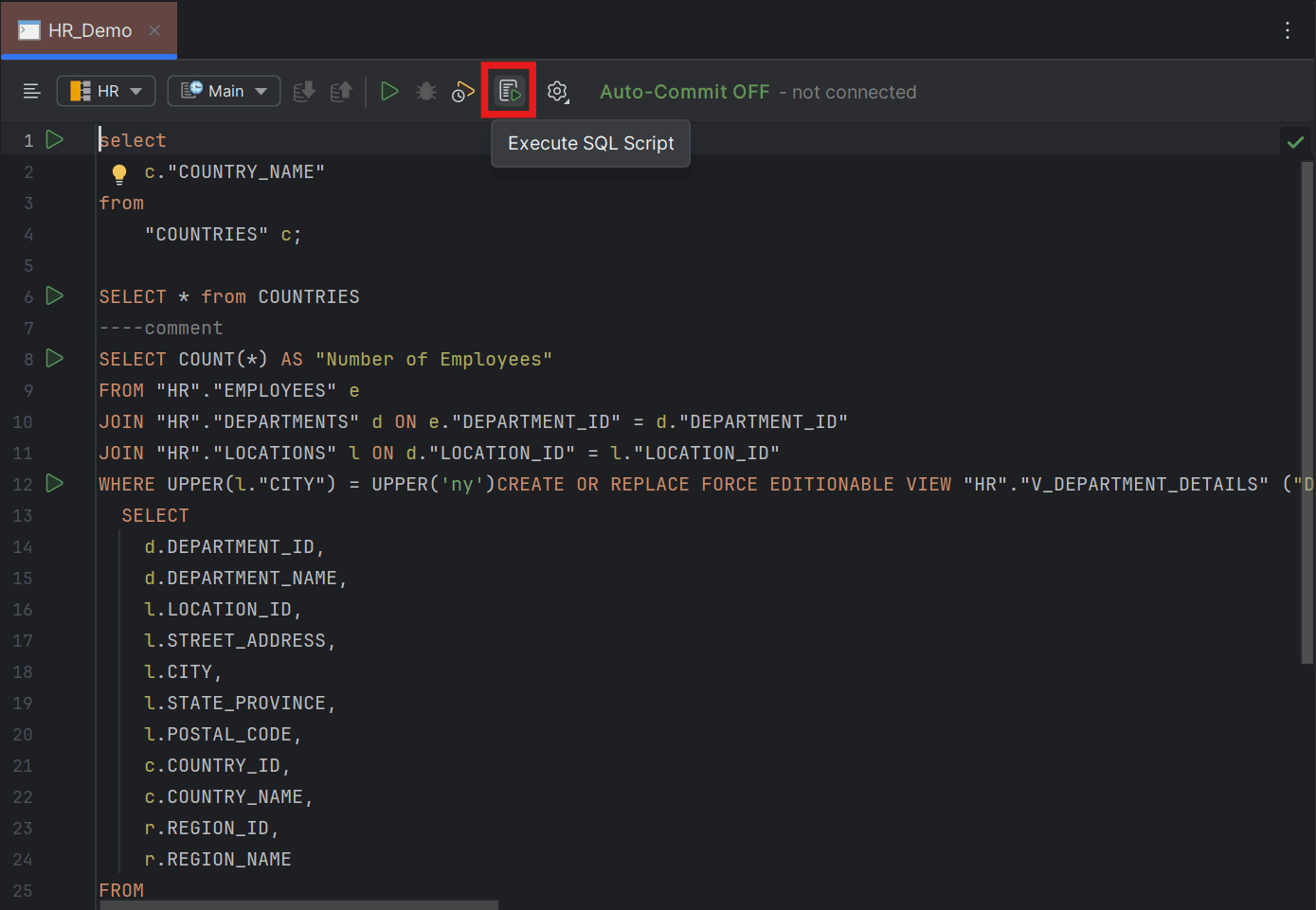
- Click the Execute SQL Script icon from the toolbar menu of the SQL editor window.
The DB Navigator - Execute SQL Script dialog box opens displaying the target database connection and schema.
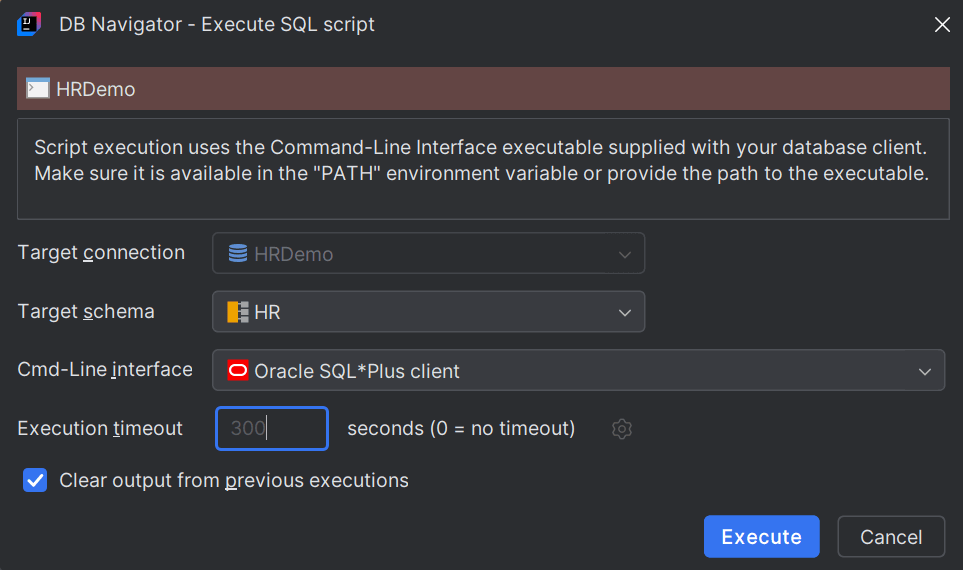
By default, the Oracle SQL*Plus Client is used for execution of the script.
- Click Execute.
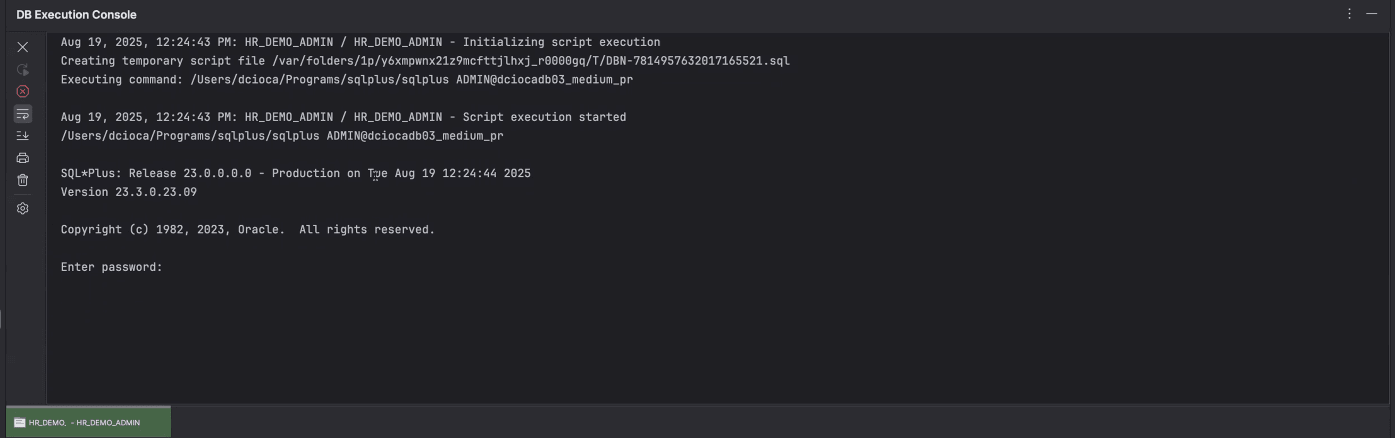
The DB Execution Console window opens displaying the results in a dedicated tab. Information about the total number of records fetched and the execution time is displayed. If the execution fails, appropriate error messages also display in the console window.
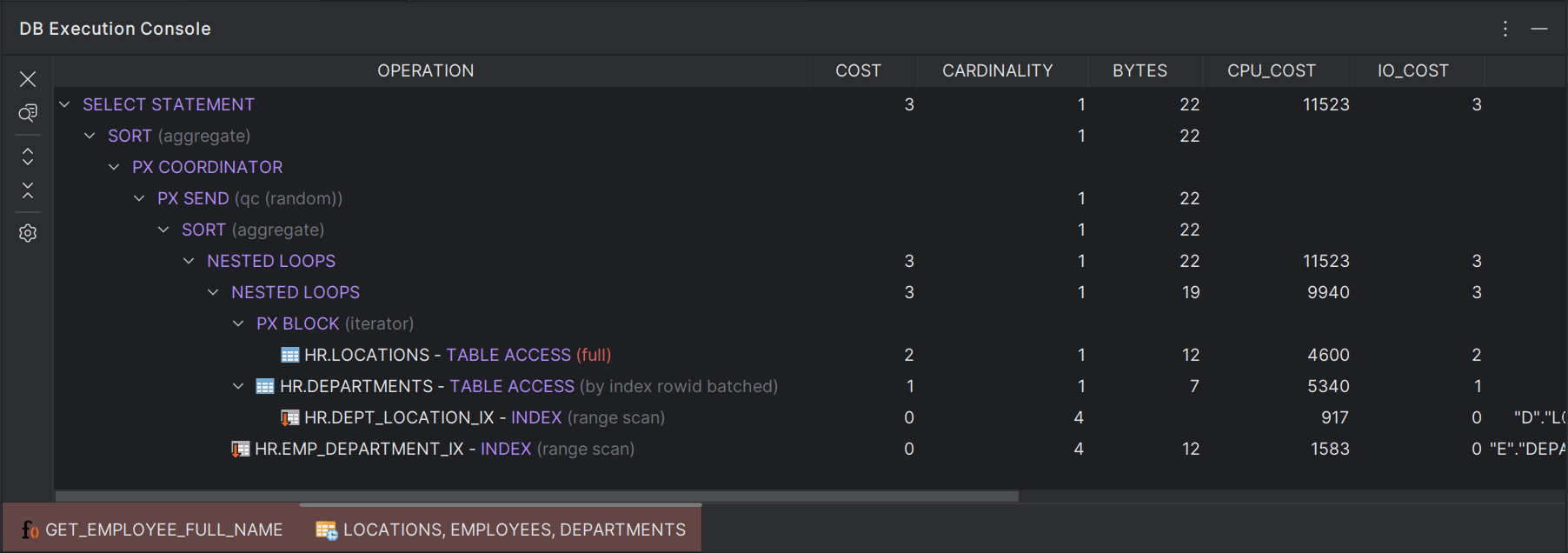
You can also extract and view the execution plan for the SQL script by clicking the Execute Plan for SQL Statement icon on the editor toolbar menu.
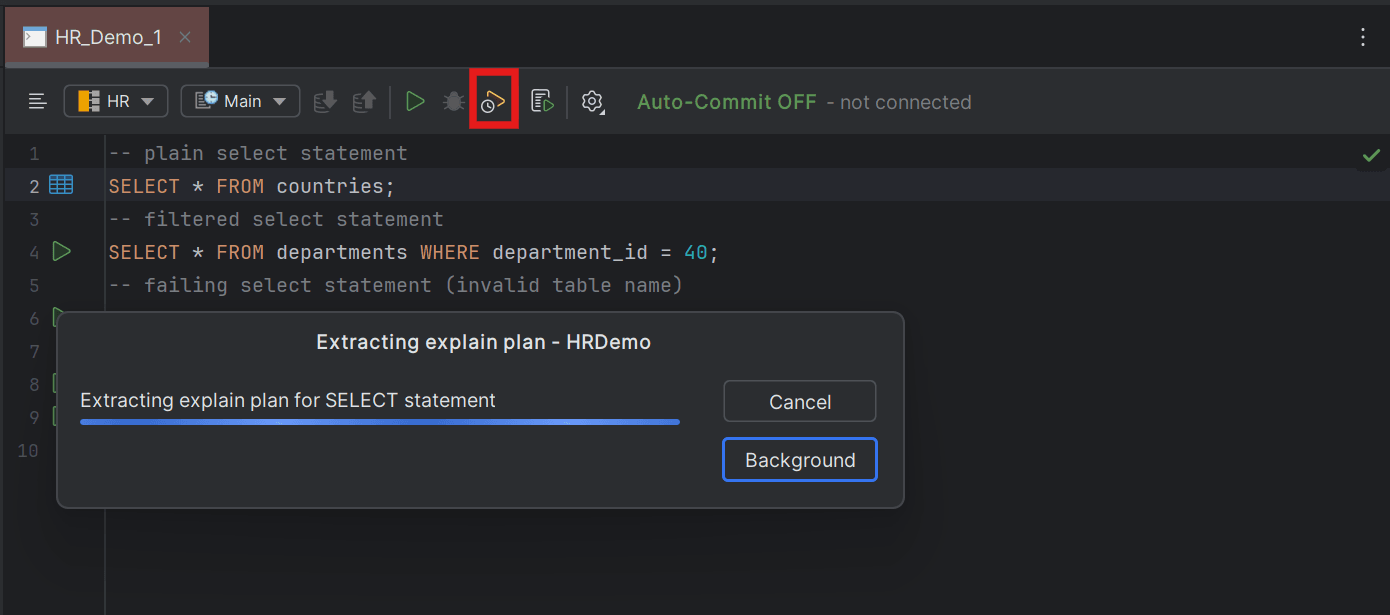
The execution plan provides a complete breakdown of the SQL statement with details of the operation performed, cost in terms of resource utilization, projection and predicates and displays it on the DB Console window.
- Creating Command Line Interfaces for Script Execution
This topic describes the procedure for creating command line interface client in Oracle® Database Navigator.
Parent topic: Execution Engine