Database Views
This topic describes the viewing modes available for database connections in the database browser window.
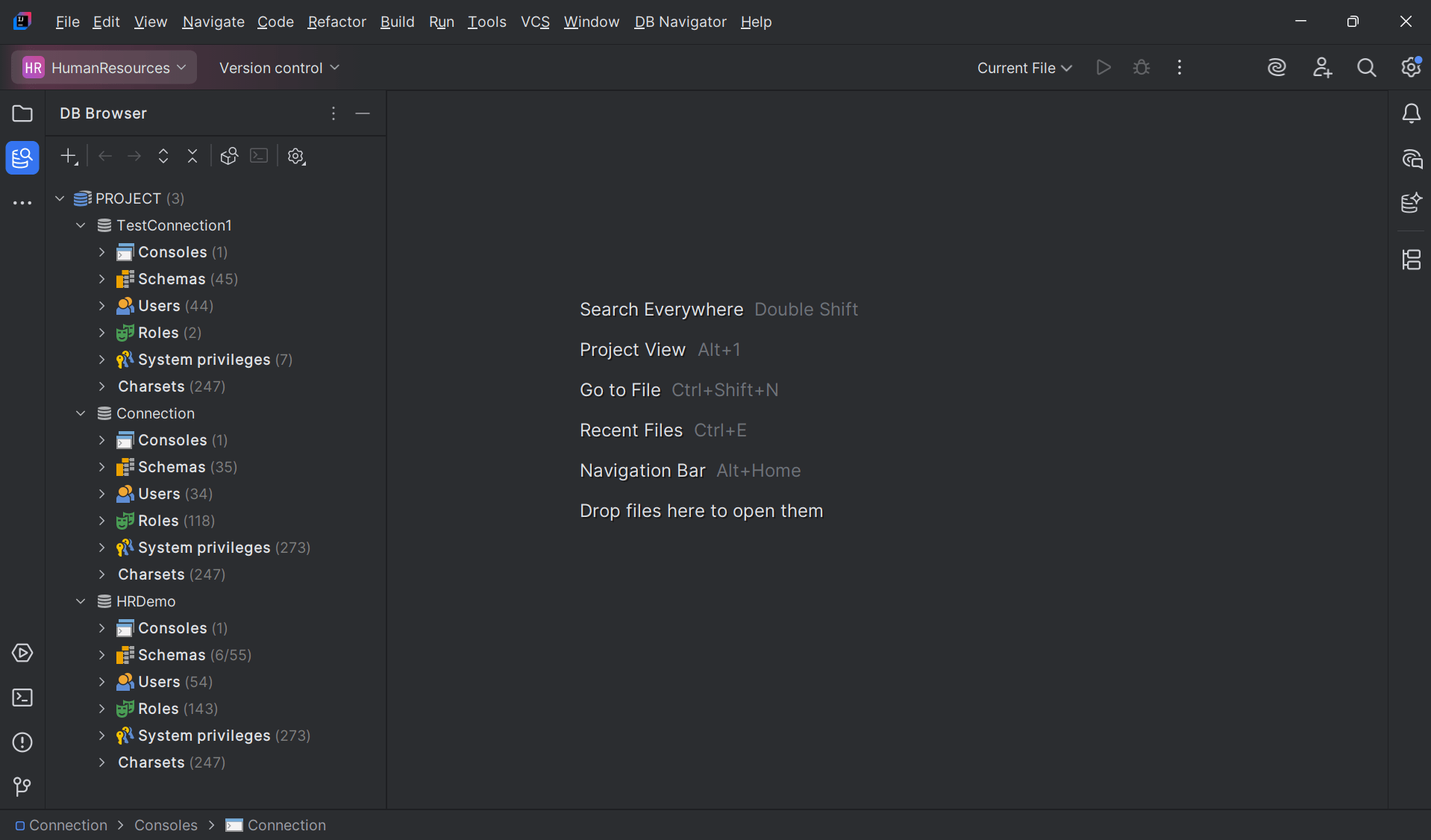
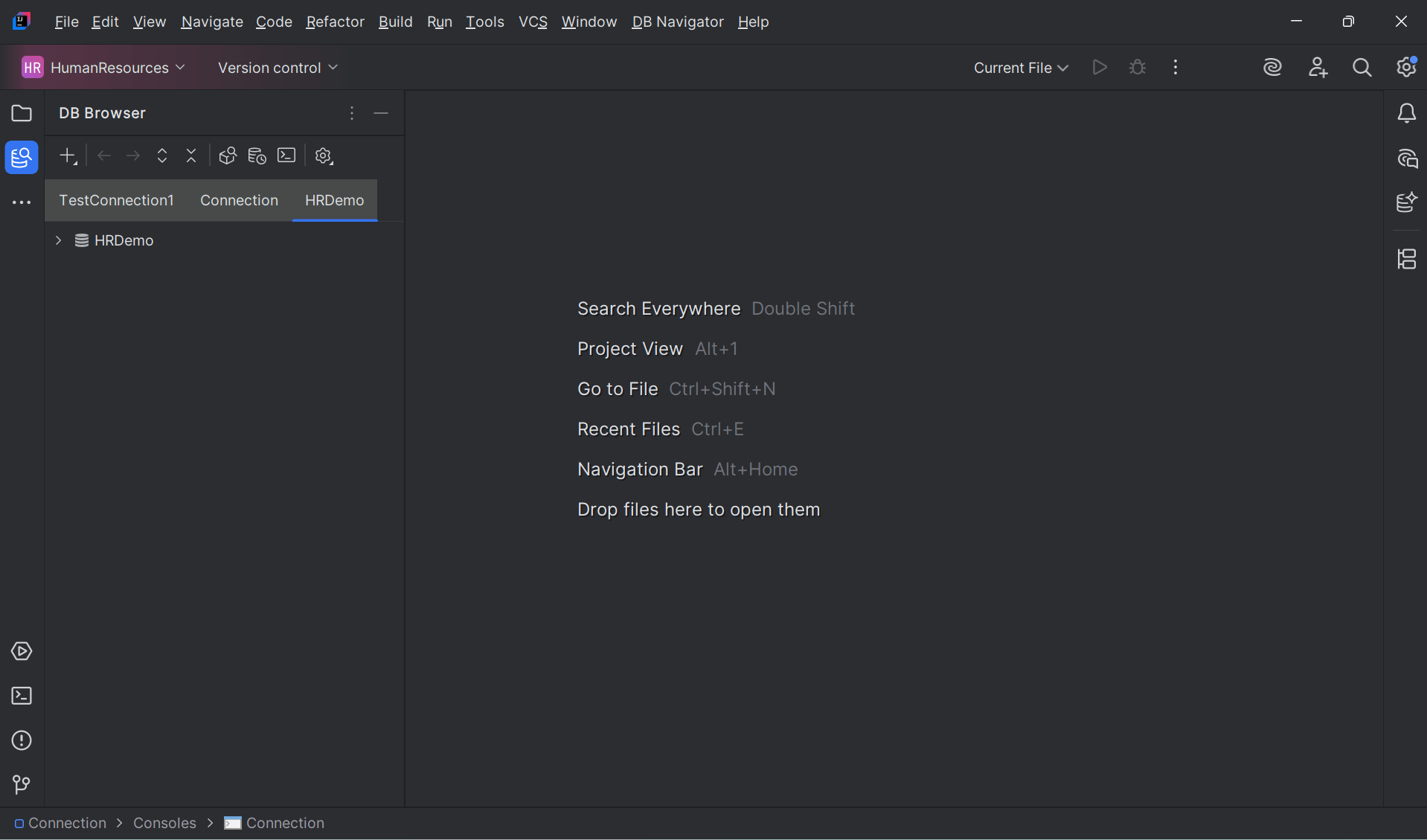
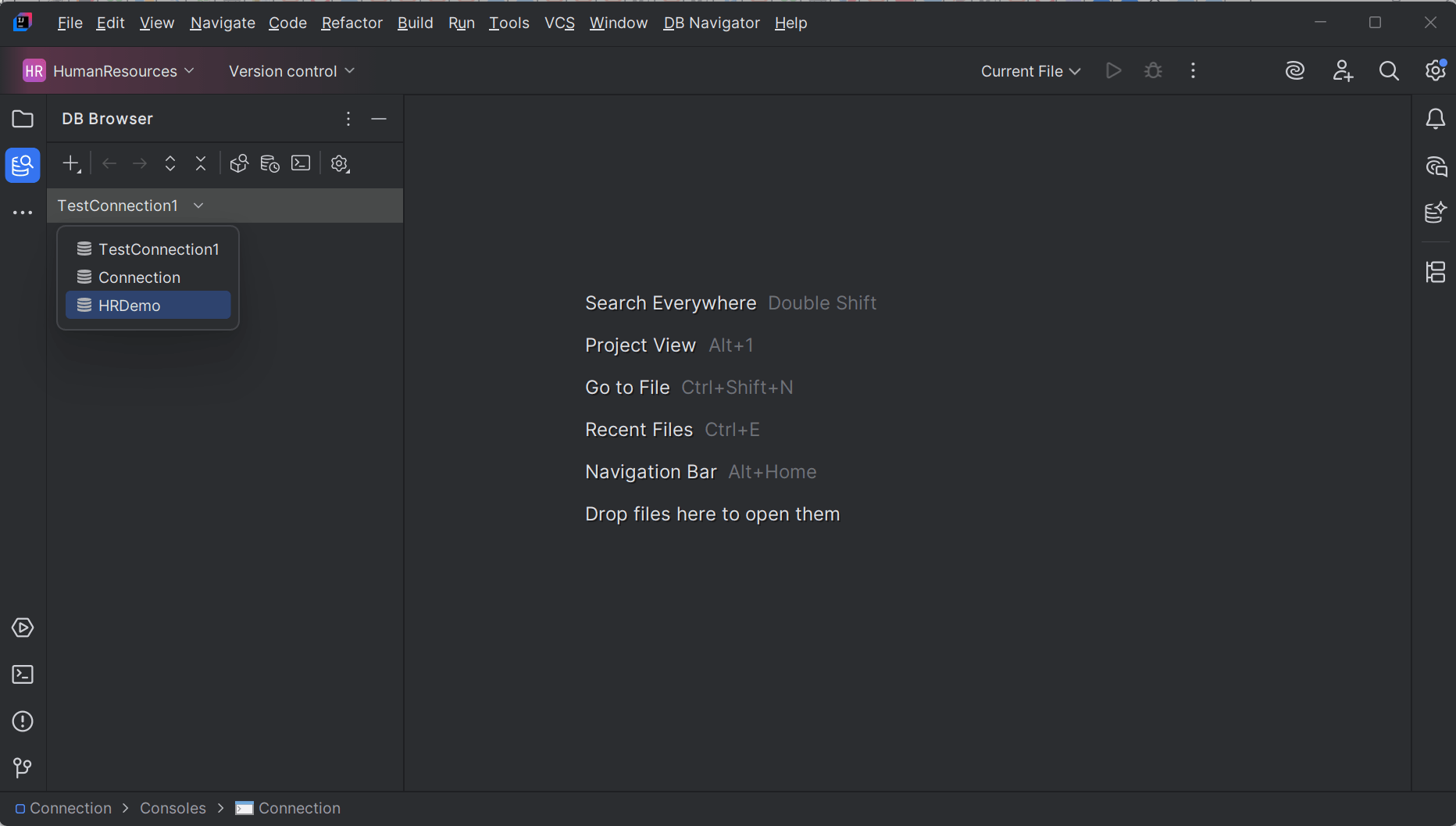
The Database Browser window primarily displays the database connections and the database objects, including their count and status within the connected databases. The connected databases and their objects are presented in a tree structure. Oracle® Database Navigator supports the following database views that you can configure from the Browser Type settings:
- Single Tree
- Connection Tabs (default view)
- Connection Selection
Parent topic: Database Browser