DDL File Extraction
This topic provides an overview of extracting DDL scripts associated with database objects.
While viewing a data object on the DB Browser window of Oracle® Database Navigator, or having the object open in the editor window provides you the option to extract and view any associated DDL script file for that object. The Extract DDL Statement option for data objects opens the attached DDL script (if any) in the editor that you can view and edit.
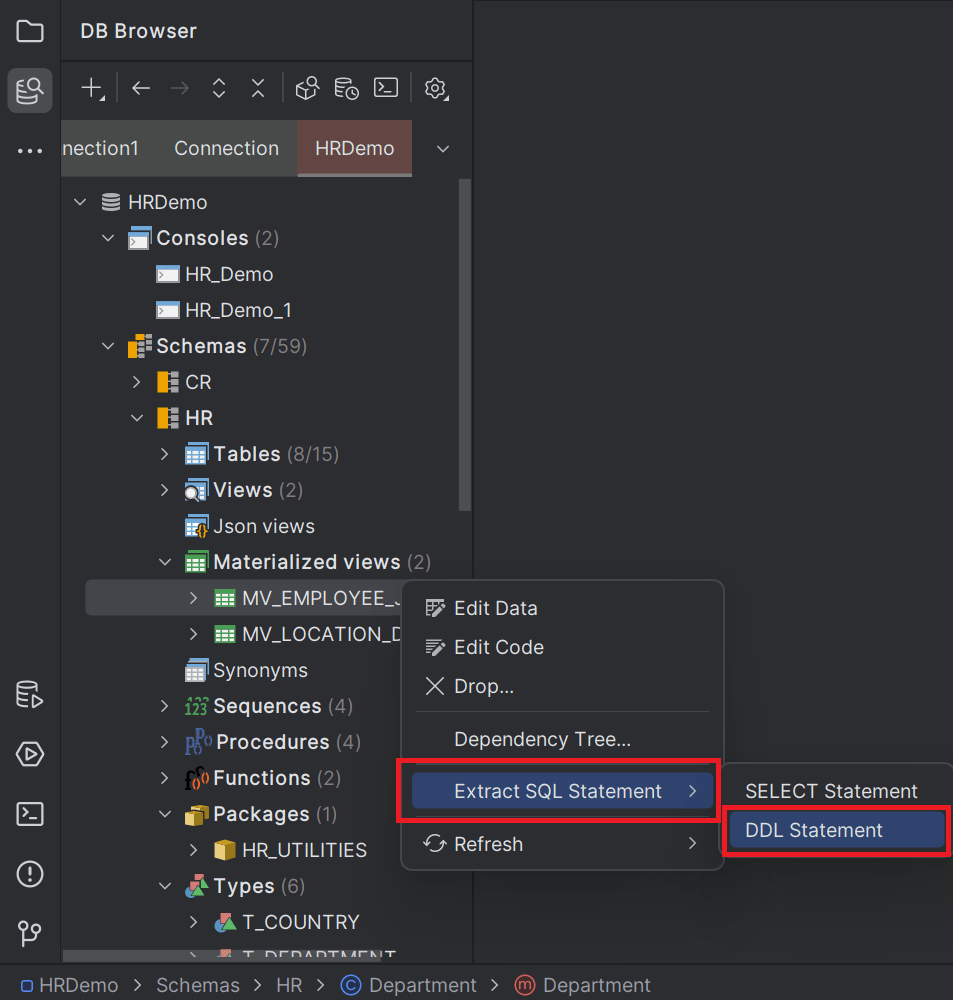
Once the DDL statements for database objects are extracted to the clipboard (if available), you can utilize the DDL script in the following ways:
- Copy or save the DDL file in your project attaching to database objects.
- Open the DDL script file in the SQL editor for modification.
- View the exact structure of tables, indexes, views, and other objects created using the associated DDL commands.
- Use the DDL files for execution of methods and programs or use them with version control system for updating the code base for each build.
Parent topic: Workspace Integration