File Connection Mapping
This topic provides an overview of mapping local project files to database connections.
The association between your local project files and a database connection is established through File Connection Mappings. File connection mappings provide a database context for the SQL and PL/SQL files within your project, that defines which database connection, database schema and session within that connection, will be accessed when you edit or execute the file, by integrating your workspace with a database.
Use a file connection mapping if you need to differentiate users from each other at the database workspace level or if you need to direct them to separate database workspace.
To view the existing File Connection Mappings of your project files, from the Main menu of the Oracle® Database Navigator toolbar, select DB Navigator > File Connection Mappings.
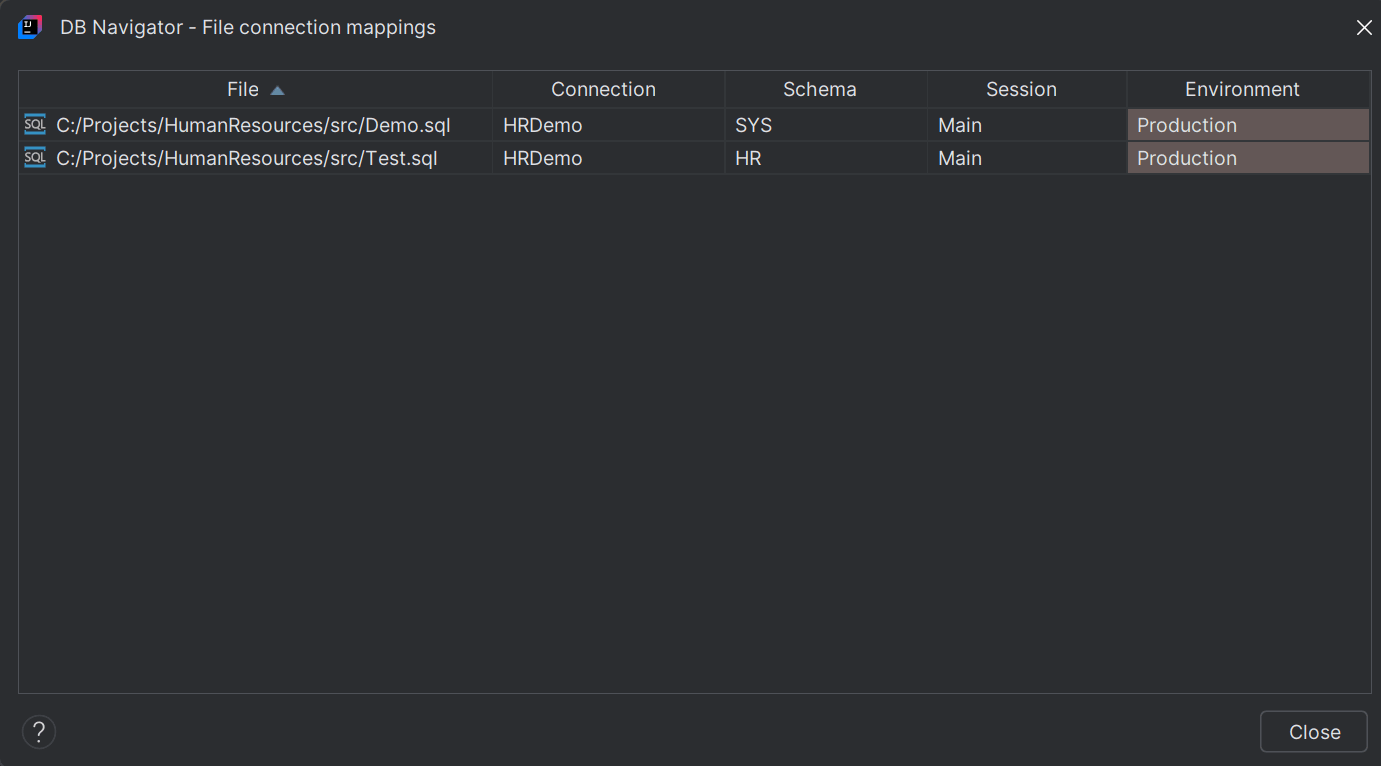
| Field | Description |
|---|---|
| File | the file path of the mapped SQL or PL/SQL file of your local project |
| Connection | the database connection which the files is associated |
| Schema | the database schema of the connection that the mapped file is accessing |
| Session | the session within the DB connection that the file is accessing |
| Environment | the specific database environment that the file is accessing |
- Creating File Connection Mappings
This topic describes the procedure to build new file connection mappings.
Parent topic: Workspace Integration