Session Browser Settings

This topic provides an overview of configuring database Session Browser window.

The session browser window provides information of active database sessions. To configure basic settings to view in the database session browser, from the Main menu of Oracle® Database Navigator toolbar, select DB Navigator > Settings > Operations tab and refer the Session Browser section.
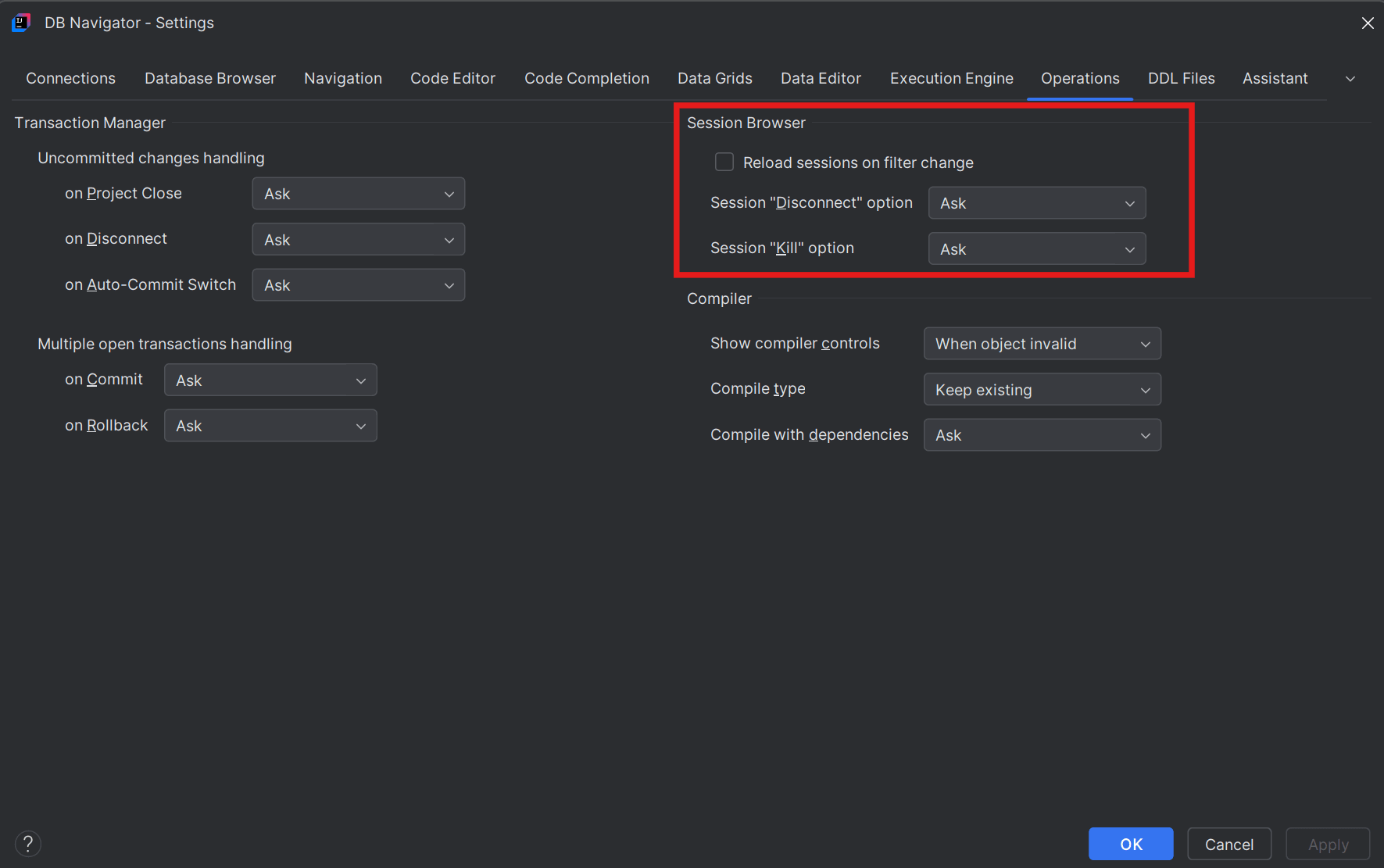

Session browser settings

Settings Configurations
Reset sessions on filter change Selecting this check box refresh the session information every time you apply some filter to the session data to sort or narrow down the session information
Session "Disconnect" option
  • Setting this option to Ask will display a confirmation message to ask whether you want the session to be disconnected immediately or post transaction.
  • Setting this option to Post Transaction will wait for the current ongoing transactions to complete before disconnecting the session.
  • Setting this option to Immediate will disconnect the database session immediately without any confirmation.
Session "Kill" option
  • Setting this option to Ask will display a confirmation message to ask whether you want the session to be terminated immediately or normally (from database level through ALTER SYSTEM KILL SESSION command)
  • Setting this option to Normal will mark the session as terminated, roll back ongoing transactions, release the session locks and recover session resources before the actual termination.
  • Setting this option to Immediate will terminate the dedicated session and processes immediately (or as soon as possible).