Viewing Database Sessions
This topic describes the procedure to view details of a database session for active database connections.
- Alternatively, from the DB Browser window, select any of the active database connections and click the Open Session Browser icon available on the browser toolbar.
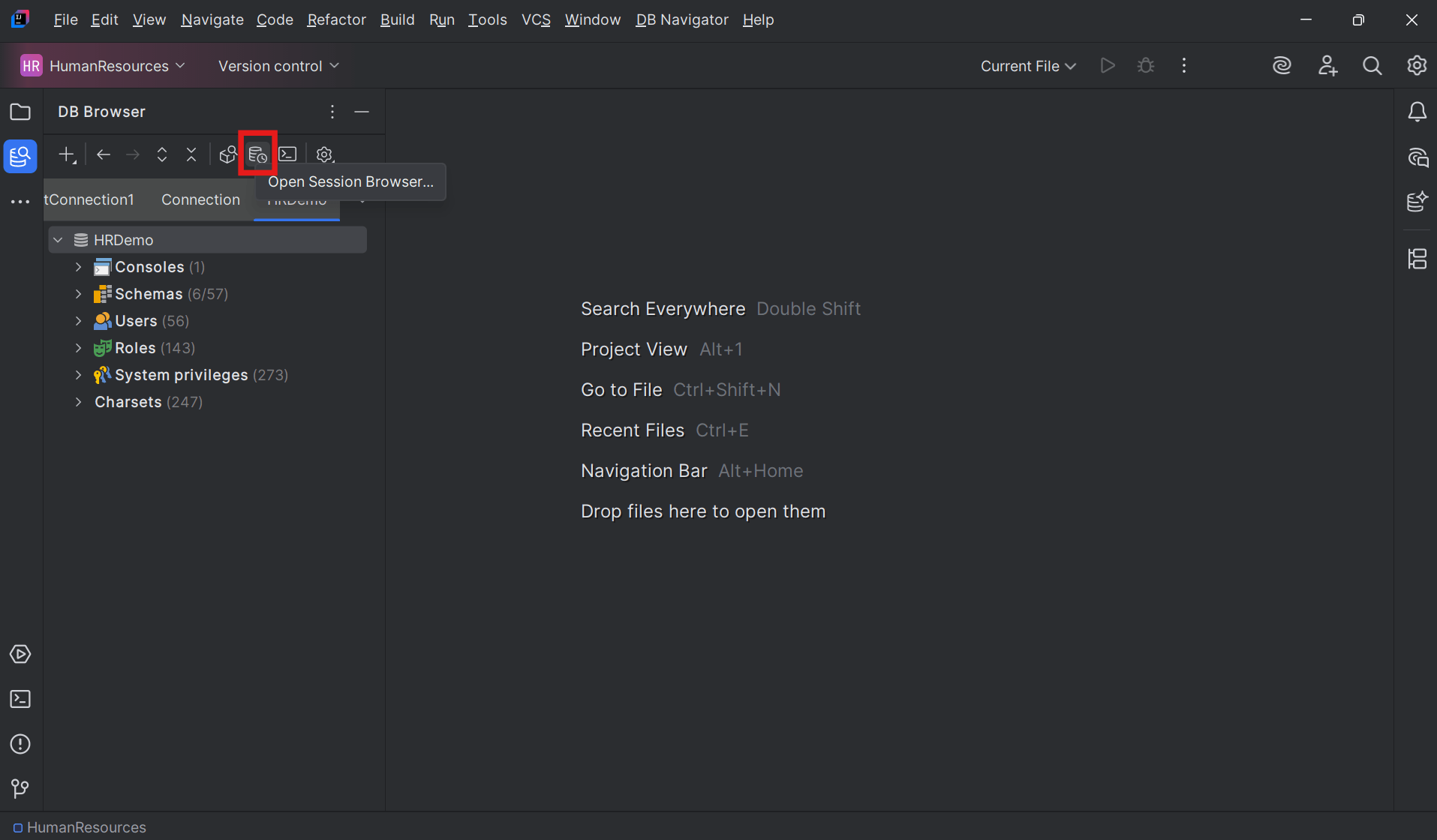 The session browser for the connection opens in a separate window.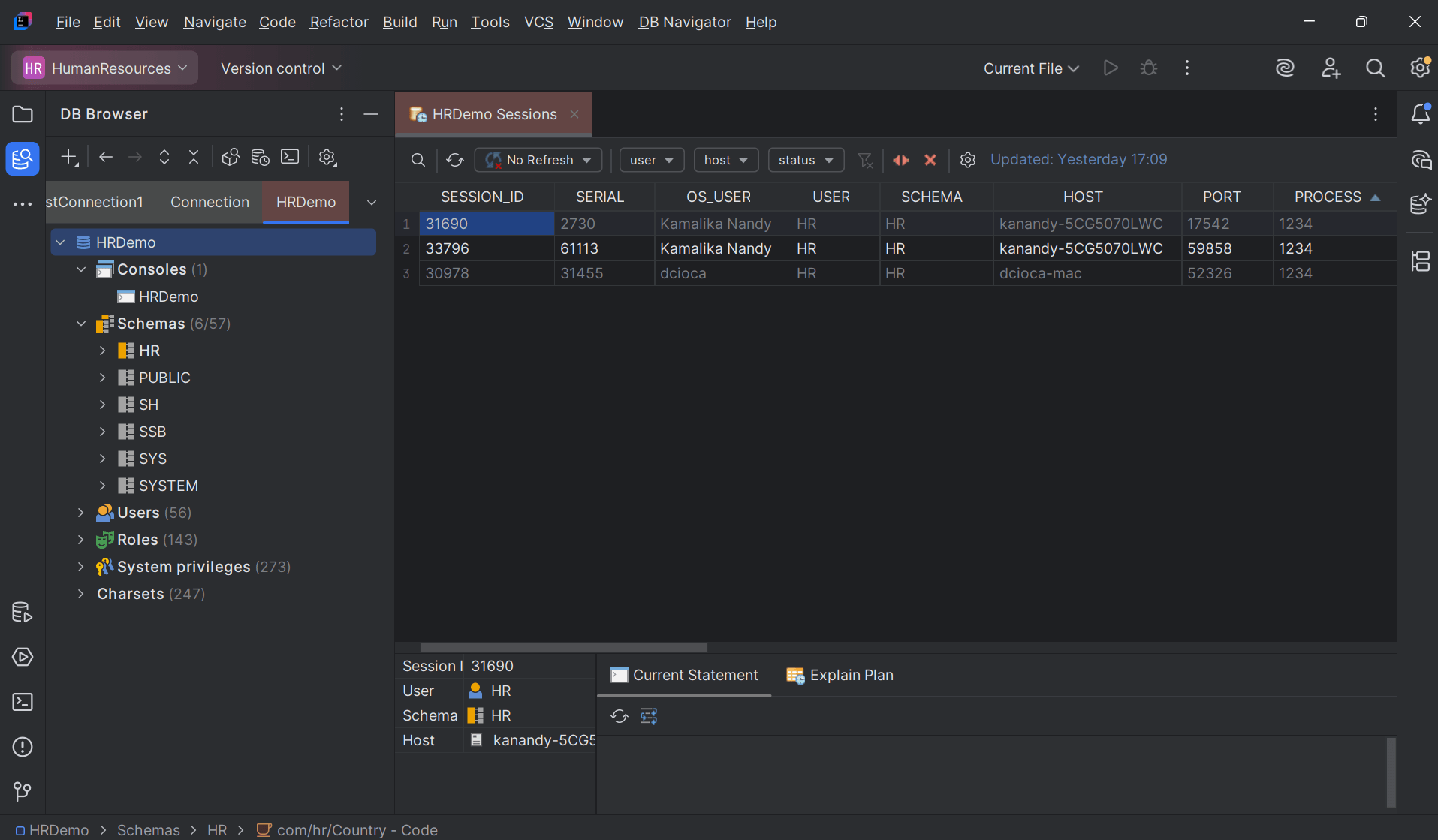
- Double-click any Session ID to open the records in a separate window and view the session details.
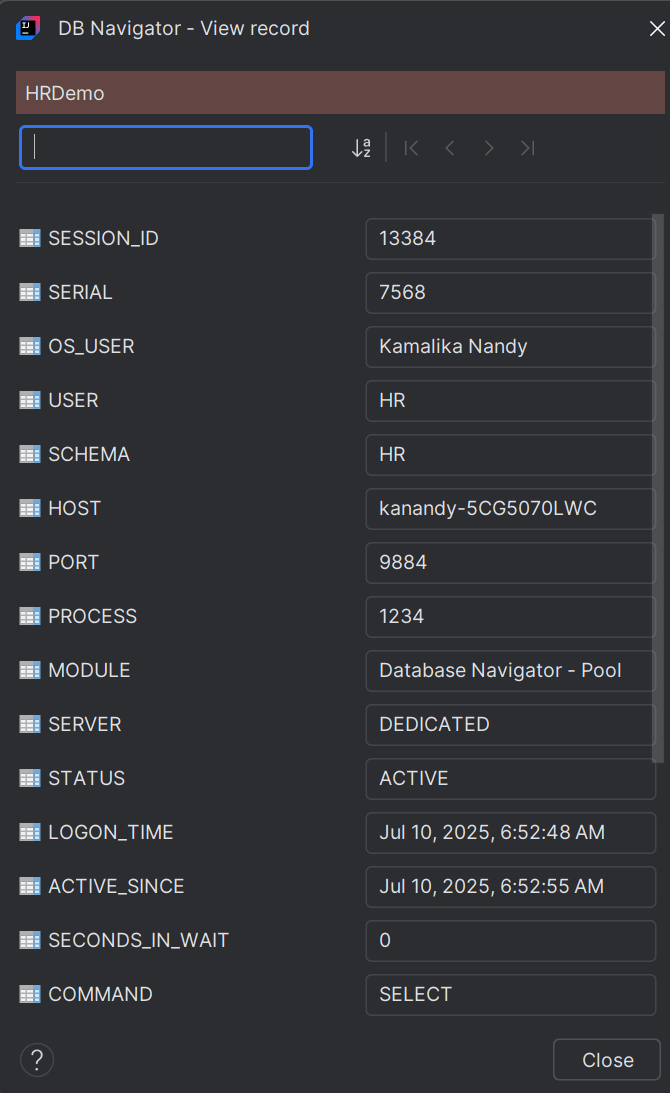
The following session details are displayed for each session:
- Session_ID
- Serial
- OS_User
- User
- Schema
- Host
- Port
- Process
- Module
- Server
- Status
- Active_Since
- Command
- Seconds_In_Wait
- Action
- SQL_ID
- Coord_Session_ID
- Resource_Consumer_Group
- Client_Info
- Client_Identifier
Parent topic: Session Browser