Session Management
This topic provides an overview of database session management.
- Session - Name of the database session.
- Status - Current status of the session ('Green' colored icon indicates session is "Active"/ 'Red' colored icon indicates session is "Dormant").
- Last Access - Time elapsed since the session was last accessed by any database transaction.
- Open Connections/Peak - Total number of sessions in pool that are accessed for the database transaction, out of the total number of sessions available in the pool at a given point of time.
- Open Cursors - Total number of open cursors (handles to private SQL areas) in the session.
- Cached Statements - Total number of prepared query statements that have been cached for the session.
- Open Transactions - Transactions that are not complete and committed in the session.
You can select the Main session, the Pool session or any other custom session in the connected database and check the open transactions. You can also choose the session in which you want to run/debug a code or program. For example, if you are executing a database function, you can select the Target Session from the available sessions, where the execution will take place.
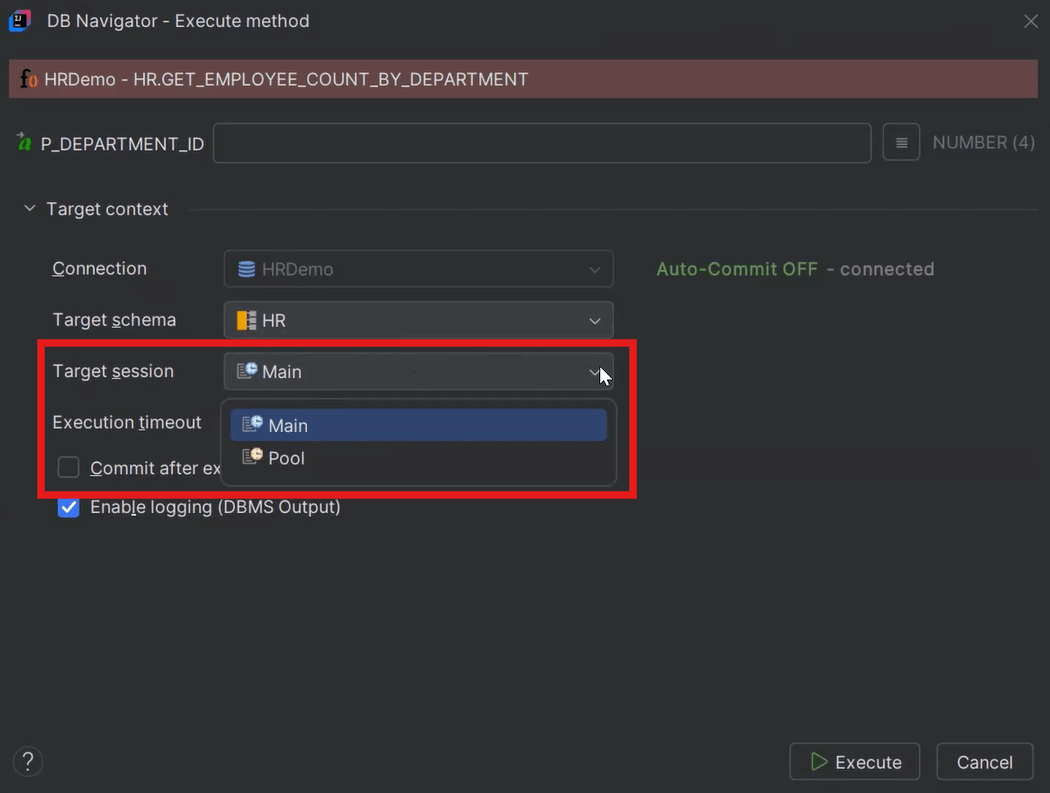
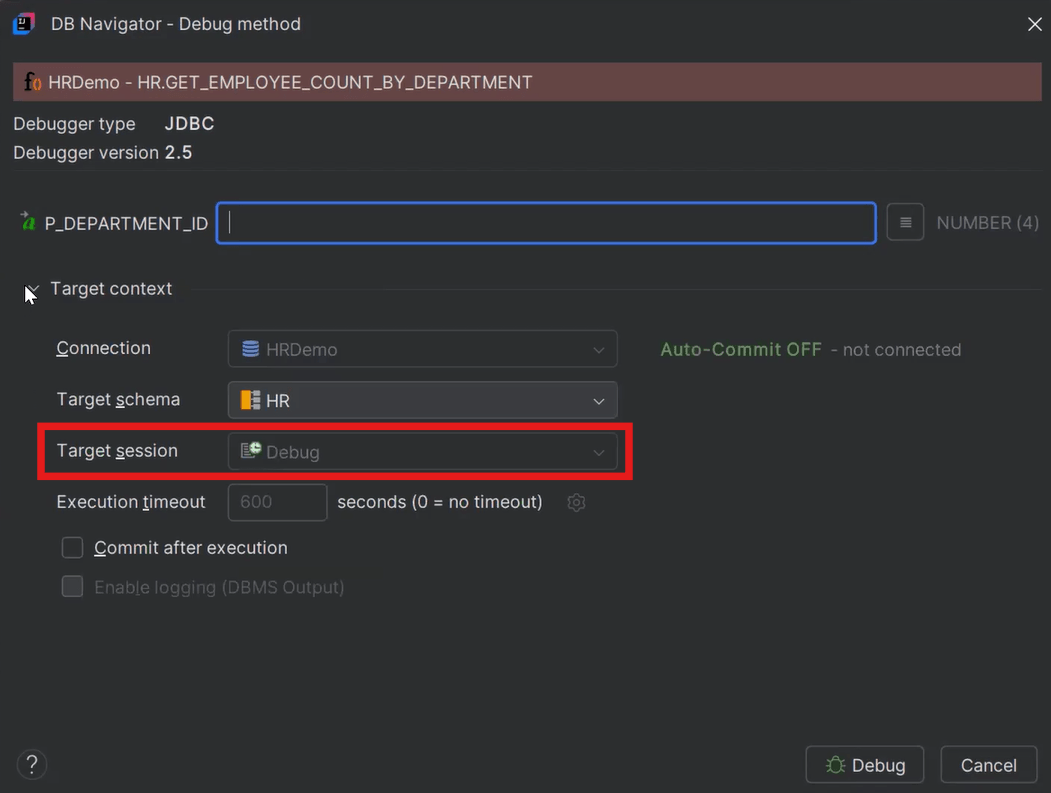
Sessions that are accessed internally by specific Oracle® Database Navigator features can be accessed only when corresponding the operations are in progress. For example, if you are debugging a database method, the Target Session accessed by default is the "Debug" session, which cannot be changed.
For all the Open Transactions in a database session, you can either choose to manually commit the changes or roll back the changes by clicking Commit and Rollback buttons, respectively on the Resource Monitor window.
- Creating Database Sessions
This topic describes the procedure to create new sessions within connected databases.
Parent topic: Transaction Management