Adding an Interactive Step
Interactive steps include clicking or selecting an element within the application.
To add an Interactive Step:
- Select the Step where you want to add the additional step.
The Add Step option appears, which lets you create additional steps.
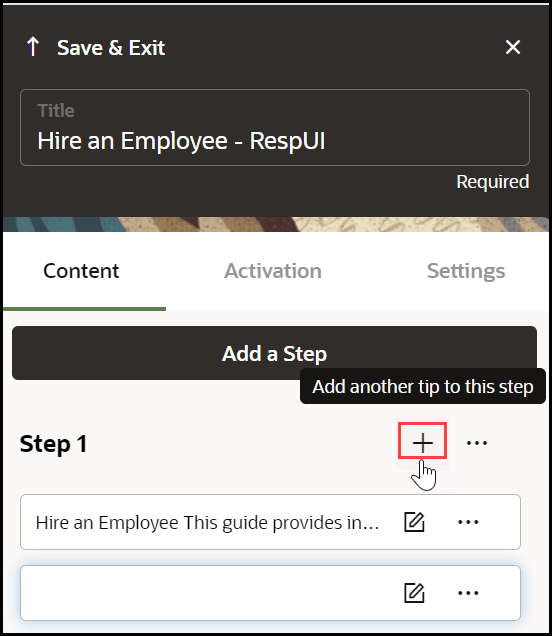
- Select the next UI element.

- Edit the step commands (Optional).
- Open the Step Settings.
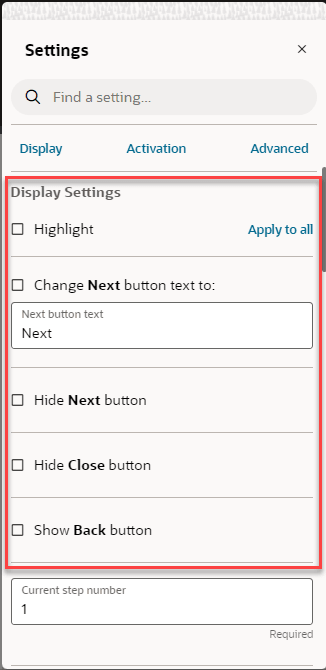
- Edit the Display Settings:
- Clear the Highlight check box.
- Select the Hide Next check box.
- Clear Show back button if needed.
- Choose a different Tip-placement.
- When finished, select Save & Close.