Creating a Guide
Creating a guide on OGL is a seamless process, thanks to its intuitive homepage interface that showcases the entire range of content types that can be created.
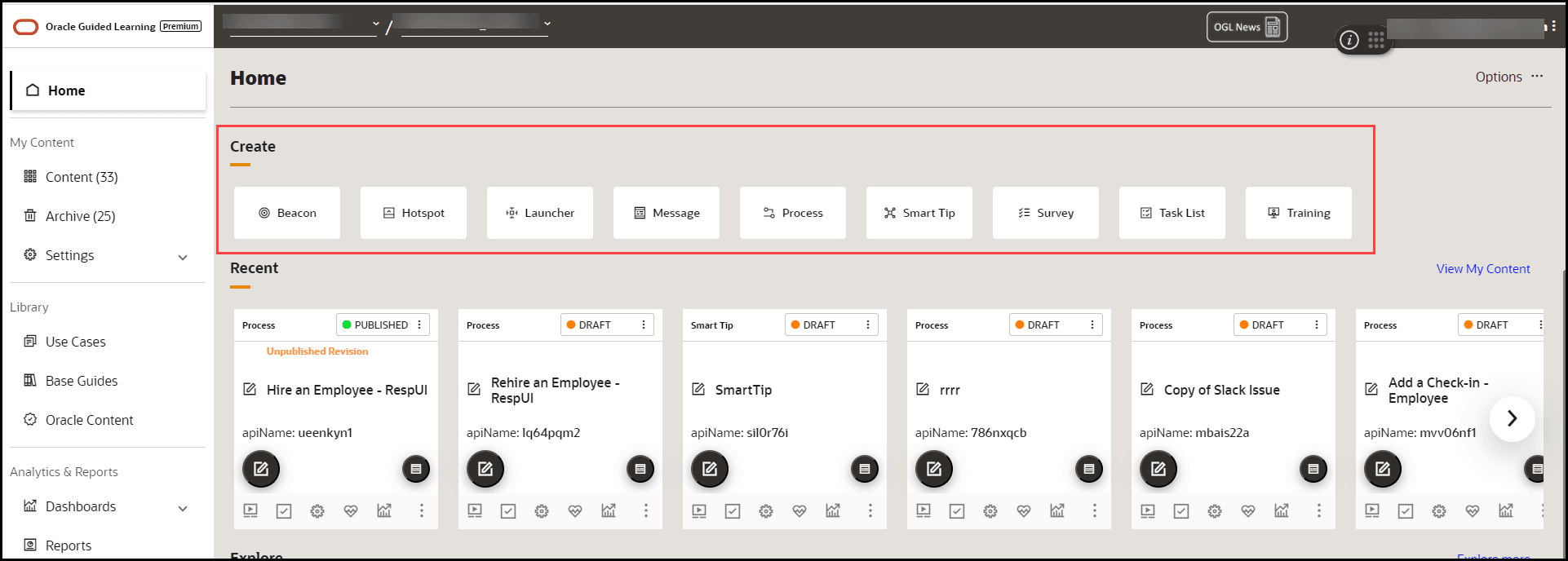
To create a Guide:
- On the homepage, under the Create section, select the Guide type you want to create.
- Alternatively, select Content on the homepage and then the
Create(
 ) button.
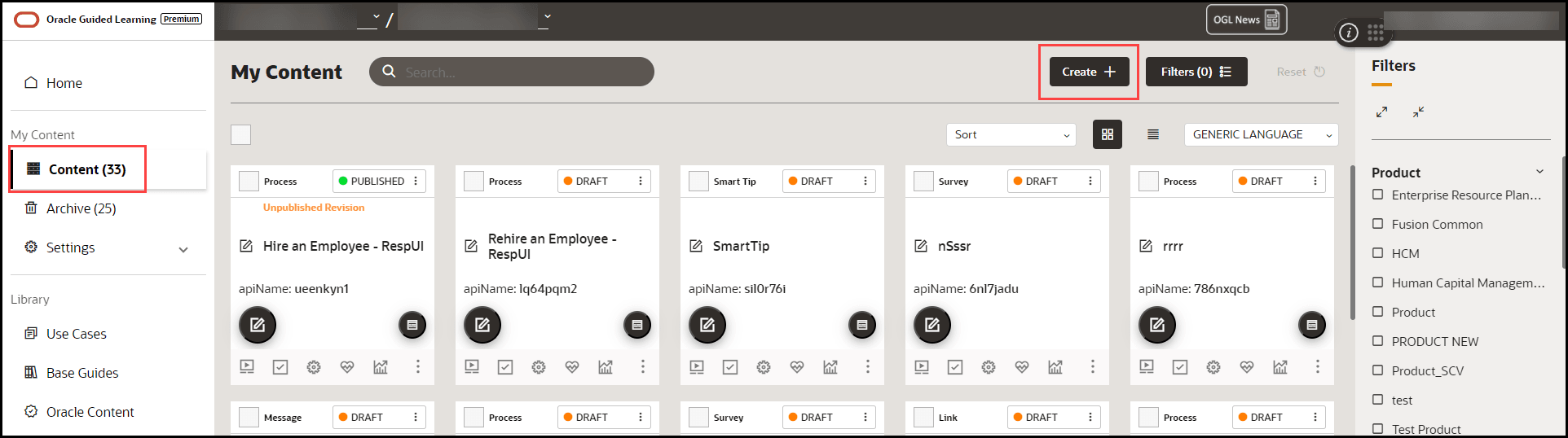
The content editor opens in a modal tab. The editor appears as an overlay on your application.
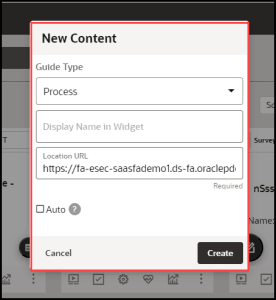
- Choose the Guide Type you want to create.
- Enter the desired name in the Display Name in Widget field.
Note:
The following characters are not allowed: / \ | : " < > ? - Enter the Location URL.
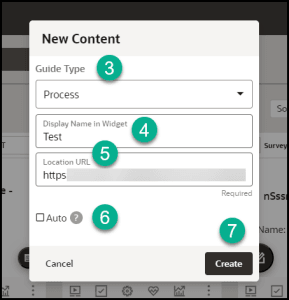
- Select Create.
The OGL launches the editor now.
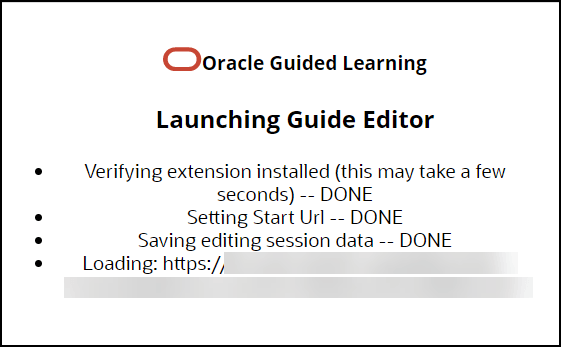
The OGL Editor launches in a new tab, where you can start capturing the steps for the guide.
Note:
The editor appears as an overlay on your application.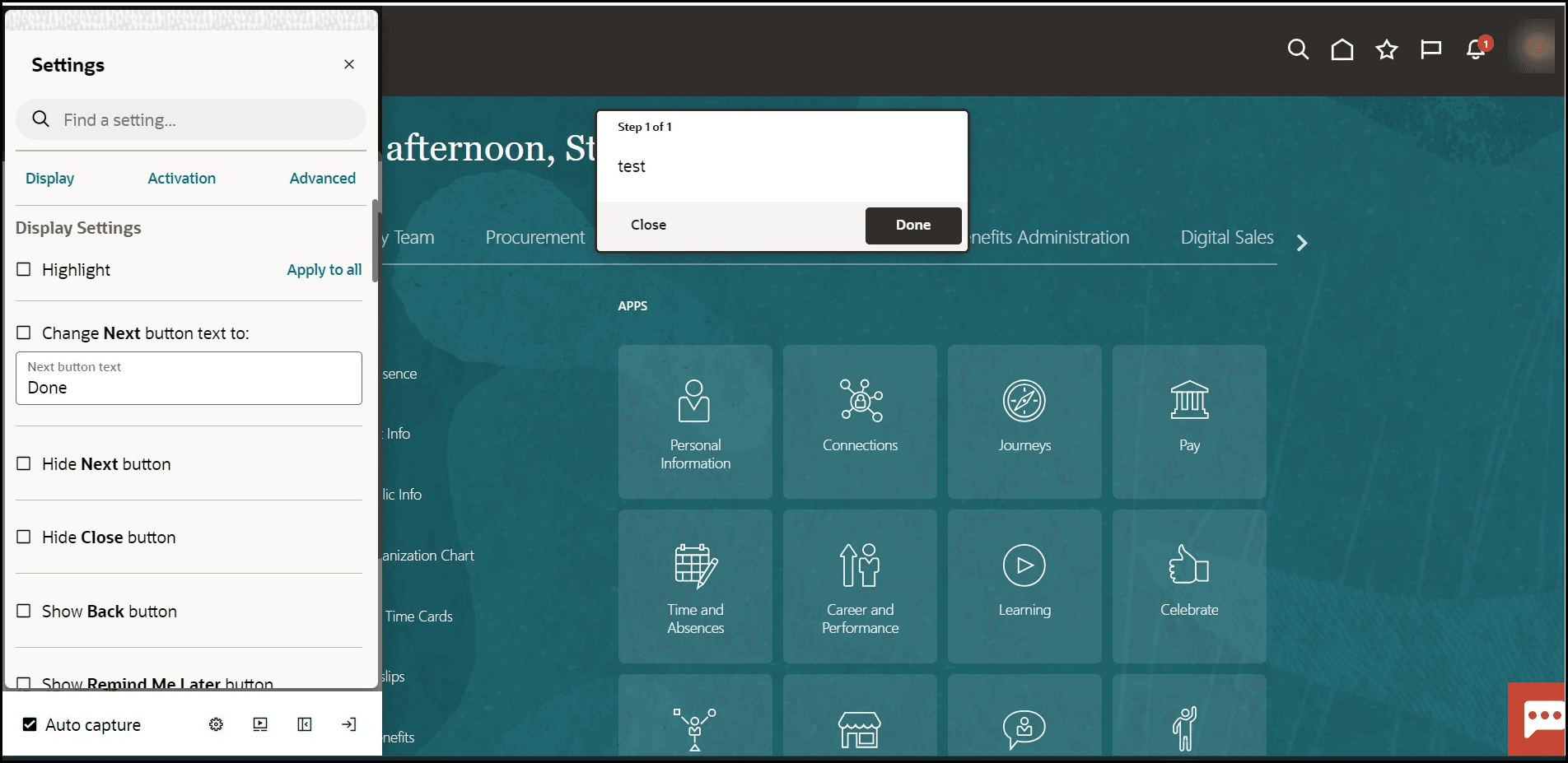
To create your first step, go to Adding the First Step to a Guide.
