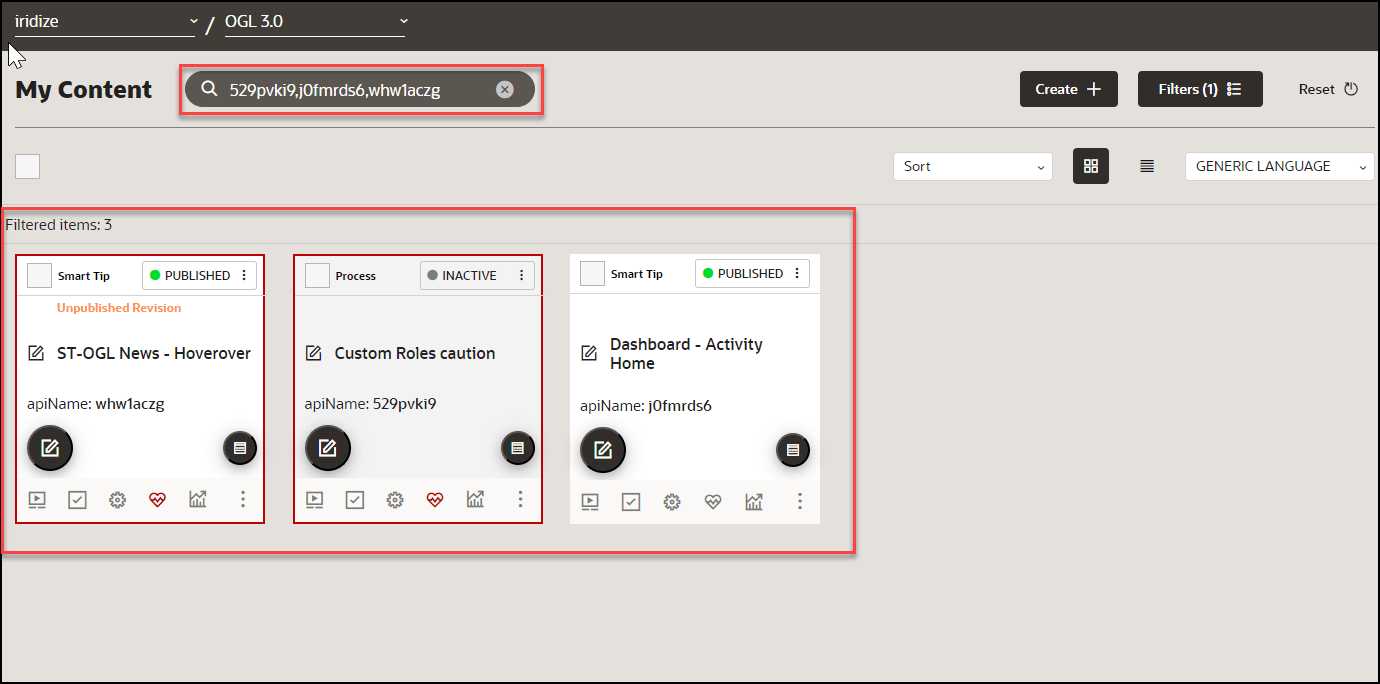
Get Insights
The Optimization dashboard displays various tiles, or "widgets", that provide analyses of OGL consumption data and host application activity. Some of the widgets on the Optimization dashboard offer additional in-depth data analysis allowing you to get insights about your guides and how they are being consumed. These insights can help you make data-driven decisions about content development, guide maintenance, and even process innovation.
To get detailed insights on a tab:
- Navigate to the Optimization dashboard.
- To view insights for a specific tab, choose the tab and select
Get Insights.
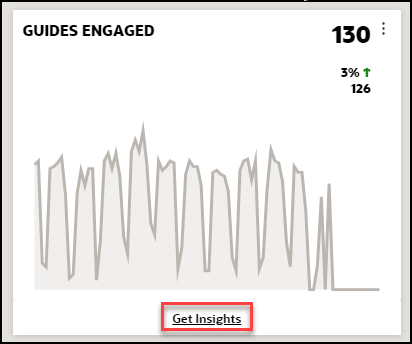
The detailed insight is now displayed.
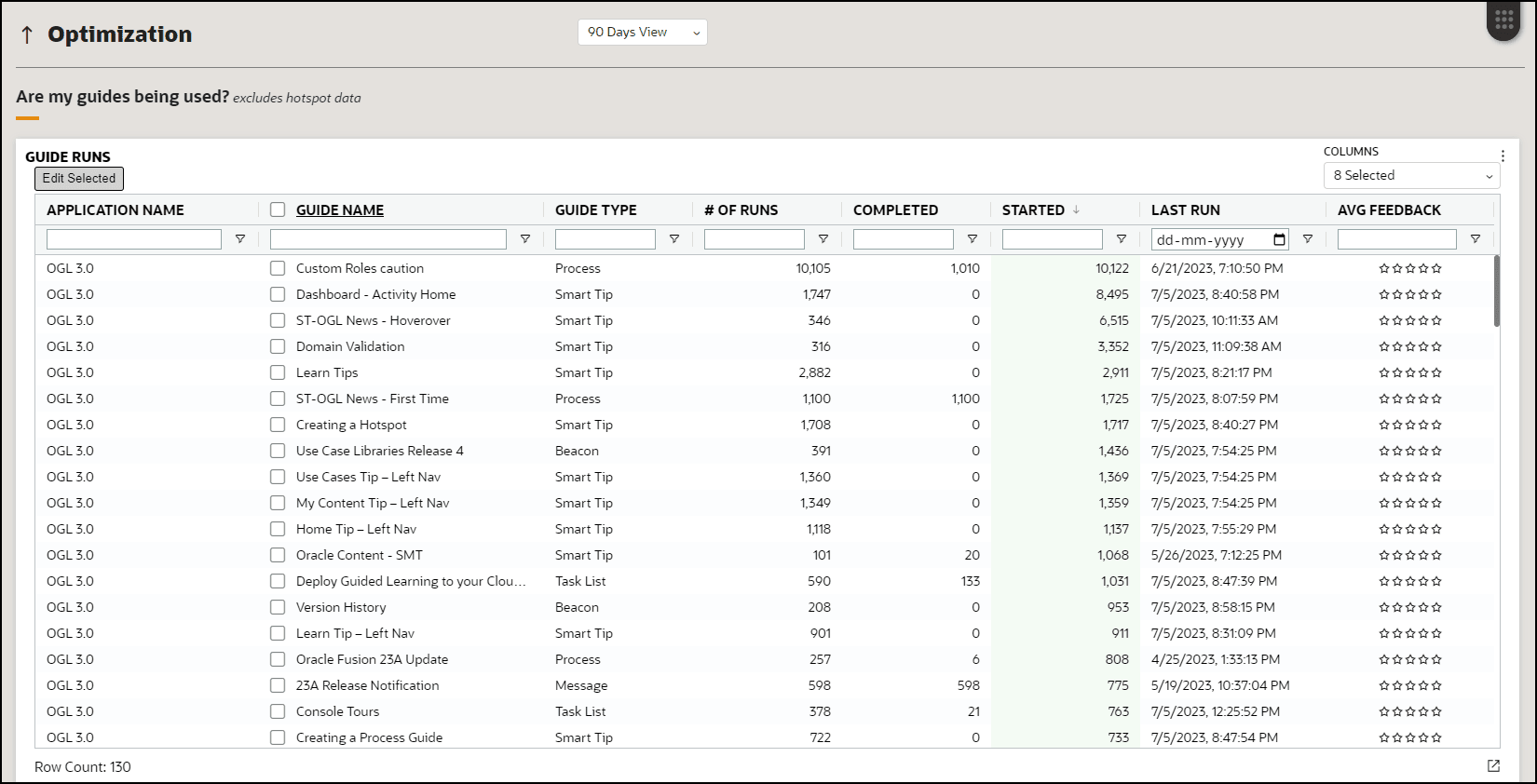
- You may choose multiple guides and select Edit Selected to
edit several guides at once.
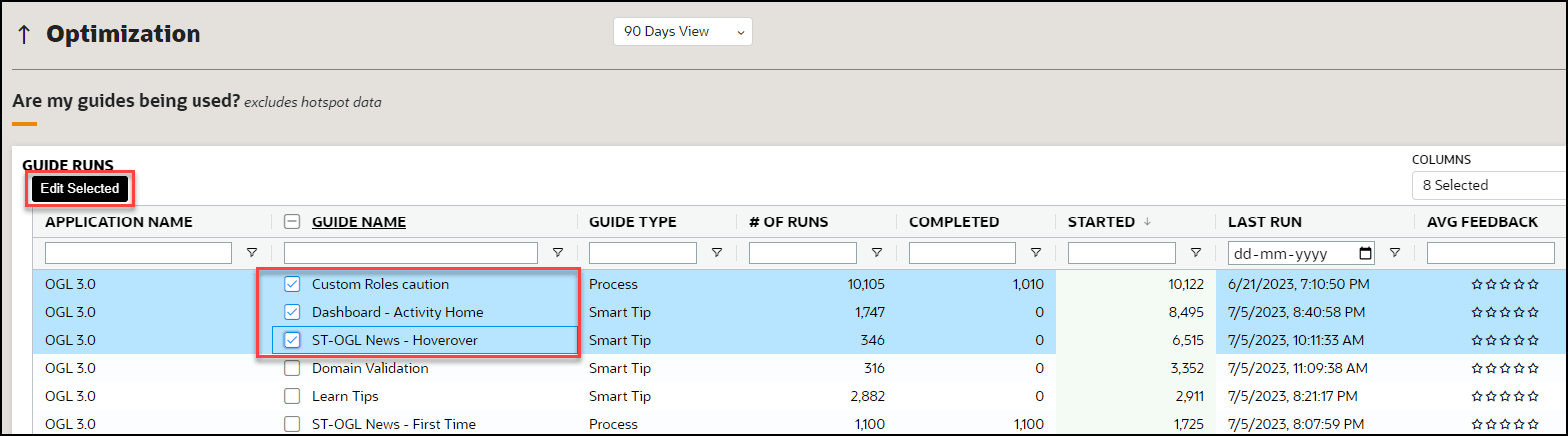
This will open a filtered window where you can access the selected guides to edit them.