PDF Export
You can Print or Email the document with the help of Job Aid. It contains the text of each step along with a screenshot of the application where the step takes place.
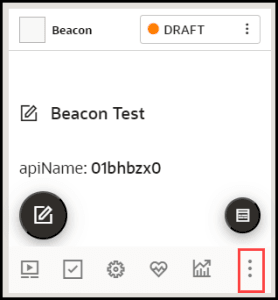
- To generate a Job Aid, select More
 for the target guide.
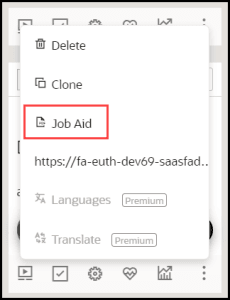
- Select Job Aid.
- Select the option to Print or Email and click Done.

