Retrieving Deleted Content from the Archives
To access and recover deleted content items from the archives:
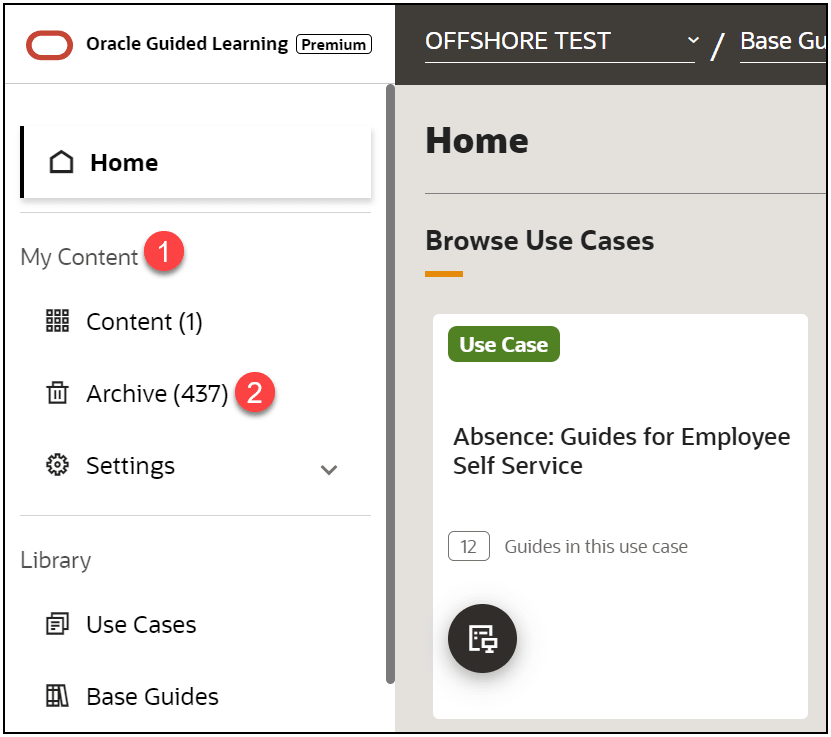
- Select My Content from Home page, and then select
Archive.
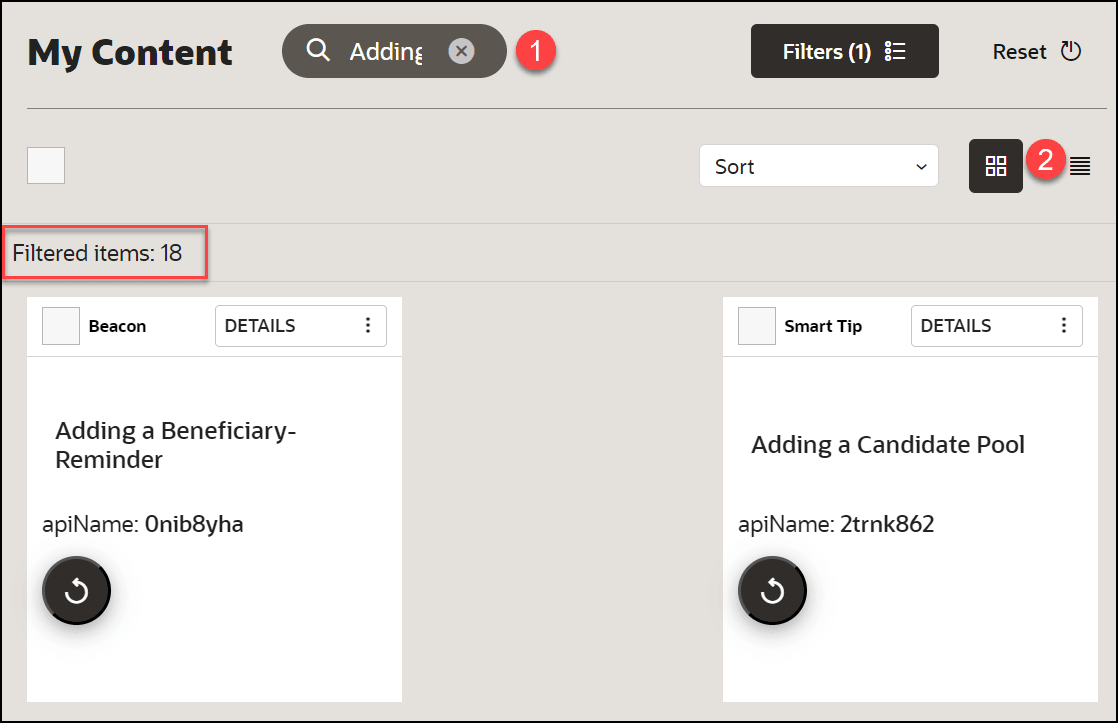
- Locate the target guide.
Note: Use Search (1) and Sort (2), the guides are filtered and listed accordingly.
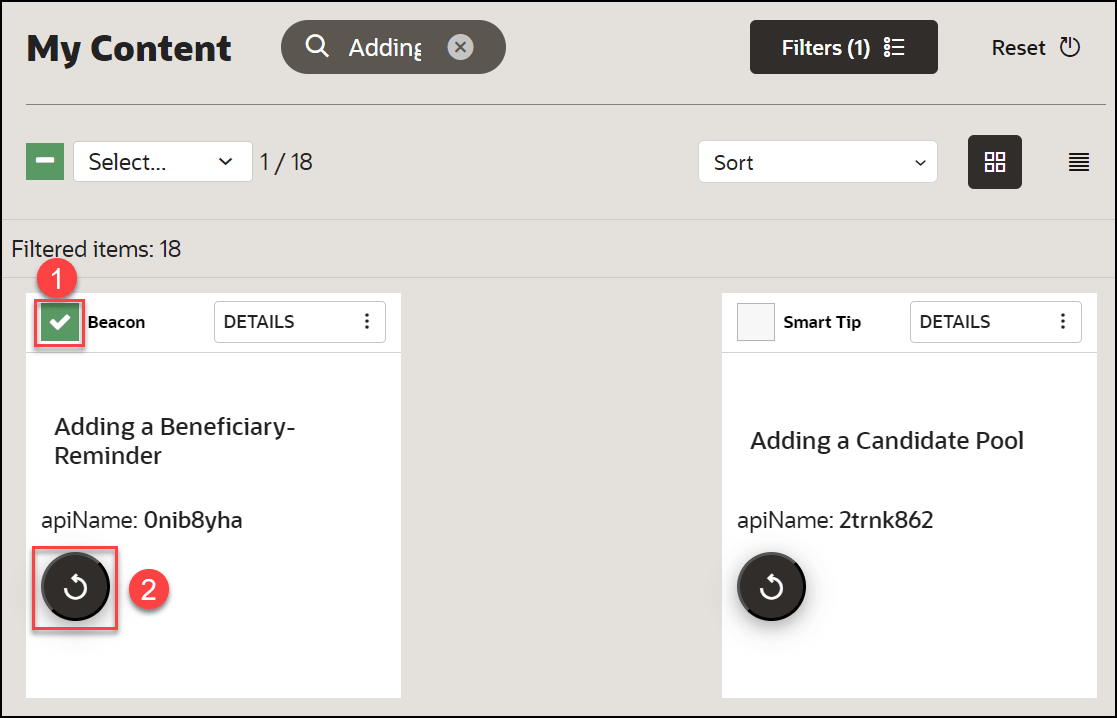
- Select the checkbox of the target guide and click on
Recover
 icon.
icon.
Note:
You will get a "recovered successfully" message as a result.
