Renaming a Guide
There are two ways to change the name of a guide.
Method 1:
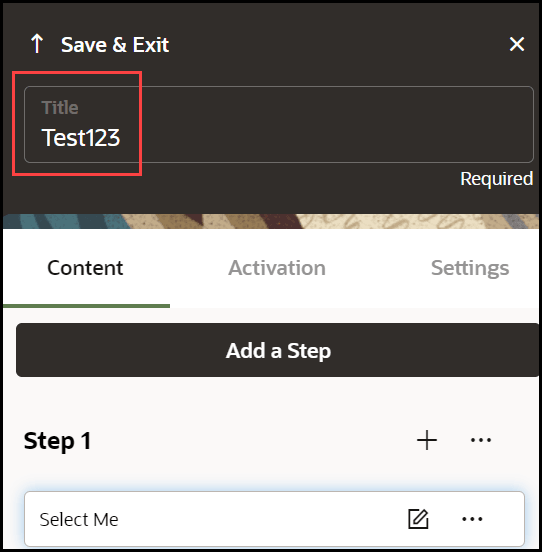
- Open the guide in the full editor and edit the text of the title.
- Select Save & Exit.
 ) icon next to the name of the guide.
Method 2:
- Go to the OGL console homepage.
- In the left navigation panel, select Content.
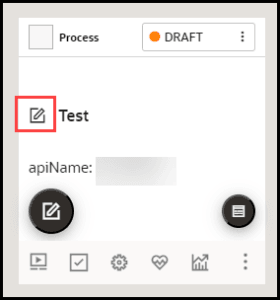
- On the guide that you want to rename, select the Edit
(
 ) icon next to the guide title.
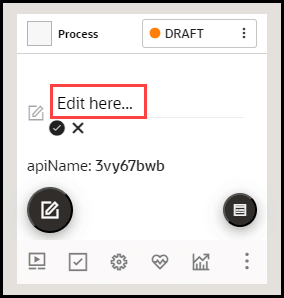
- Edit the name field.
Note:
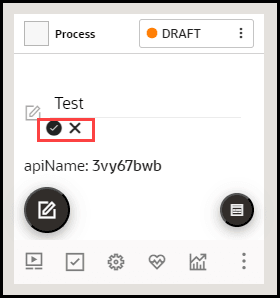
The following characters are not allowed: / \ | : " < > ? - When finished, select the Save (
 ) icon.
To discard changes, select the Cancel (
 ) icon.