Saving and Discarding Guides
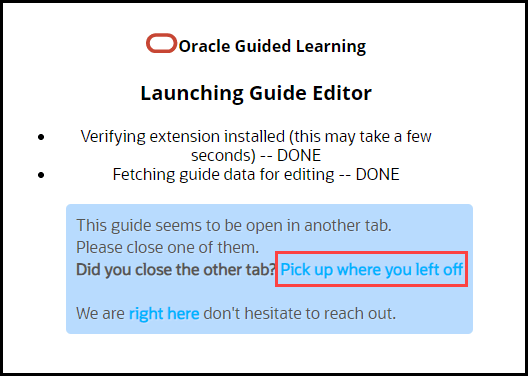
When editing a guide in the full editor, OGL loads it to your account, preventing others from editing it. If you close your browser or your computer crashes, you will be prompted to resume editing the guide when you try to access it again. To be sure the guide remains accessible to other content developers, make sure you either save your changes or discard your changes when you are finished working with a guide.
- To save your changes, select Save and Close.
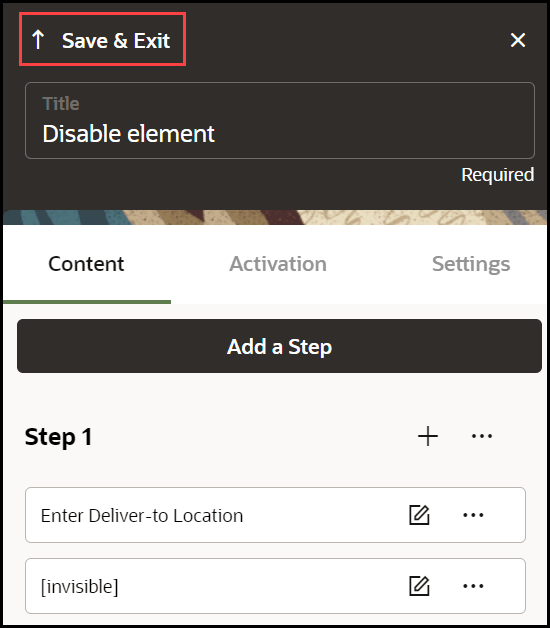
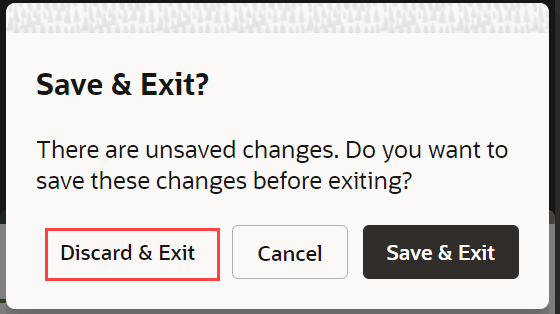
To exit without saving, select Discard.
Note:
When the browser is closed without saving the OGL session and you open and resume editing, the following message is displayed.