Host Panel
A Host panel has two tabs: "Host Detail" and "Instances".
Figure 6-8: Host Panel
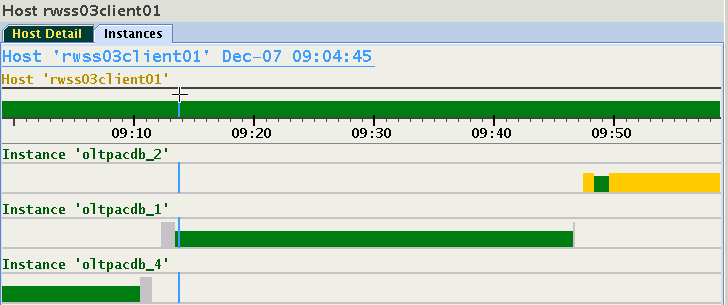
This host is running three different instances between 9 and 10 o'clock. Something happened around 9:11 and 9:46, which caused the instance to shut down, or change its host. As more than one instance from different databases may run on a host, there is a 1:N relationship. After approximately 9:48, two instances are running on this host.
Figure 6-9: Panel of a Host
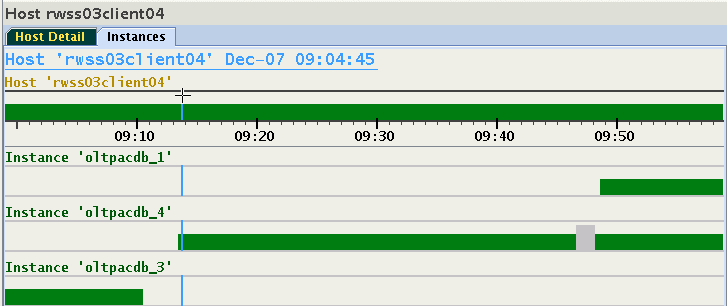
To switch from a host panel to the desired instance panel, move focus to any of the instances using down or up arrow key and hit the Enter key on your keyboard, or double-click any of the instance names. The display will switch to the panel of the chosen instance, select its node in the navigation tree, and expand the navigation tree to make this node visible.