4 User Interface
Using the Search Option
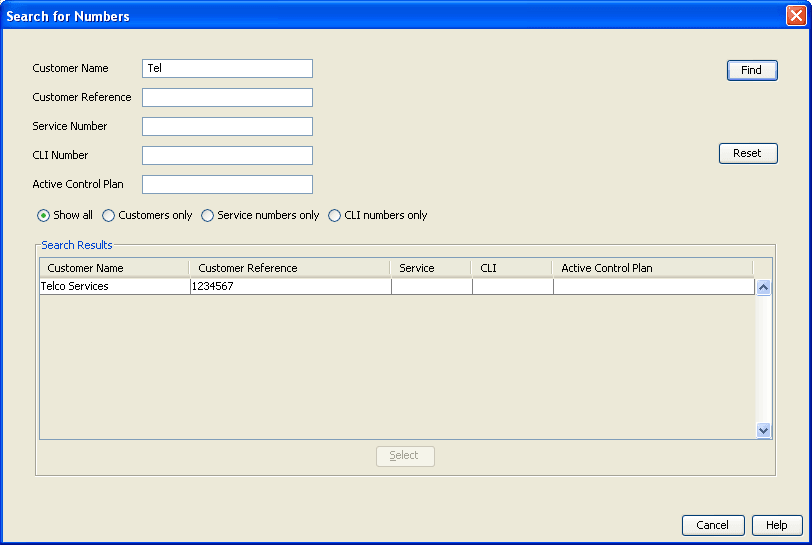
Searching for Numbers
Follow these steps to find a number.
| Step | Action |
|---|---|
| 1 |
From the Numbers screen, click Search. Result: The Search for Numbers screen displays. |
| 2 |
Enter selection criteria in one or more query fields.
Tip: If a field is left empty, then the search will ignore that field. |
| 3 |
Select one of the result filter options:
|
| 4 |
Click Find to start the search. Result: All matches are displayed in the Search Results section of the screen. |
| 5 | To clear the selection fields, click Reset. |
| 6 |
To close the search screen, click Cancel. Result: The Numbers screen displays again. |
| 7 |
To select a found number, click the record line and click Select. Result: The Numbers screen displays again. |