3 Connectivity
The Oracle Cloud Connector offers a variety of networking options to help ensure reliable connectivity for your IoT devices and enterprise applications. Whether you’re deploying in a standard office, industrial setting, or a remote location, you can take advantage of Wi-Fi, cellular, wired LAN/WAN, and satellite connectivity. Below, you’ll find brief overviews of each connection type and details to help you identify the corresponding physical ports and internal interface names.
Cellular (Mobile Network Access)
The Oracle Cloud Connector supports mobile network connectivity using trusted LTE and 5G networks. This option provides flexible internet and enterprise network access in locations where Ethernet connectivity isn’t practical or as a resilient backup connection.
Depending on your order, your Oracle Cloud Connector may arrive with one or two SIM cards pre-installed. Each SIM card can be used to define one of up to two available cellular network connections. You can manage and configure all aspects of your mobile network connectivity—including APN settings, provider selection, and fail-over behavior—through the ECP user interface (UI).
Note:
SIM cards are required for cellular network access. The UI allows you to select and configure which SIM is used for each available mobile network. Do not replace SIM cards with any other than what Oracle ships.The following image shows an LTE/5G antenna used with the Oracle Cloud Connector.
LAN/WAN (Wired Ethernet Connections)
- LAN (Local Area Network): Use these connections for local site devices—including computers, network switches, or IoT hardware—to communicate with the Cloud Connector.
- WAN (Wide Area Network): Use WAN ports to link your Cloud Connector to outside networks such as the internet, corporate datacenters, or a satellite terminal.
Here are the available physical ports and their typical uses:
Table 3-1 List of Ethernet Connections
| Port Label | Internal Interface Name | Intended Use |
|---|---|---|
| LAN1 | eth2 | Local devices (LAN) |
| LAN2 | eth3 | Local devices (LAN) |
| WAN1 (Broadband) | eth0 | Broadband/internet (WAN) |
| LAN3/WAN2 | eth1 | Satellite terminal (or reserved) - Includes a satellite stencil below port; use for satellite connections if included in your deployment. |
Note:
Satellite connections use the LAN3/WAN2 (eth1) port, while standard broadband/internet connections use the WAN1 (eth0) port. These connections are separate and dedicated for their respective uplink types.The following image shows a close-up of an Ethernet port on the Cloud Connector.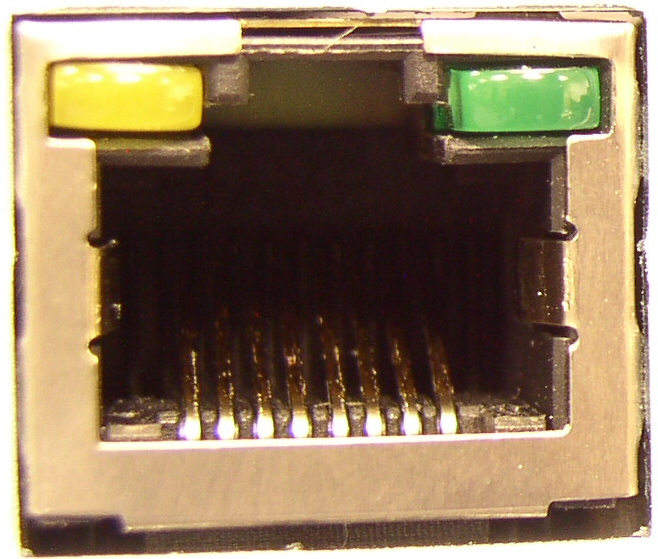
Satellite (Satellite Internet Connection)
Satellite connectivity provides another robust WAN option for the Oracle Cloud Connector, complementing your suite of broadband and cellular network choices.
- Starlink Gen 3 - Intended for higher-throughput, stationary deployments where the satellite connection is expected to support heavier network usage. It uses a larger antenna and requires AC power.
- Starlink Mini - Intended for smaller, lower-power deployments where portability, compact size, or simplified installation is more important than maximum throughput.
Both Starlink options are labeled and connected identically to the Oracle Cloud Connector.
To enable satellite connectivity, connect the Starlink terminal’s Ethernet cable to the LAN3/WAN2 (eth1) port on the Oracle Cloud Connector’s front panel. This port is specifically designated for satellite use; you’ll find a satellite stencil icon below the port for easy identification.
Wi-Fi (Local Wireless Device Support)
The Oracle Cloud Connector provides professional-grade Wi-Fi support, enabling local wireless devices to connect directly to the Cloud Connector as part of your local area network (LAN).
You can connect devices such as sensors, controllers, and laptops to the Cloud Connector over a wireless connection. The Cloud Connector supports both 2.4 GHz and 5 GHz frequency bands for flexibility and optimal performance.
| Wireless Frequency | Internal Interface Name |
|---|---|
| 2.4 GHz | wlan0 |
| 5 GHz | wlan1 |
The following image shows one of the supplied Wi-Fi antennas, which you’ll need to attach to the rear-panel SMA connectors labeled “Wi-Fi” to enable wireless device connectivity: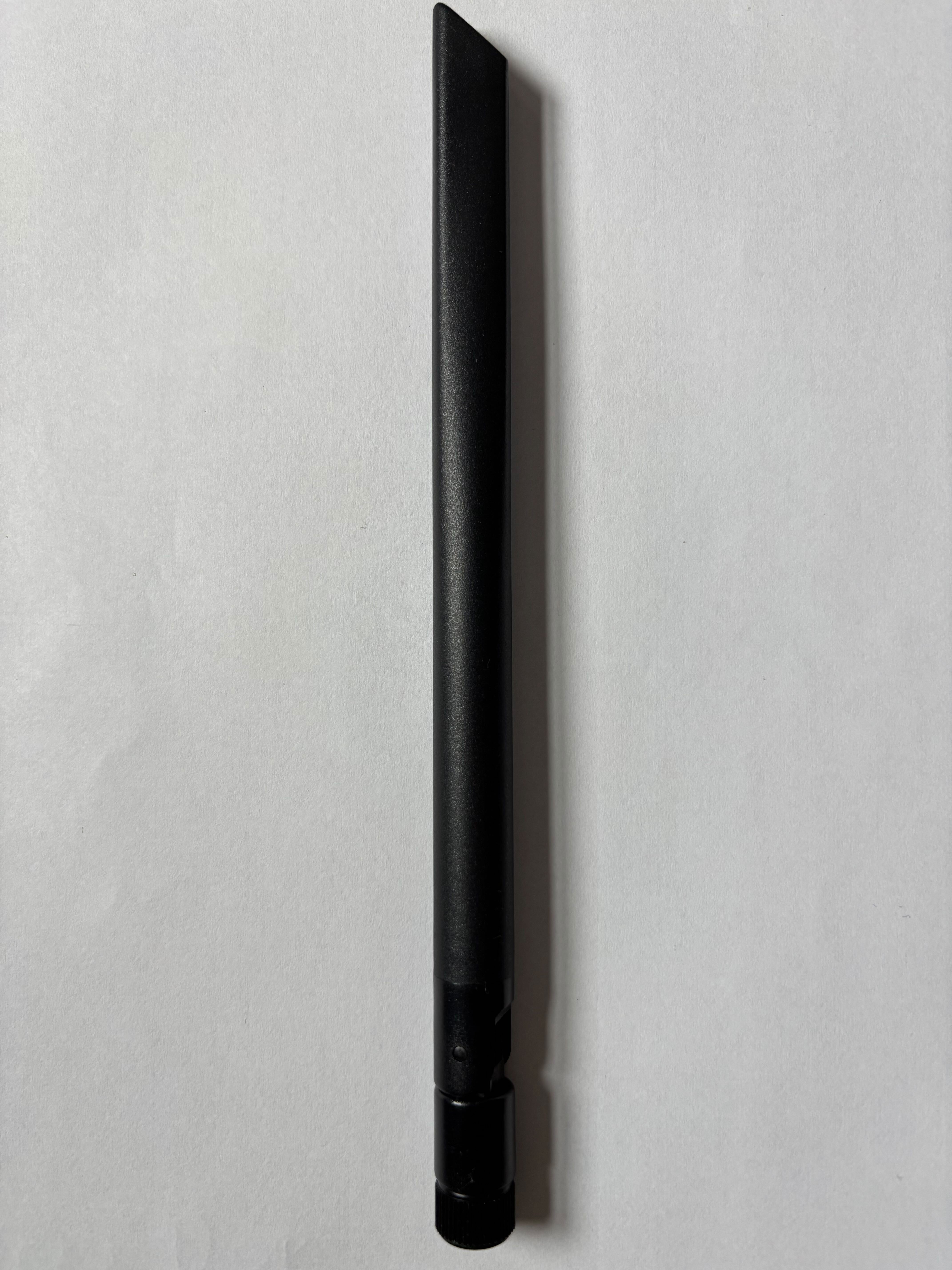
Note:
The Cloud Connector’s Wi-Fi feature is designed for connecting local devices to the LAN. It does not support using Wi-Fi for the primary WAN/internet uplink.