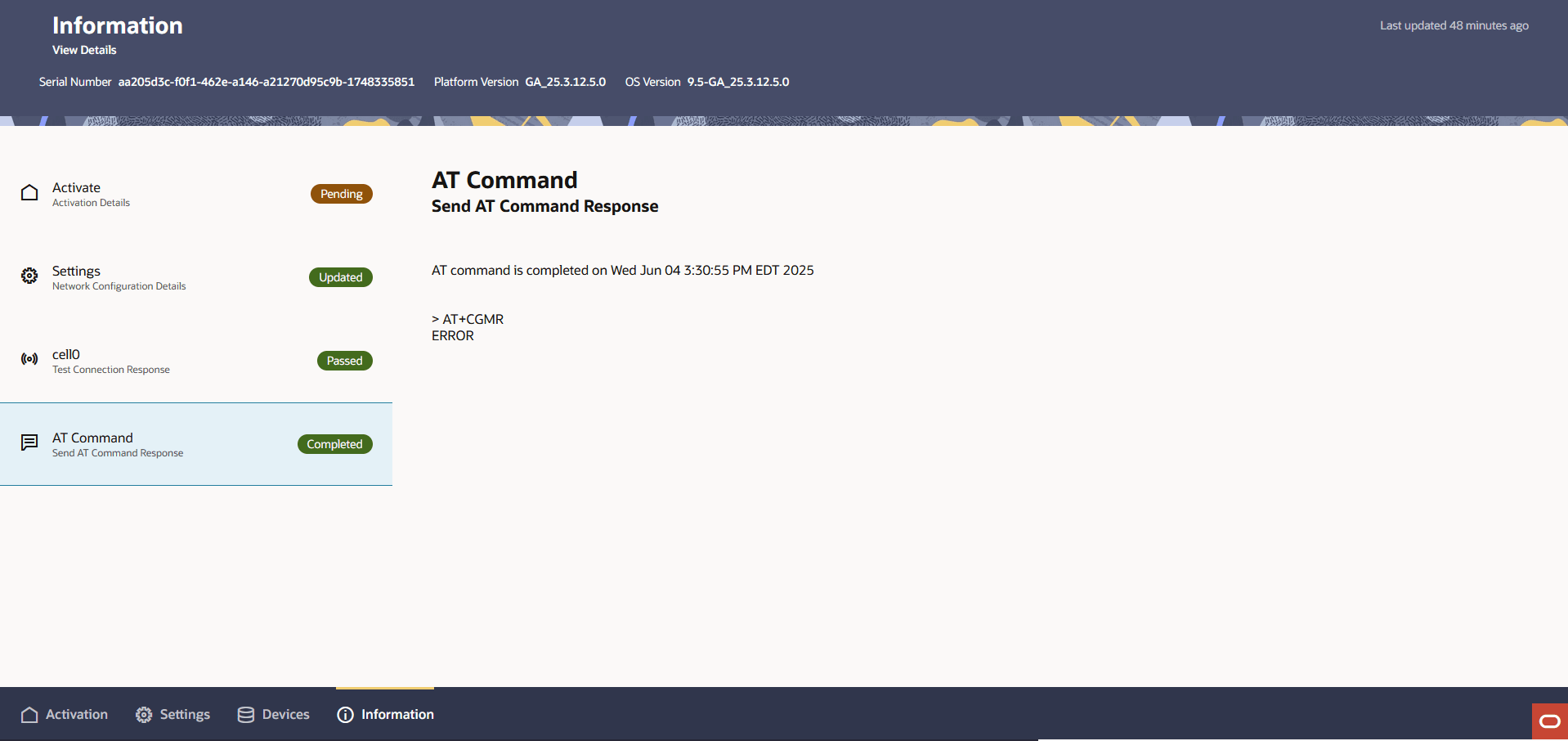
Send AT Commands to a Cloud Connector
You can send AT commands to the cellular modem on an ECP Cloud Connector.
A cellular modem connects connects your Cloud Connector to an Mobile Network Operator's (MNO) cellular network as defined by the selected SIM card. AT commands are a method to directly program and query the cellular modem in debugging situations.
You can send AT commands directly to your Cloud Connector from the cellular interface page.
- Click the Settings tab at the bottom of the page.
- Click the Cellular interface in the left panel.
- Click the Actions drop down menu in the right panel.
- Click Send AT Command. The Send AT command drawer opens.
- Enter a valid AT command to send to the cellular modem.
- Click Send. The Information tab opens and updates with
progress as the cellular modem returns its response.