Test the WAN Interfaces' Connectivity
You can test the network interfaces of a Cloud Connector from the local UI before activation.
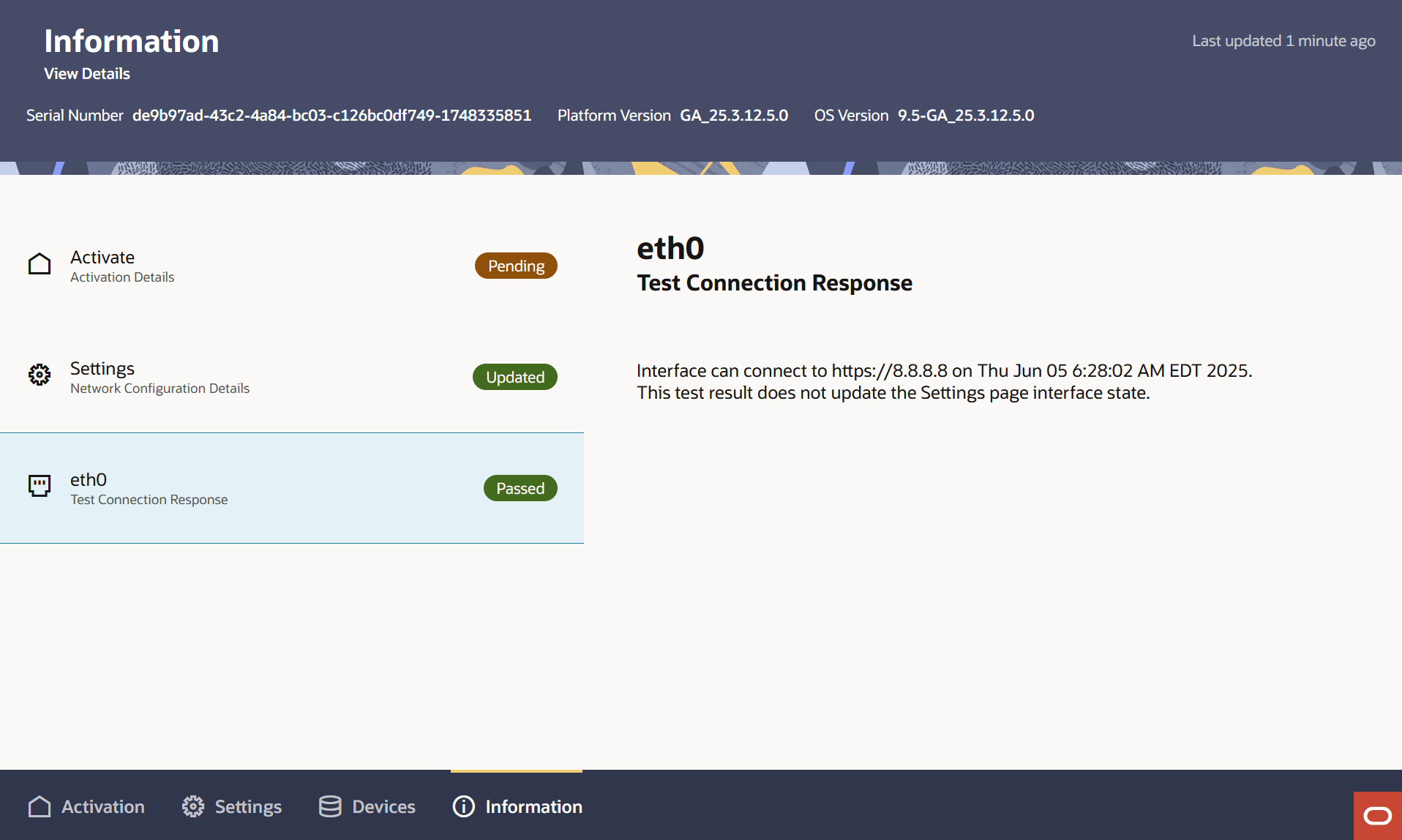
Each WAN interface page on the local UI provides a button to test the interface's ability to reach the internet. These tests aim to successfully validate a network connection to a public DNS server or recently accessed IP address for cellular interfaces. Before configuring and testing interfaces, confirm that the Proxy and No Proxy strings are set as required for local network operation.
In addition, the Cloud Connector performs an automatic test for all WAN interfaces when user changes configuration from the Settings tab. The result of the test updates the WAN interface connectivity state on the local UI, and these states expire after 5 minutes.
Before you begin:
You can also manually click Test Connection to check the connection to the Google DNS server at 8.8.8.8 or to the last connected IP address (if Tenant FQDN on the Tenant User Authentication screen is not configured). The WAN interfaces must have valid IP configuration to perform the test.
- Click Test Connection in the right panel. Cellular
testing requires you click the Actions menu to reveal the
Test Connection button. The Information tab opens and
updates with progress of the connection test response.