Available SA-SRTP Reports
The Oracle® Session Delivery Management Cloud (Oracle SDM Cloud) provides the following Session Agent Secure Real-Time Transport Protocol (SA-SRTP) Reports and Filters.
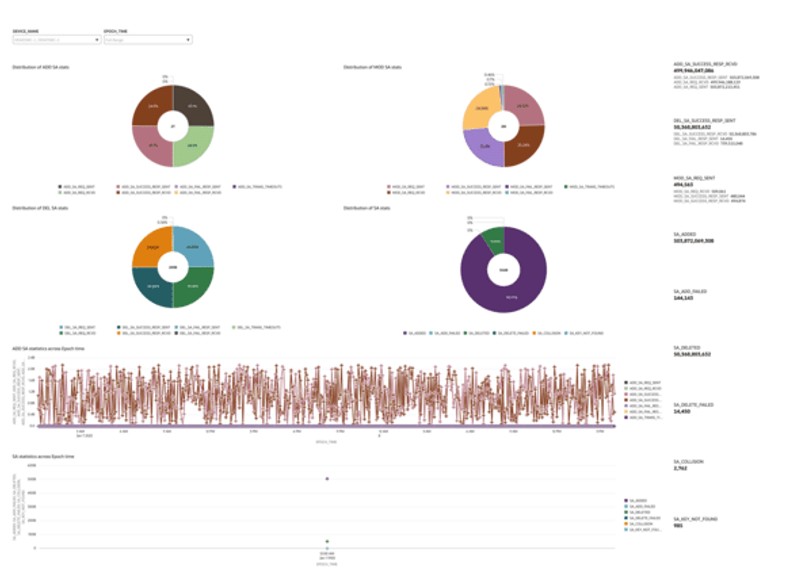
- SA-SRTP Dashboard—This dashboard provides an overview of SRTP Session Agent (SA) activity across devices, helping you monitor the full lifecycle of SA operations and overall system health over time.
Key parameters and insights:
- SA Operation Distribution—Shows the proportion of ADD, MOD, and DEL requests and responses, including failures and timeouts.
- Success and Failure Trends—Tracks successful and failed SA transactions over time to help assess reliability.
- Session Lifecycle Visibility—Monitors SA creation, modification, and deletion activity within the selected time range.
- Security Anomalies—Highlights issues such as collisions and key-not-found events that may indicate configuration or security problems.
- Device and Time-Based Analysis—Allows filtering by device and time to support targeted troubleshooting and performance analysis.
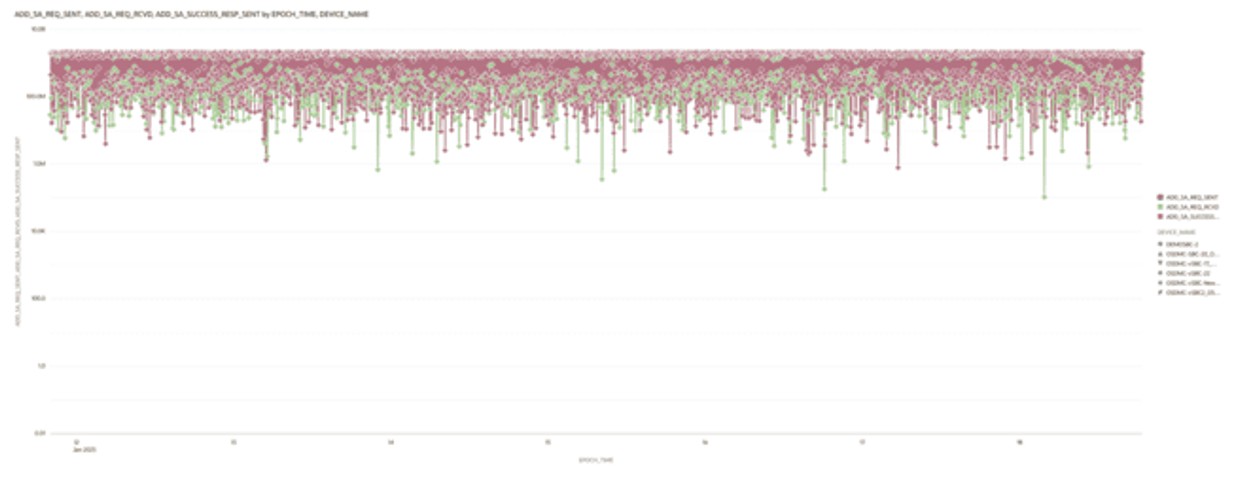
- Add-SA Req & Resp Trends—This visualization shows SRTP ADD-SA activity over time by plotting requests sent, requests received, and successful responses against epoch time. It helps you analyze signaling volume, identify imbalances between sent and received requests, and detect periods that may affect the reliability of SRTP session establishment.
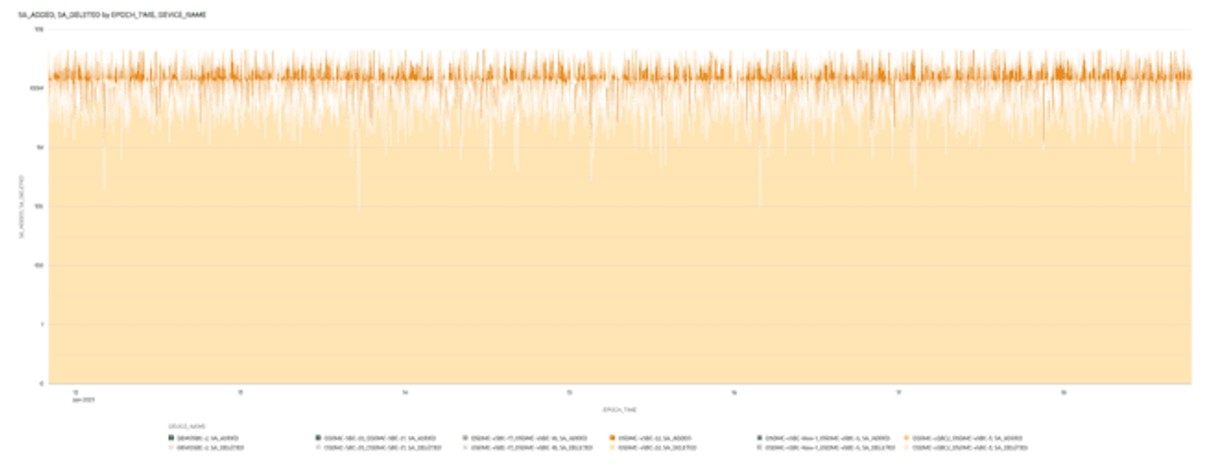
- SA Added & Deleted Trends—This visualization shows SRTP SA activity over time by plotting the number of SAs added and deleted against epoch time. It helps you monitor SA lifecycle changes, understand churn patterns, and identify unusual spikes in SA creation or deletion that may indicate abnormal behavior.
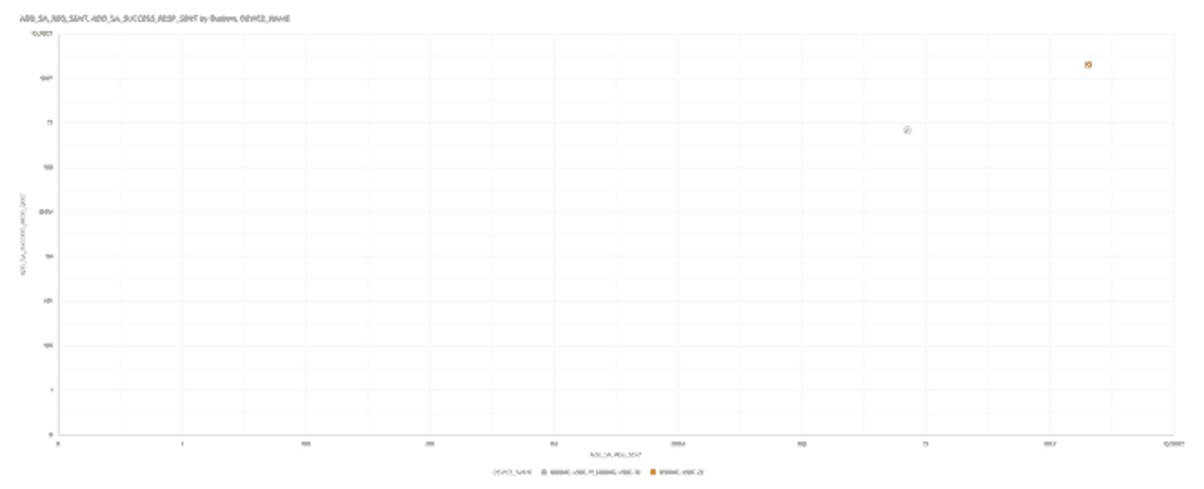
- Add SA requests accepted by Request Sent with outliers—This visualization shows the relationship between SRTP ADD-SA requests sent and successful responses sent, helping you evaluate signaling efficiency. It also highlights outliers to identify unusual patterns that may indicate signaling issues, retransmissions, or problems with SRTP session establishment.
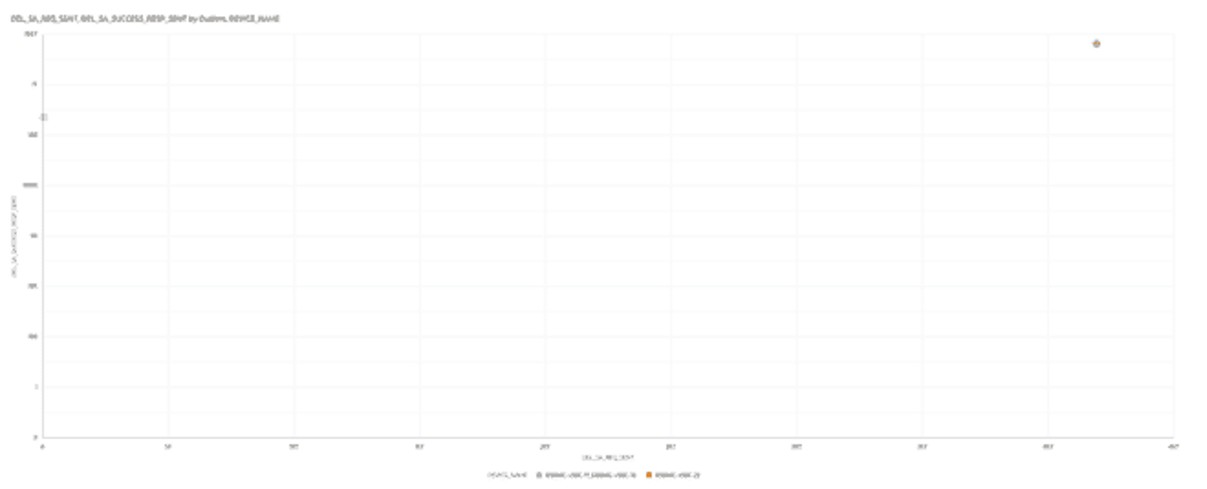
- Delete SA requests accepted by Request Sent with outliers—This visualization shows the relationship between SRTP DEL-SA requests sent and successful responses sent, helping you evaluate signaling efficiency. It also highlights outliers to identify unusual patterns that may indicate signaling issues, retransmissions, or problems with SRTP session termination.
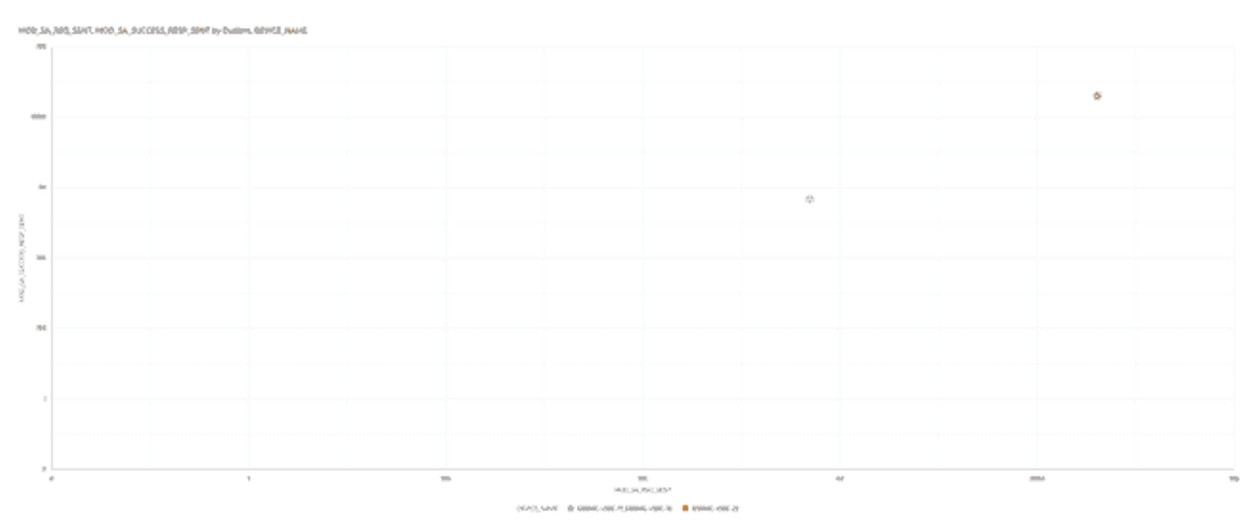
- Modify SA requests accepted by Request Sent with outliers—This visualization shows the relationship between SRTP MOD-SA requests sent and successful responses sent, helping you evaluate signaling efficiency. It also highlights outliers to identify unusual patterns that may indicate signaling issues, retransmissions, or problems with SRTP session modification.
The following filters are available in these SA-SRTP reports:
- Device Name
- Epoch time