Understanding the Scripted Call Entry Process
2. Click the Scripted Call Entry button.
3. Answer Guided Questions. Read the prompt and select the appropriate response or enter comments if requested.
Note: The available questions depend on your organization’s configuration.
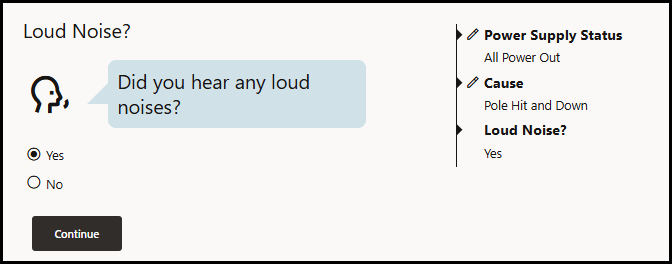
As you move through the steps, the responses will populate in a list to the right of the question area.
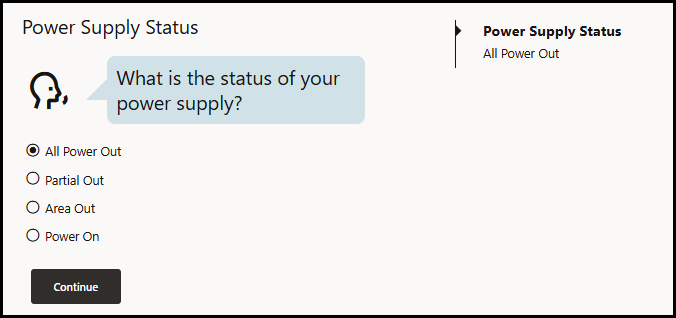
4. Click Continue to move to the next question.
Note: The next step can change based on your responses.
When you move to the next question, the completed responses will have an edit option to allow you to go back and revise the response. See Updating a Previous Response below. Use the completed-step summary to review the responses you have provided.