3.1.10 Account Search - MIS Details
This topic explains the systematic instructions to view the MIS details of an account.
User can search for the required account and open the 360 view of the account. To find and view the account, see Account Search.
The MIS Details tile displays the MIS details
of the account.
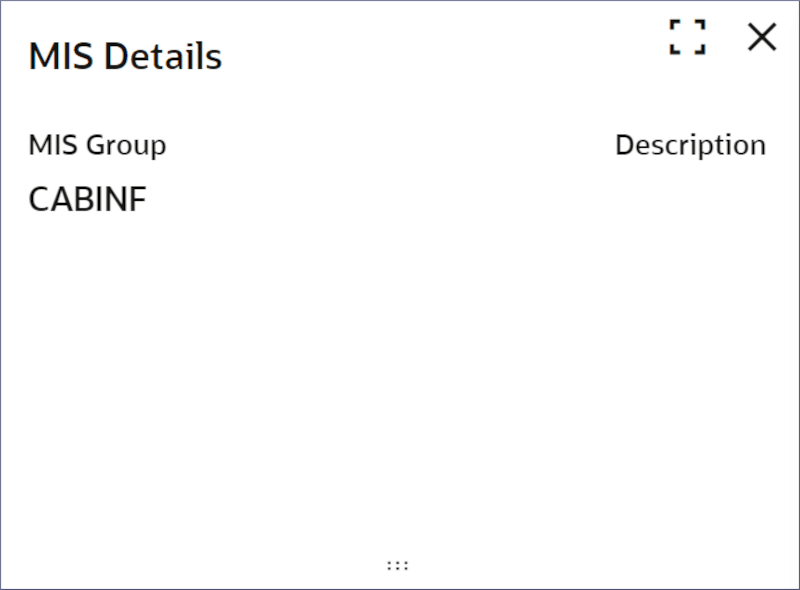
- On the MIS Details tile, click
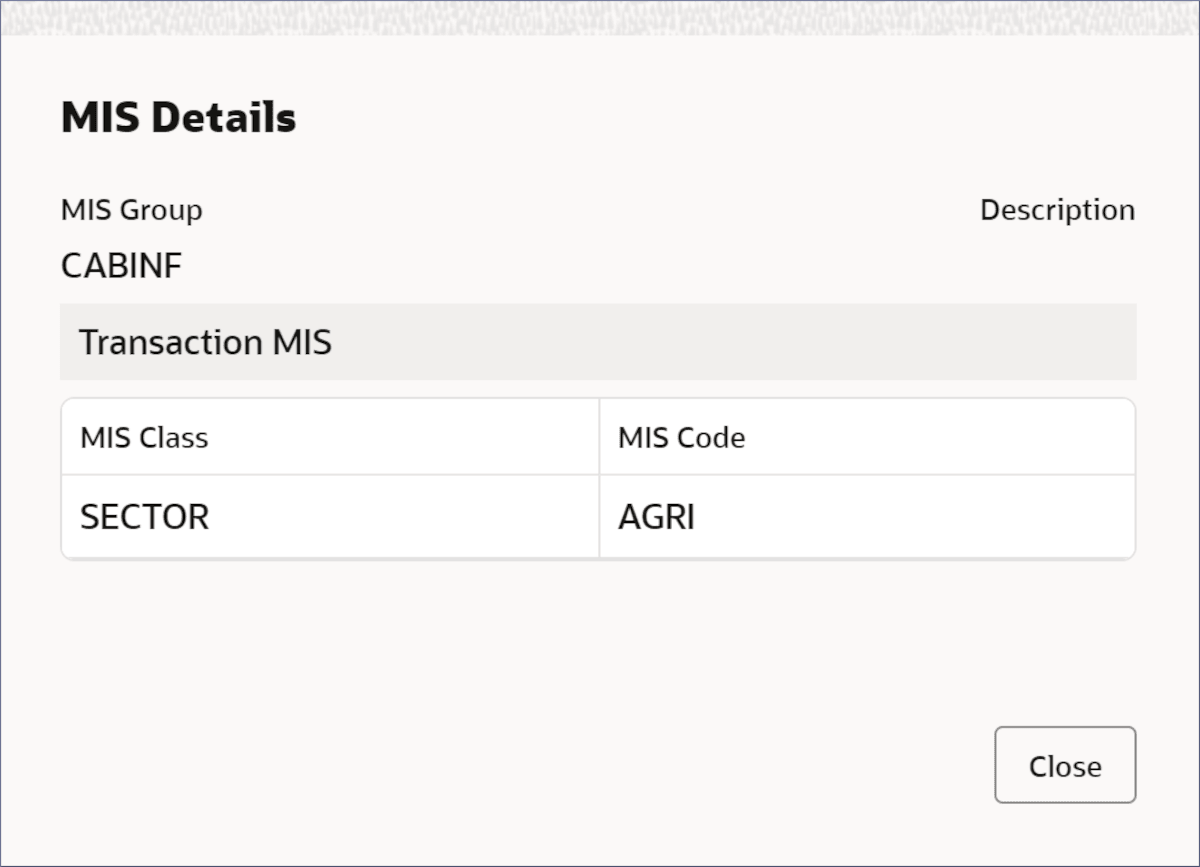
 .The MIS Details dialog displays.
 - Click
 .
.
Parent topic: Account Search